
Stable Diffusion's Edge: Speed and Customization
 Fastest Iteration: Generate dozens of unique variations instantly, perfect for A/B testing or rapid concept exploration.
- Open-Source Advantage: ccess to a vast ecosystem of community styles and models (e.g., specific LoRAs).
- Fine-Grained Control: Use built-in parameters (like Styles or CFG Scale) to precisely influence the final output.
- Cost-Effective Volume: Ideal for users needing a high volume of ideas for free or low cost.

Get Inspired: High-Volume Logos in the Stable Diffusion Style
How to Harness Stable Diffusion Power in 3 Simple Steps
- Step 1Set Your StyleSelect from our list of pre-set Stable Diffusion styles (e.g., Minimal, Retro, Abstract).
- Step 2Enter Basic ConceptProvide a simple, high-level description of the icon or theme.
- Step 3Generate & Select VariantsInstantly browse dozens of unique results and choose the best one to refine.

Ideal Use Cases for the Stable Diffusion Style
Concept Testing
Perfect for designers who need to quickly test 50 different logo ideas.
Niche Styles
When you require a very specific, detailed style (like vaporwave or pixel art).
Mascot & Character Logos
Excellent for generating detailed, illustrative characters for brands.
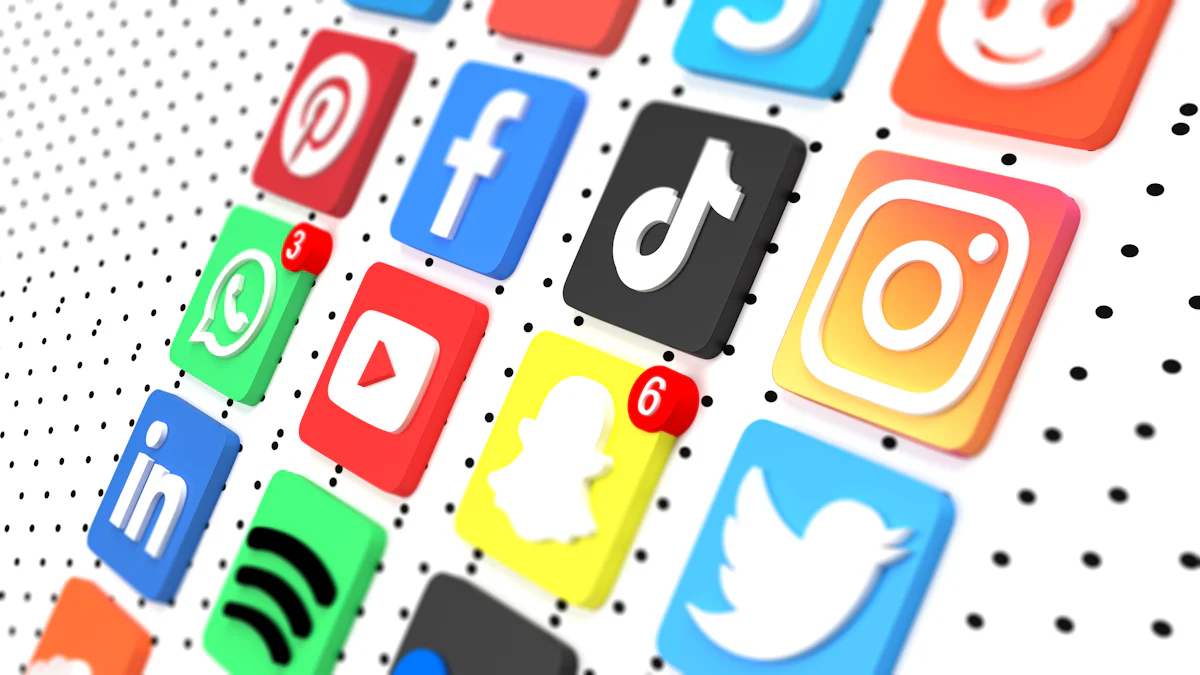
Icons of the Internet: A Comprehensive Look at the Logos Behind the World's Favorite Online Communities
The Internet community has grown immensely, connecting people worldwide and fostering engagement. Logos play a crucial role in brand identity, acting as visual symbols that forge connections between users and online communities. They serve as memorable icons, with studies showing that logos increase consumer interest by 13%. The history of development of internet community logos reflects their evolution from simple designs to complex symbols of identity. As online communities expand, logos continue to be vital in establishing trust and recognition, enhancing user experience and brand loyalty.
Peloton Logo: A Symbol of Innovation and Community in Fitness
The significance of branding in an industry as competitive as fitness cannot be understated. With countless options available, consumers tend to gravitate towards brands that offer not only quality products but also forge a strong emotional connection. At the heart of such brand identity efforts is the logo, serving as the visual representation of a company’s values, culture, and market promise.

How to Design a Trustworthy Health Logo with AILogocreator
A trustworthy logo plays a crucial role in the health industry. It builds confidence and sets a brand apart. In a sector where trust and reliability are paramount, a well-designed logo can communicate the brand’s commitment to quality and care. It serves as a visual promise of the brand’s values and the safety of its products or services. A logo that is professional, clean, and easy to recognize can help health brands establish credibility, which is essential for consumers to feel secure in their choices. This visual identity is not just an ornament; it’s a silent ambassador that speaks volumes about the brand’s ethos and the expectations it sets for its audience.

Not the Style You Want? Explore Our Other AI Models
The Midjourney style is powerful, but maybe you need something else?
Frequently Asked Questions (FAQ)
What is the role of ControlNet in logo design with Stable Diffusion?
ControlNet is an extension that adds extra conditional control to Stable Diffusion's image generation. It allows you to specify parameters like line detection (Canny) or composition to ensure the generated image (e.g., a 3D version of a logo) maintains fidelity to the original 2D design.Can I use Stable Diffusion to turn a 2D logo into a 3D design?
Yes. By uploading your 2D logo and using ControlNet (often with the Canny or Depth preprocessors) along with a descriptive prompt, Stable Diffusion can transform the logo into a stunning 3D version while preserving its core shape.How should I prepare my logo for use with ControlNet?
Ensure the logo image size matches the output size (e.g., 512x512). If using a simple sketch (scribble), you may need to use the Invert preprocessor if the background is white.