
Image to Logo
Image to Logo — AI Logo Generator from Images
Turn your ideas and images into professional brand logos with AI. Upload any photo, icon, or sketch, and our AI Logo Generator instantly creates polished, scalable designs that match your visual style.
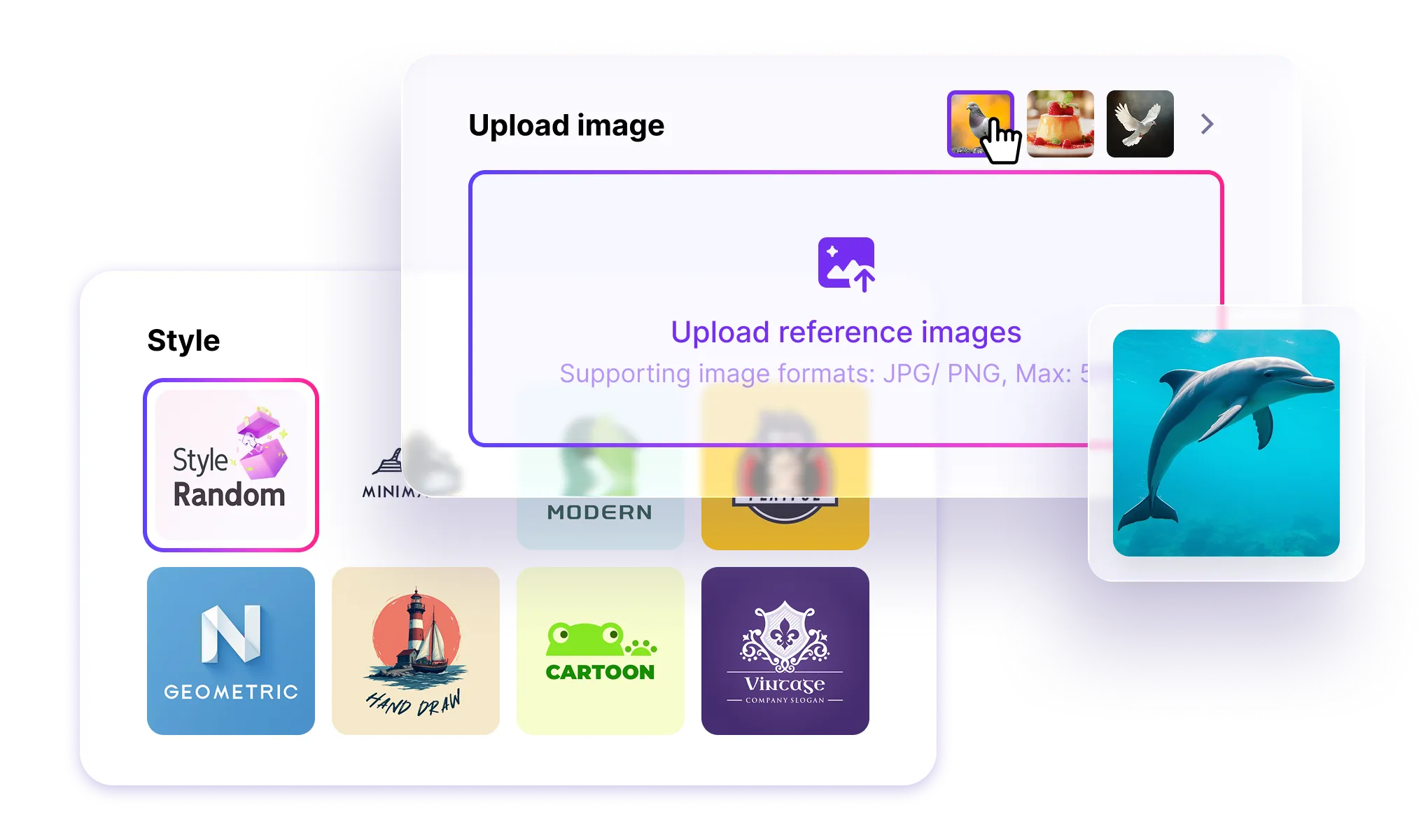
AI Visual Recognition — Turn Any Image into a Logo
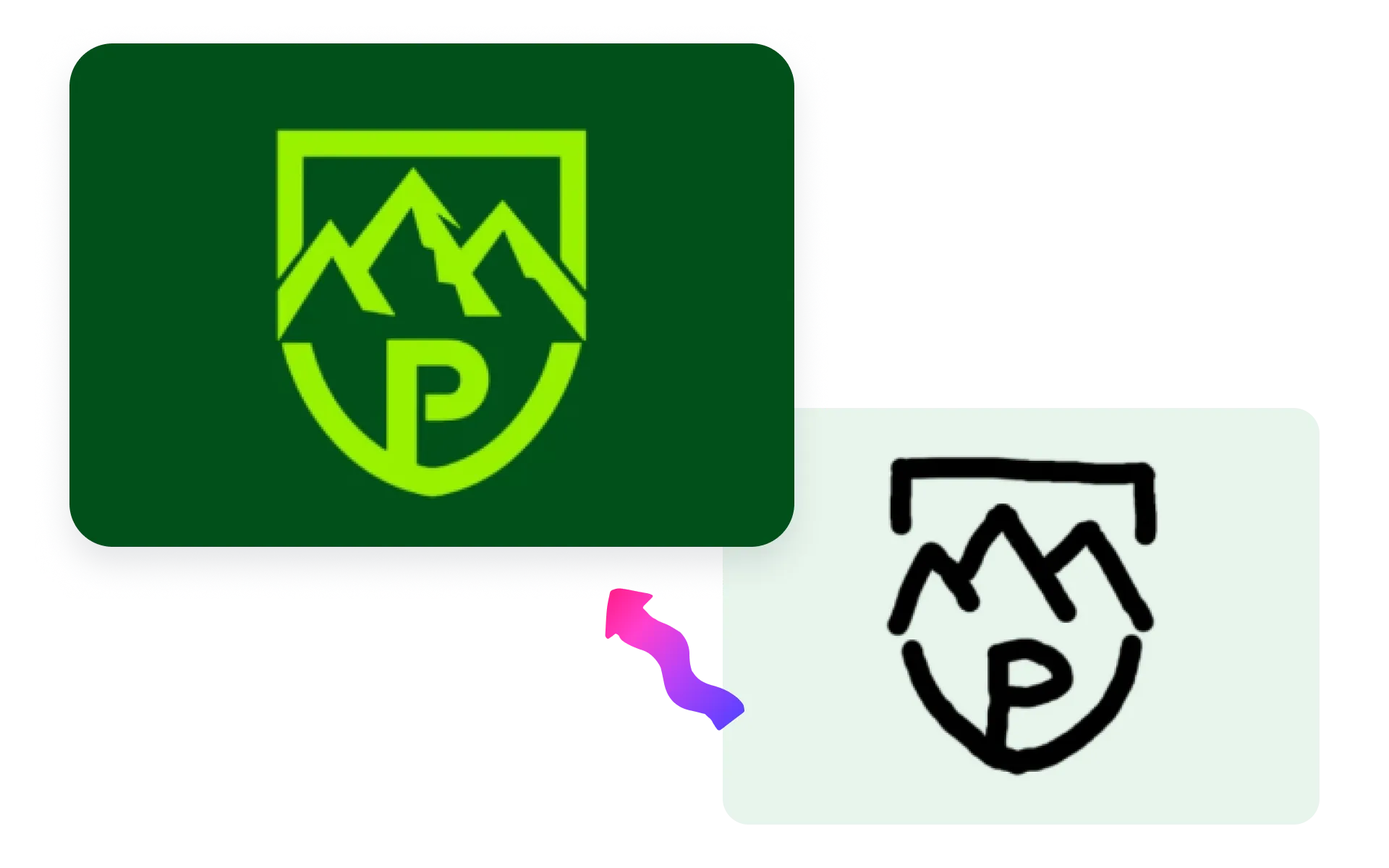
AI automatically analyzes your uploaded image — detecting colors, shapes, and composition — and transforms it into a professional logo.
Whether it’s an icon, sketch, or product photo, the AI Logo Generator recreates it as a brand-ready design in seconds.
Smart Styling & Customization
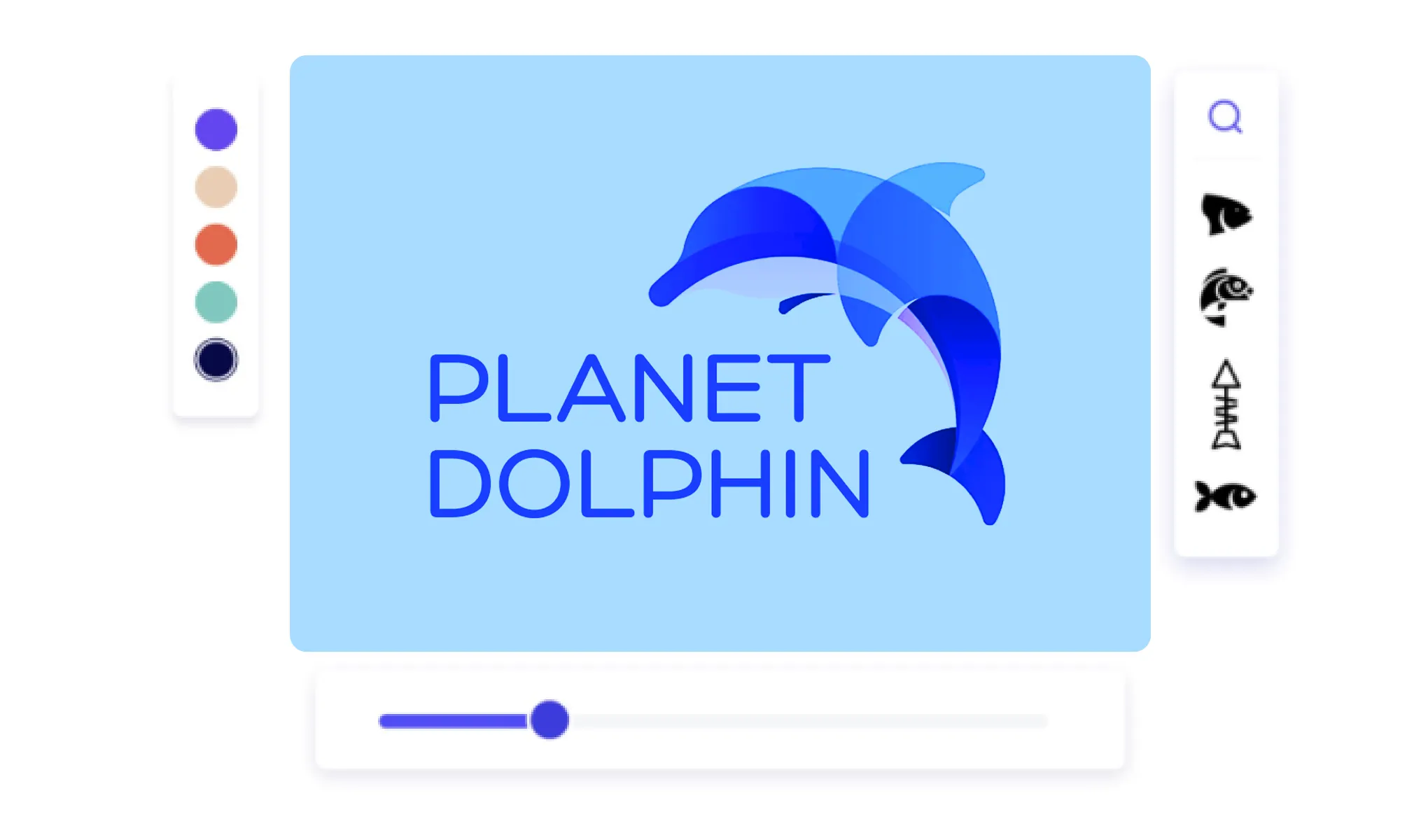
AI intelligently adapts your logo’s layout, typography, and color palette to fit your brand tone — modern, minimalist, geometric, or luxury.
You can fine-tune everything instantly: fonts, icons, spacing, and colors, with real-time previews.
Free, Scalable & Ready for All Platforms
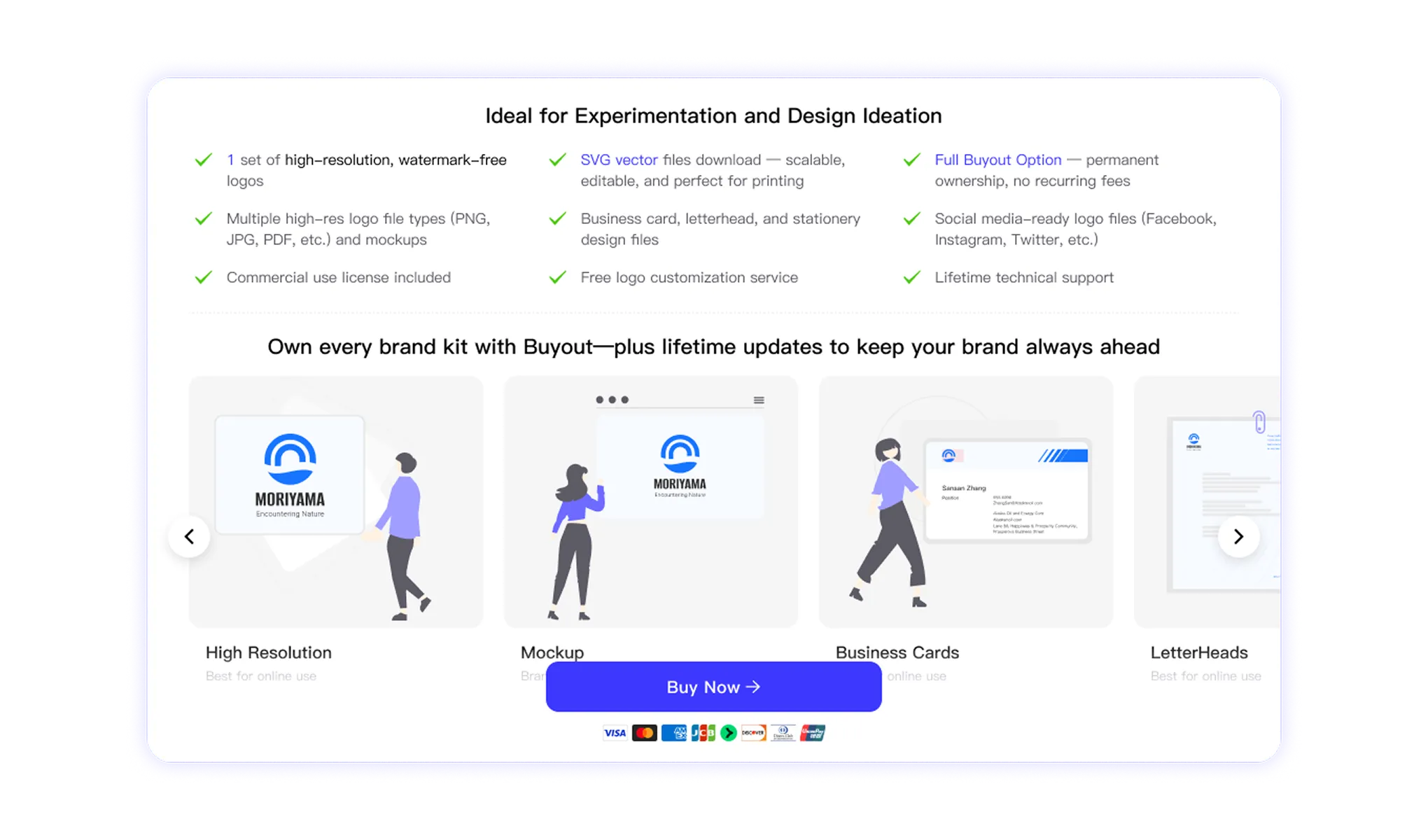
Download your AI-generated logos for free in SVG or PNG formats.
All logos are fully editable, high-resolution, and scalable, perfect for websites, packaging, social media, and print materials.
Perfect for Every Creator and Brand
Whether you’re a designer, small business owner, or content creator, AI makes logo design simple and fast.
How Image to Logo Works
Enter brand name or text to create logo
· Upload your image, icon, or artwork — AI analyzes color, layout, and shape.
· Choose your logo style — modern, minimalist, geometric, or luxury.
· AI generates multiple logo concepts inspired by your image’s visual DNA.
Customize instantly
edit fonts, icons, and backgrounds.
Download your final logo
in SVG or PNG — ready for web and print.
Why Use an AI Logo Generator for Images
The AI Logo Generator combines visual recognition and design intelligence to create logos faster than ever — no design experience required.
AI Image-to-Logo Conversion
Turn any image or photo into a professional logo using advanced AI recognition and transformation.
Automatic Visual Analysis
AI analyzes shapes, edges, and colors to extract brand elements from your uploaded image.
Precise Vector Refinement
Converts bitmap graphics into scalable, editable vectors with clean edges and perfect geometry.
Multi-Format Compatibility
Supports PNG, JPG, and SVG uploads, including photos, icons, or digital artwork.
Smart Style Adaptation
Automatically matches color tones, layout balance, and design style for visual harmony.
Instant Logo Generation
Create professional-quality logos in seconds — no manual adjustments or design skills needed.
Creative Concept Generation
AI generates multiple unique logo variations inspired by your image’s “visual DNA.”
Full Design Customization
Easily edit typography, layout, icons, and color palettes with real-time adjustments.
Real-Time Live Preview
See instant previews of your edits, colors, and typography as you refine your logo.
High-Resolution Vector Output
Export logos in high-definition SVG for web, print, and packaging applications.
Free Access & Downloads
Create and download logos for free, with optional AI-enhanced premium upgrades.
Multi-Platform Export Options
Export in SVG, PNG, or PDF — perfect for websites, social media, and marketing materials.
Commercial Use Ready
Logos are license-free for both personal and business branding projects.
Fast & Simple Workflow
From image upload to final logo in seconds — effortless design for all users.
Designed for Everyone
Ideal for creators, designers, and small businesses looking to build a brand identity easily.

Free Download & Full Customization
Every AI-generated logo is free to preview and download. Customize fonts, colors, and layouts in real time, and export your final logo to SVG, PNG, or PDF for use on web, print, or video.
Web
Video
Explore More AI Logo Generator Tools
Try different ways to create logos with AI — from text, sketches, or letters. Discover which tool fits your creative workflow best.
Text to Logo
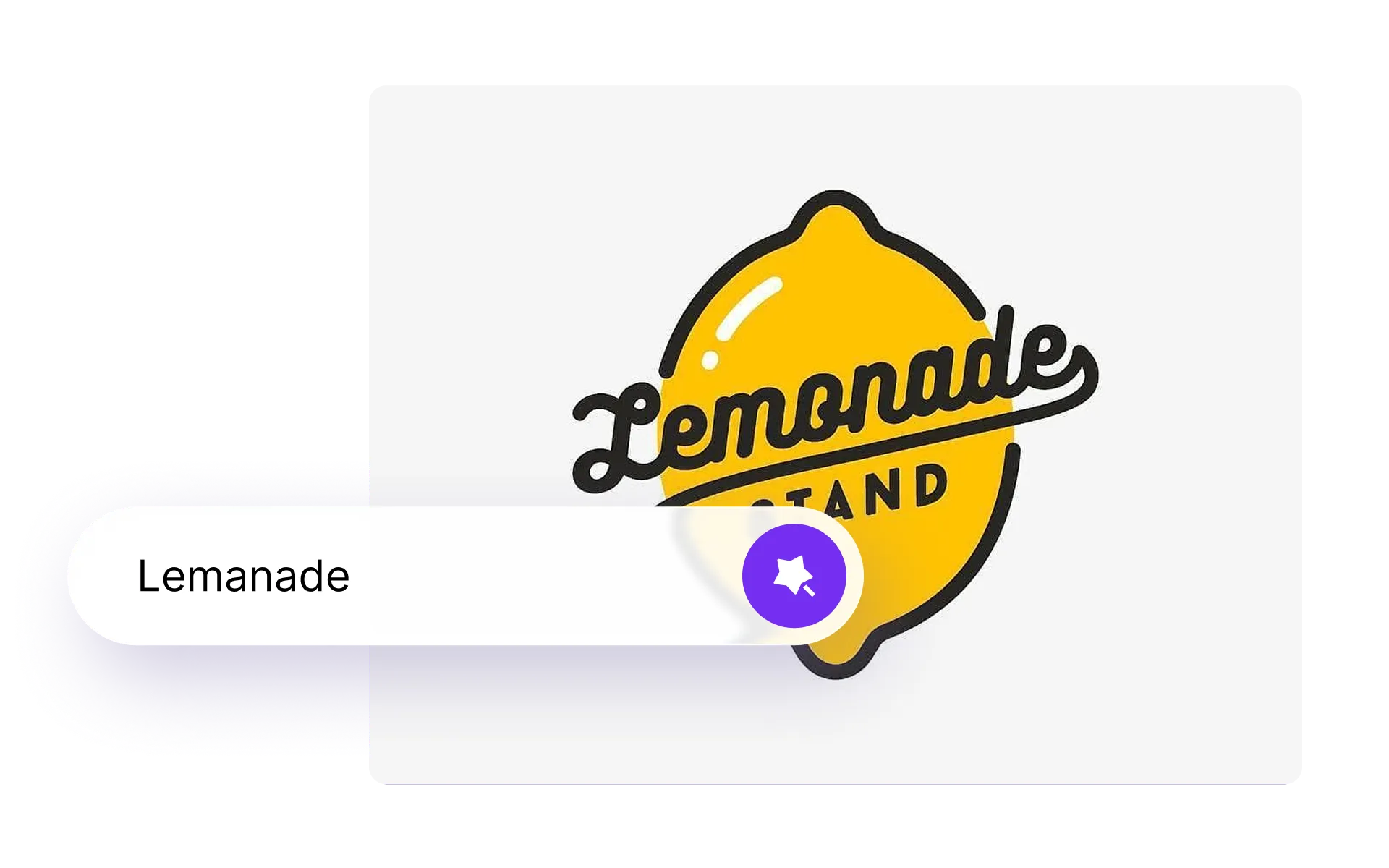
Enter your brand name and watch AI transform plain text into a professional, ready-to-use logo. Perfect for startups and creators looking for clean wordmark designs.
AILogoCreator, Your Design Powerhouse
Design everything your brand needs with AI logo, AI image, AI video, and AI tools. Create logos, visuals, videos, mockups, and more—all in one place.
Logo Animation
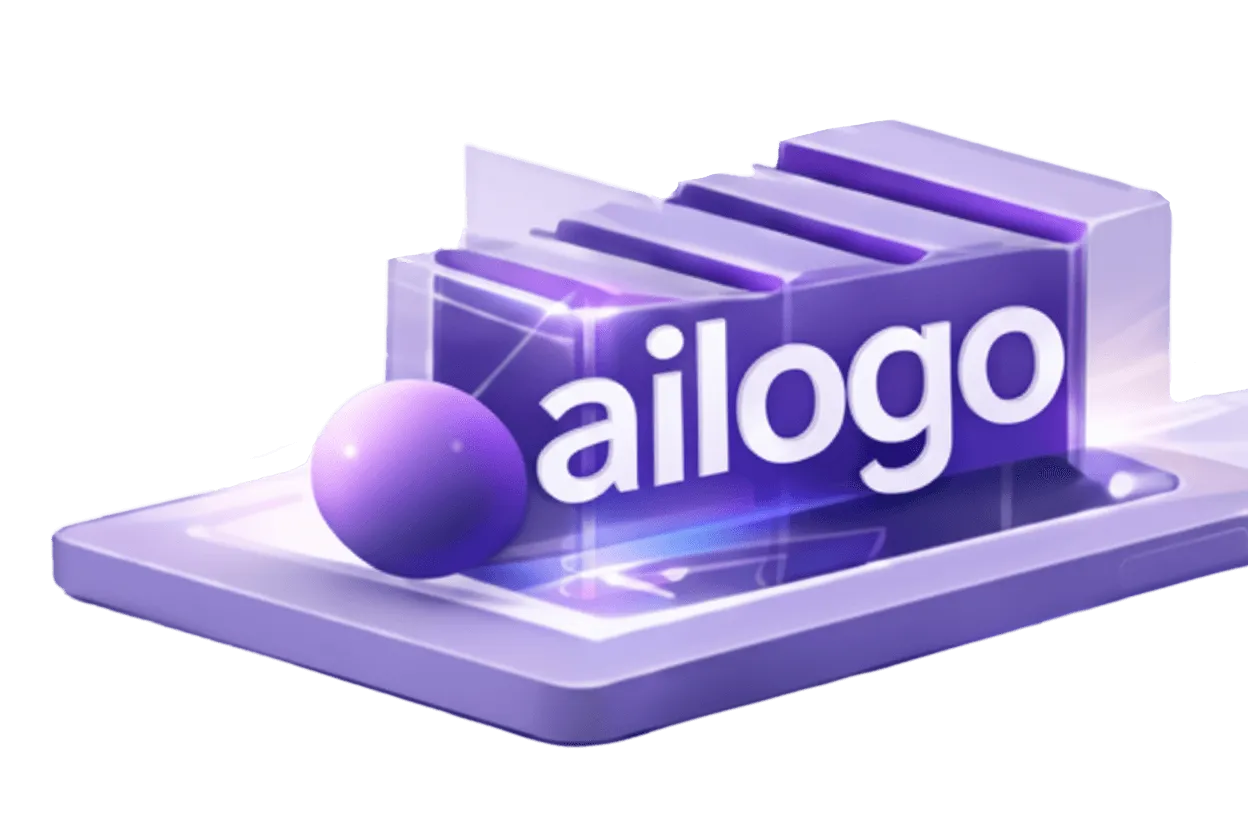
Create professional logo animations in seconds.
From clean reveals to 3D, glitch, and intro/outro styles—perfect for brand videos, apps, ads, and social media.
Logo Mockups
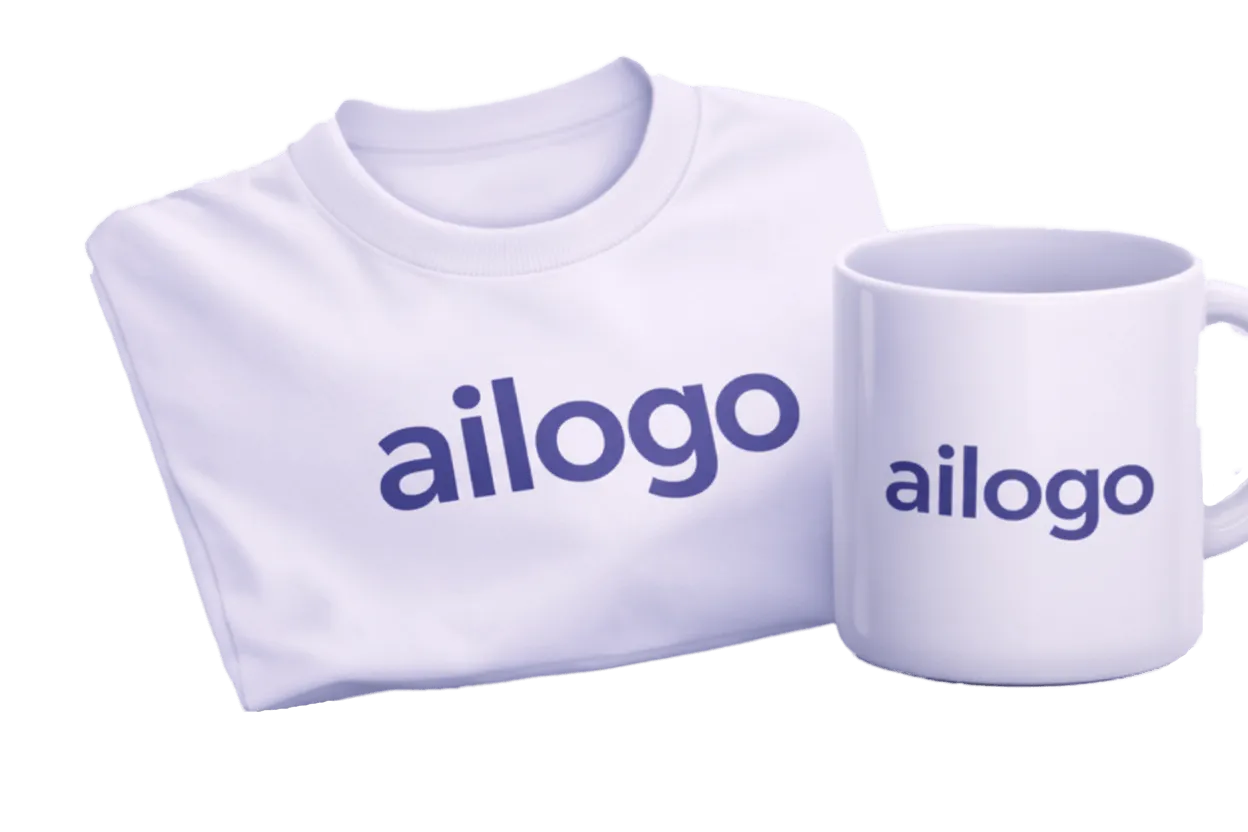
Show your logo in real-world contexts instantly.
Generate high-quality mockups for packaging, signage, apparel, devices, and digital products.
AI Image
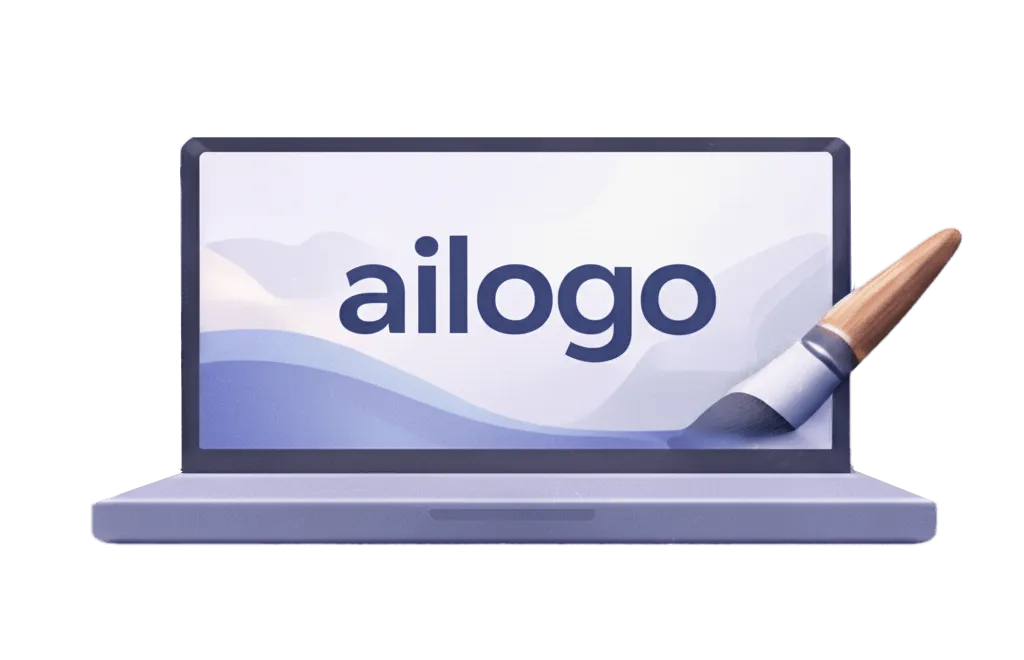
Generate brand-ready images with AI.
Create product visuals, illustrations, and marketing assets in consistent styles tailored to your brand.
AI Video
Turn ideas and visuals into short videos with AI.
Create brand promos, logo intros, social clips, and marketing videos—optimized for reels, ads, and websites.
AI Tools
All-in-one AI tools for brand creation and growth.
From logos and visuals to motion and content—build, iterate, and scale your brand faster with AI workflows.