
Preparing your wedding design studio...
Bookleaf
For the lines you'll remember.
A quiet collection of words worth remembering — turn excerpts, mottos, and lines from books into clean, editorial-style visuals.

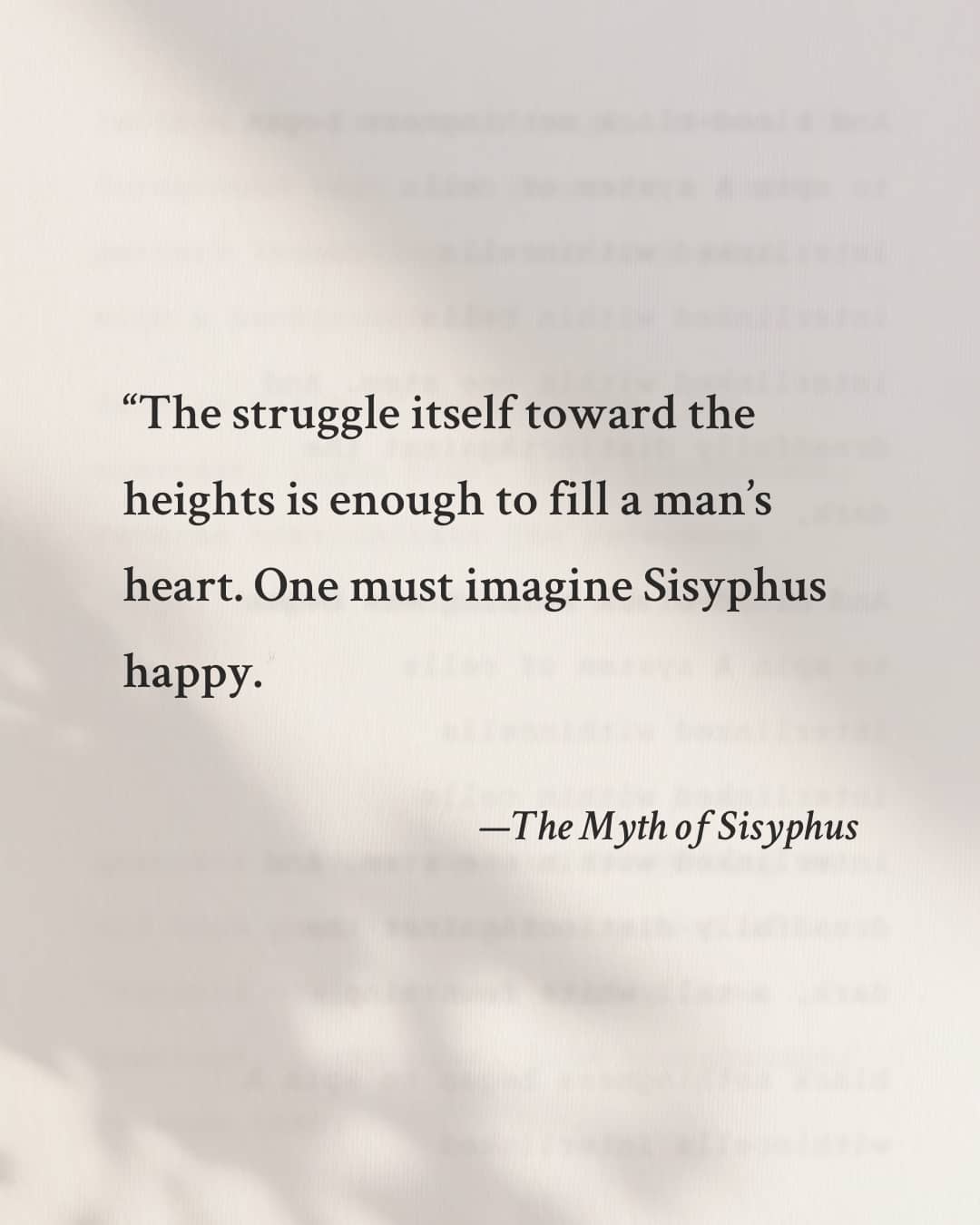
Live Preview
How it works
No design skills required. Just words.
Choose a tone
Each preset reflects a different editorial mood.
Enter the words
A quote, an excerpt, or a short passage.
Keep the page
Save it as a simple image, ready to be shared.
More Creative Tools
Explore our collection of AI-powered image tools
Ghibli AI
Transform photos into Studio Ghibli anime style
FunFunko Pop Generator
Turn yourself into a cute Funko Pop figure
Essential4K HD Enhance
Upscale and enhance image quality to 4K
EssentialAI Cutout
Remove background with one click
CreativeLine Art
Convert photos to elegant line drawings
E-commerceWhite Background
Perfect white background for product photos
UsefulRemove People
Erase unwanted people from your photos
UsefulWatermark Remover
Clean up watermarks from images
Frequently Asked Questions
Everything you need to know about using Bookleaf.
Is Bookleaf free to use?
Yes. Bookleaf is completely free to use, with no hidden limits or fees.
Do I need to sign up?
No. Bookleaf does not require any signup or login.
What file format can I export?
Bookleaf exports high‑resolution JPG files.
What sizes are supported?
1:1 and 4:5 formats are supported.
Is there a watermark?
No. Exported images are clean and watermark‑free.
Is my text saved or uploaded?
No. Your words stay in your browser. Bookleaf does not store your content.
What is Bookleaf best used for?
Quotes, excerpts, mottos, reading notes, and lines you want to keep.
Is Bookleaf an AI tool?
No. Bookleaf focuses on layout and presentation. You bring the words.