
AI Video
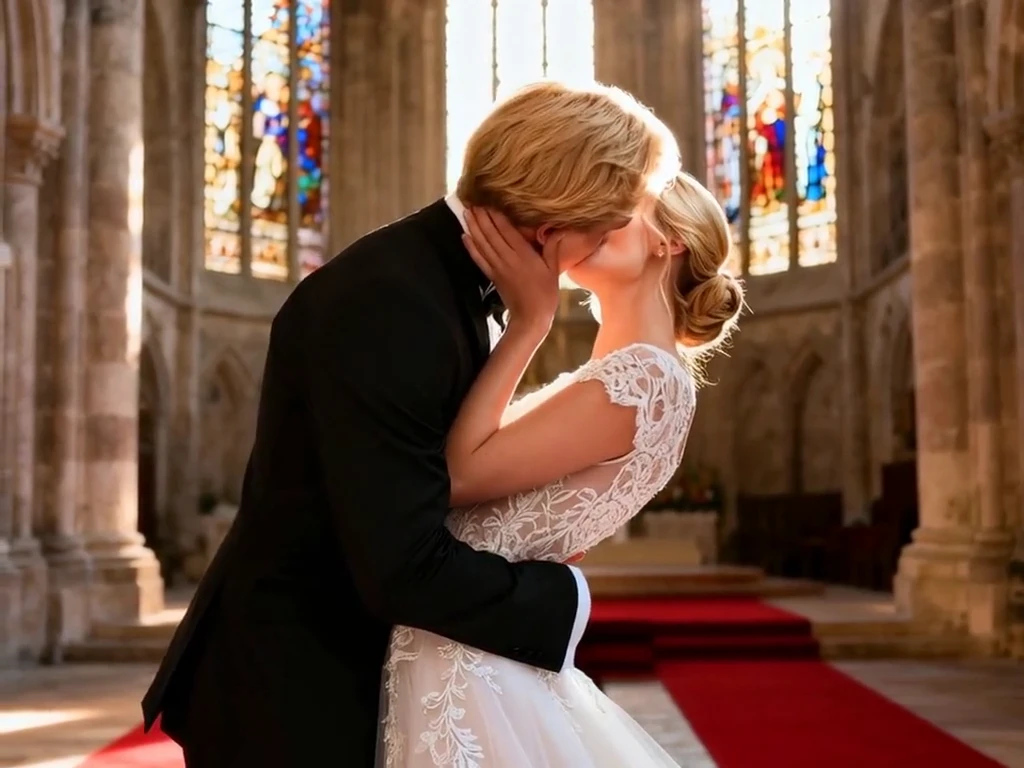
AI Image to Video AI Video Generator
Create cinematic clips from stills with Image to Video AI Video, fast and customizable
Why Creators Choose This Tool
Turn still assets into moving stories while keeping creative control

Real-World Applications
From startups to agencies, elevate visuals without heavy budgets
E-commerce Brands
Generate 30+ product clips from a single photo set to fuel social ads and product pages. Cut photography and studio costs while increasing creative throughput.
Social Media Managers
Turn hero images into native-feeling reels and stories with motion that fits each platform. Meet daily content needs without hiring more designers.
Film & TV Previz
Create mood reels and animatics from concept art to align stakeholders early. You get a shareable vision that helps funding and scheduling conversations.
How can you create polished clips from static images?
Your 3-step path to quick, branded clips
- Step 1
Upload your images
You drag in photos, PNGs, or layered files. Your uploads become editable scenes instantly.
- Step 2
Choose style and motion
You pick a preset, set pacing, and lock brand colors or fonts. Your choices define the clip’s mood and tempo.
- Step 3
Export and iterate
You export in social or broadcast formats and test variants. Your feedback loop shrinks from days to hours.
Pro Prompting Secrets
Unlock cinematic or playful results with concise direction
Download & Use Anywhere
Your AI-generated video is ready for international dynamic distribution. Support free download in high-definition MP4 format — compatible with YouTube Shorts, TikTok videos, Instagram Reels, LinkedIn promotional clips, website dynamic banners, app launch animations and video marketing campaigns, watermark-free and commercial-use permitted, adapting to global platform deployment.
High Definition
Multiple Aspect Ratio
Ready For Commercial Use
Frequently Asked Questions
Are my source images copyright-safe?
Can I export high-resolution video for ads?
How do I keep brand colors and logos consistent?
Can backgrounds or unwanted elements be removed automatically?
Do I need design skills to get pro results?
Complete Your Brand Toolkit
