
Optimizing your channel icon with the right color psychology and clear geometry can directly influence viewer trust and improve your click-through metrics. If you are a YouTuber struggling to convert casual browsers into loyal subscribers, your visual branding might be the silent bottleneck holding you back. A professional YouTube channel logo does more than look good; it acts as a visual anchor that ties together your Click-through rate, Brand identity, and content strategy.
- Why the color red triggers immediate physical and psychological reactions.
- How to optimize designs for the circular YouTube profile picture size.
- The connection between visual consistency and viewer retention.
- Using tools like Canva and AI generators to professionalize your look.
The Primal Power of Red in Branding
I have always found it fascinating that red is the first color humans perceive after black and white. It is not just a stylistic choice; it is a biological signal. According to psychological research, red is the color of urgency and action. It physically stimulates the body, raising blood pressure and heart rates slightly. This is exactly why brands like Netflix and YouTube itself lean heavily into red palettes. They aren’t just trying to be visible; they are signaling the brain to “do something.”
When you apply Color psychology to your channel, you need to ask what emotion you want to evoke. Red screams excitement, passion, and sometimes danger. If your content is high-energy—like gaming, news, or controversy—red is a natural fit. Market analysis indicates that red call-to-action buttons often outperform other colors because they create a sense of immediacy. However, I warn against using it recklessly. If your channel is about meditation or sleep aid, a bright red logo will likely repel your target audience by signaling the wrong energy.
How a Tiny Icon Influences Click-Through Rates
Many creators obsess over thumbnails but completely neglect their channel icon. This is a mistake. Your logo appears everywhere: in the comment sections of other videos, on the sidebar, and next to your video title. Industry experts note that a consistent, high-quality logo can increase revenue by roughly 23% by cementing brand recognition.
A Click-through rate (CTR) isn’t solely dependent on the thumbnail image. When a viewer sees your video in their feed, their eyes dart between the thumbnail, the title, and your channel icon. If that icon looks amateurish or unreadable, you lose authority instantly. Data suggests that even a 2% increase in CTR can translate to thousands of additional views over time. Your logo acts as a seal of quality. If it looks professional, viewers assume the video production value is high, too.
Mastering the Technical Constraints
Design is useless if it doesn’t fit the platform’s requirements. The standard YouTube profile picture size is 800 x 800 pixels, but the platform renders this as a circle (98 x 98 pixels) in most places. This circular crop is where most DIY designs fail.
I often see creators putting text in the corners of their square image, only to have it chopped off when uploaded. You must center your focal point.
- Keep it Simple: Complex illustrations turn into a muddy blur on mobile screens.
- Check the Contrast: Your logo needs to pop against YouTube’s white (or dark mode) background.
- File Formats: JPG, GIF, BMP, or PNG are accepted, but PNG is usually best for transparency and quality.
If you ignore these technical boundaries, no amount of color theory will save your design. A cropped-out letter or a pixelated mascot immediately signals “amateur” to a potential subscriber.
Streamlining Creation with Modern Tools
Years ago, you needed expensive software and a degree in graphic design to make something passable. Today, the barrier to entry is non-existent. Canva has democratized design with drag-and-drop templates that are pre-sized for social media. It is an excellent starting point for those who want manual control over every element.
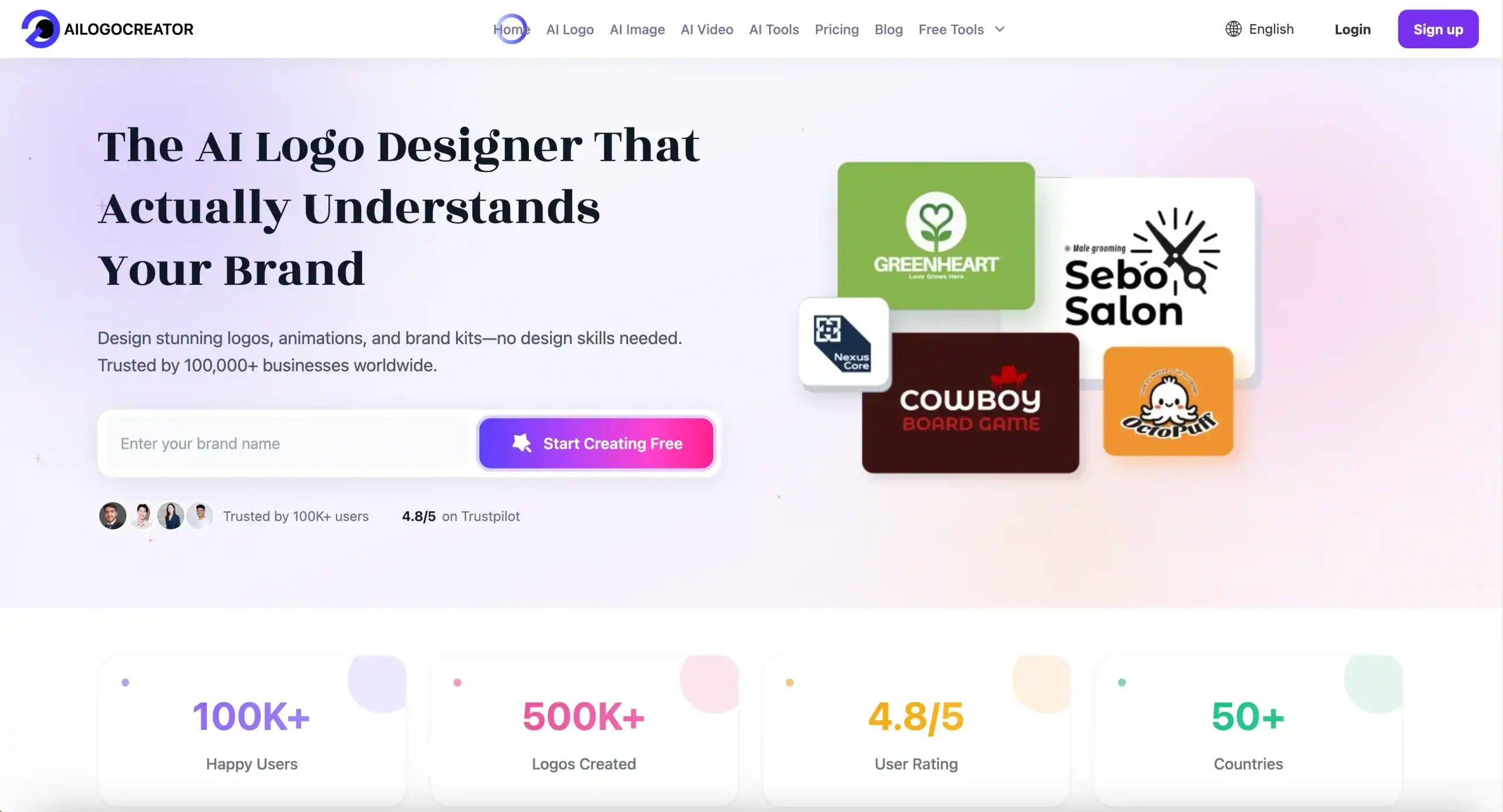
However, for creators who prioritize speed and algorithmic design suggestions, AI tools are becoming the new standard. These platforms can analyze your niche and suggest color palettes that align with successful channels in your category. For instance, if you need a professional logo generated in seconds without fiddling with layers, Ailogocreator offers an efficient solution that balances aesthetic appeal with brand relevance. Using advanced tools allows you to focus on content creation rather than getting stuck in pixel-perfecting loop.
Building a Cohesive Brand Ecosystem
Your logo is just one piece of the puzzle. Brand identity is the cumulative effect of your logo, banner art, thumbnails, and intro style. I recall a case study where a creator rebuilt her entire visual brand—moving from a generic look to a cohesive style that matched her personality. The result was that viewers immediately knew what to expect just by landing on her page.
Consistency builds trust. If your logo is a minimalist black and white icon, but your thumbnails are neon explosions with chaotic fonts, you are sending mixed signals. Viewers crave patterns. When they see your logo in a notification, they should feel the same “vibe” as when they watch your video. This psychological safety makes them more likely to click “Subscribe.”
FAQ
What is the best resolution for a YouTube logo?
The recommended size is 800 x 800 pixels. However, YouTube will resize this to 98 x 98 pixels for display. Always design for the smaller size to ensure legibility.
Should I use my face or a symbol for my logo?
If you are a personal brand or vlogger, your face connects better with audiences. If you are a company or a faceless channel (like gaming or tutorials), a symbol or mascot is often more effective.
Does changing my logo hurt my channel?
Frequent changes can confuse loyal viewers. However, a strategic rebrand (updating an outdated look) usually has a positive long-term impact. Just announce it to your audience first.
Why is red such a popular color for YouTube logos?
Red creates urgency and excitement. It is also the color of the YouTube platform itself, making it feel native to the environment, though you must ensure enough contrast to stand out.
Conclusion and Actionable Suggestions
Your YouTube logo is a high-leverage asset. It takes up very little screen space but carries the weight of your entire reputation. By combining the urgency of red aesthetics with technical precision, you can turn a passive image into a conversion tool.
- Audit your current logo: Check it on a mobile device. Is it legible? If not, simplify the design immediately.
- Test your colors: If your niche is high-energy, experiment with red or high-contrast palettes to grab attention.
- Centralize your design: Ensure all critical visual elements fit within the circular crop of the YouTube profile picture size.
- Unify your assets: Update your banner and thumbnails to match the font and color scheme of your new logo.
- Prioritize speed: Don’t spend weeks on design; use modern tools to iterate quickly and get back to making videos.
CommentsTake the first comment