
Understanding how a simple geometric grid can unify a trillion-dollar empire offers a masterclass in brand strategy. If you are a product manager or design strategist, looking at how the Microsoft brand identity evolved provides a blueprint for managing complexity through design. By integrating the Microsoft logo meaning with the Fluent Design System and Metro design language, the tech giant has successfully harmonized its massive Product ecosystem strategy under a Minimalist user interface.
- Visual Unification: How four simple squares tamed a chaotic product portfolio.
- Design Evolution: The transition from strict Metro rules to the fluid depth of the Fluent system.
- Cognitive Load: Using minimalism to make complex “Zero UI” experiences accessible.
- Inclusive Strategy: Why “solving for one” expands market reach to everyone.
The Strategic Logic Behind the Four Squares
I remember the confusion before 2012. Microsoft felt like a disjointed collection of software silos—Windows looked one way, Office another, and Xbox was in its own universe. The introduction of the four-pane logo was not just a cosmetic update; it was a declaration of a unified ecosystem. The Microsoft logo meaning is rooted in this diversity: four colors representing the company’s major pillars (Windows, Office, Xbox, and Bing) coming together to form a perfect square.
This move from a jagged, heavy-metal aesthetic to flat, geometric simplicity signaled a shift in business strategy. It wasn’t about selling boxes of software anymore; it was about selling a connected experience. I find this fascinating because it shows that a logo isn’t just a stamp; it is the visual anchor for the entire corporate narrative. When your products range from cloud computing to gaming consoles, you cannot afford a fragmented identity.
Core Elements of the Four Squares Identity:
- Red: Represents Office and productivity apps.
- Green: Symbolizes the Xbox and gaming division.
- Blue: Stands for the Windows operating system and Azure.
- Yellow: Represents Bing and other internet services.
According to branding experts analyzing this transition, the logo’s primary colors and simple grid structure were designed to be instantly recognizable while allowing each sub-brand to retain its unique character.
Actionable Suggestion:
Audit your current brand assets. If your sub-products feel like they belong to different companies, simplify your master brand to a core geometric element that can be shared across all of them.
From Metro to Fluent: Evolving the Design Language
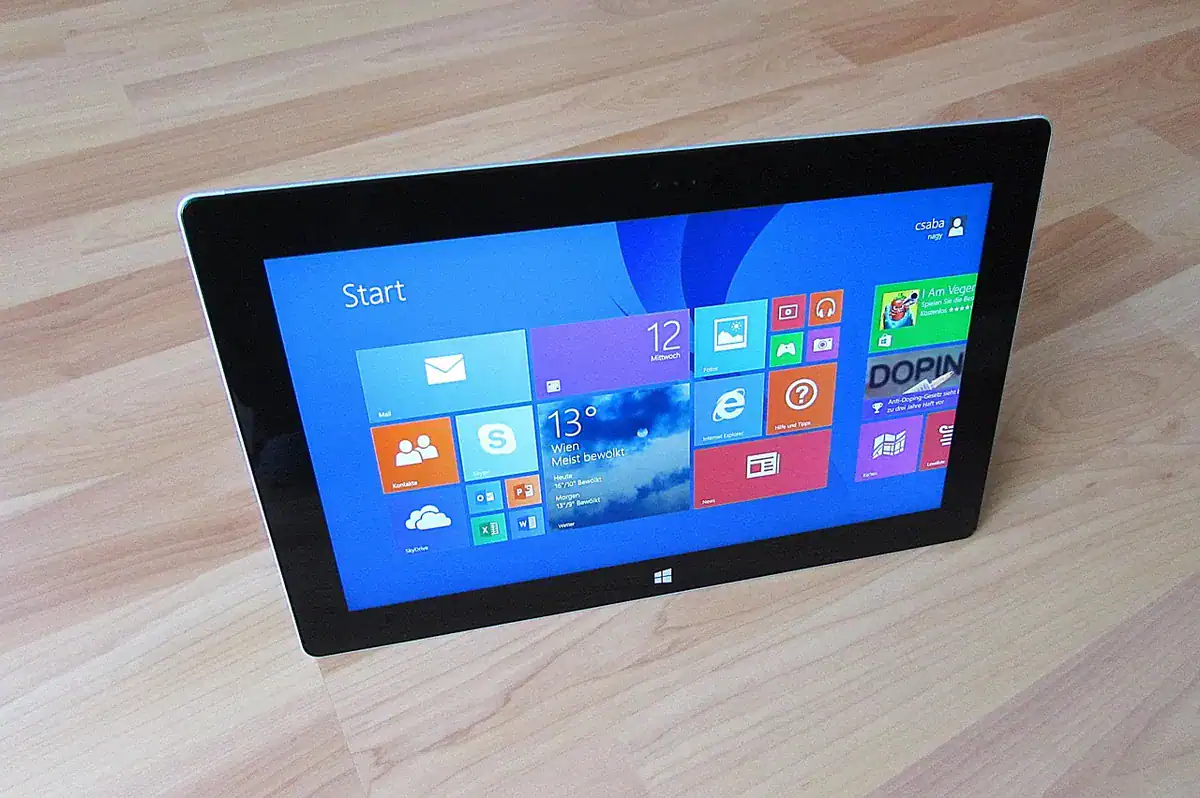
The “Metro” era was bold, but in my opinion, it was too rigid. The Metro design language prioritized typography and “content before chrome,” which was revolutionary for its time. It stripped away the glossy, fake glass buttons of the early 2000s. However, as screens became more advanced, flat design started to feel lifeless. This is where the Fluent Design System changed the game.
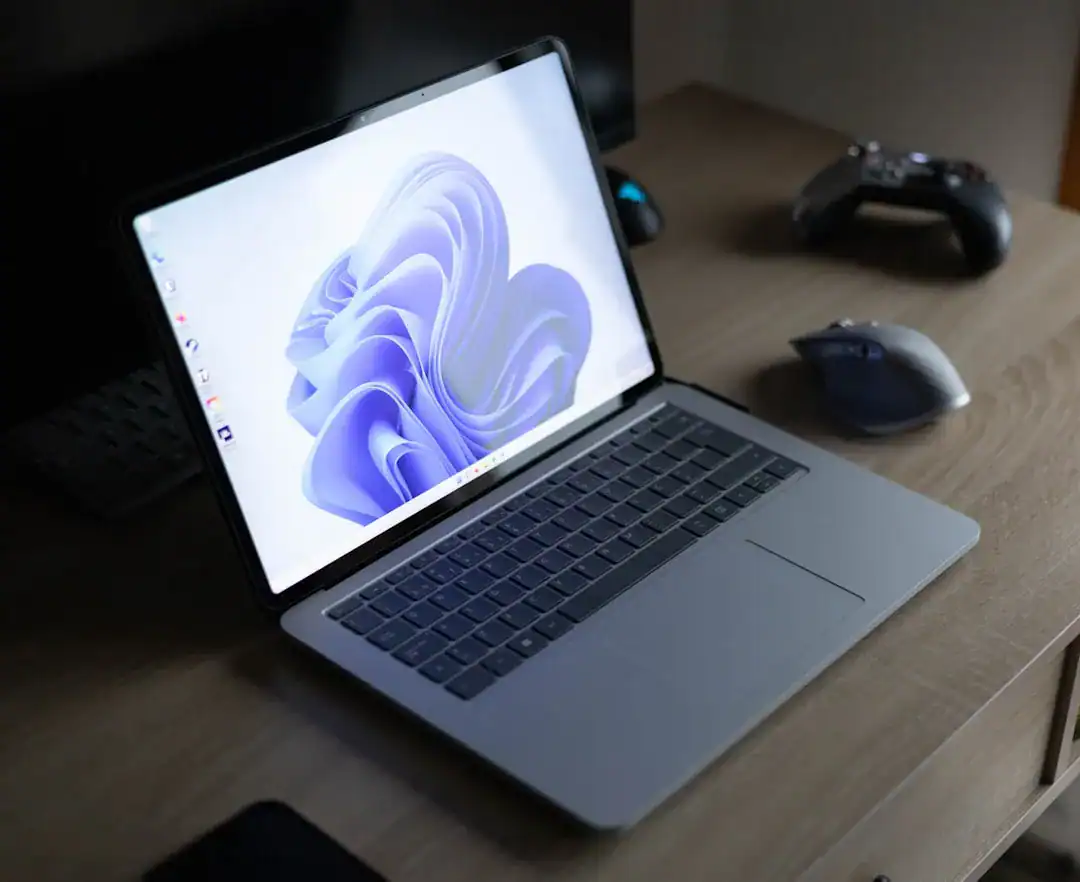
Fluent didn’t abandon minimalism; it enriched it. It introduced light, depth, motion, material, and scale. I see this as a necessary maturation. A strictly flat interface is hard to navigate because everything looks the same. By adding subtle lighting effects and depth, Microsoft made the Minimalist user interface intuitive without adding clutter. It guides the user’s eye to what matters.
Five Components of Fluent Design:
- Light: Illuminates the active element to guide focus.
- Depth: Uses z-axis layering to show hierarchy.
- Motion: Transmits information through subtle transitions.
- Material: Mimics physical textures to create a sense of place.
- Scale: Adapts the interface from 2D screens to 3D mixed reality.
Industry documentation on Windows app development highlights that this system allows interfaces to feel “open” and “approachable” rather than cold and utilitarian.
Actionable Suggestion:
Don’t get stuck in “flat design.” Use subtle shadows and lighting in your UI to create hierarchy. A button should look like it can be pressed, even if it is minimalist.
Minimalism as a Tool for Business Efficiency
Minimalism in business is often misunderstood as “making things look empty.” I argue that true minimalism is about efficiency. It is about reducing the friction between the user and their goal. Microsoft’s move toward “Zero UI”—where the interface fades into the background—is the ultimate expression of this.
When you strip away the decorative noise, you force the product to stand on its utility. This is risky. If the product is bad, there is no decoration to hide behind. But when it works, it creates trust. I see this trend accelerating with AI tools. Users want results, not buttons. For example, advanced platforms like Ailogocreator leverage this exact principle, using AI to generate professional assets with minimal user input, proving that complex processes can be hidden behind a simple interface.
Benefits of a Minimalist Business Interface:
- Speed: Fewer elements mean faster load times and quicker decisions.
- Clarity: Users know exactly what the primary action is.
- Scalability: Simple designs are easier to adapt across different screen sizes.
Market analysis suggests that nearly 80% of consumers are now relying on “zero-click” interactions for many queries, meaning they want the answer immediately without navigating a complex UI.
Actionable Suggestion:
Review your user journey. Count the number of clicks it takes to perform a core action. If it is more than three, your design is not minimalist enough. Cut the fluff.

Inclusive Design: The Human Core of the Ecosystem
You cannot talk about Microsoft’s modern strategy without mentioning inclusive design. This is where the Product ecosystem strategy becomes human. The “Four Squares” concept implies that there is room for everyone. The company’s inclusive design principles—recognize exclusion, learn from diversity, and solve for one, extend to many—are not just charity; they are smart business.
I have observed that when you design for someone with a permanent disability, you often create a feature that helps everyone. Closed captions are a perfect example; designed for the hard of hearing, but used by everyone in noisy bars or quiet libraries. By rooting their design language in accessibility, Microsoft ensures that their “minimalism” doesn’t accidentally exclude people who need clear contrast or screen reader support.
Inclusive Design Principles in Practice:
- Recognize Exclusion: Admit that bias exists in your current design.
- Learn from Diversity: Involve people with disabilities in the design process from day one.
- Solve for One, Extend to Many: A solution for a one-handed user also helps a parent holding a baby.
Reports from Microsoft’s internal design teams show that building accessibility into the core “Fluent” components saves time and technical debt later, rather than trying to patch it in at the end.
Actionable Suggestion:
Stop treating accessibility as a compliance checklist. Pick one “edge case” user scenario (e.g., low vision or limited mobility) and optimize your core flow for them. You will find the experience improves for everyone.
FAQ
What is the meaning behind the four colors of the Microsoft logo?
The four colors represent the company’s major product lines: Red for Office, Blue for Windows, Green for Xbox, and Yellow for Bing and other services. They symbolize diverse products unified under one brand.
How does the Fluent Design System differ from Metro?
While Metro focused on 2D flat design and typography, Fluent adds sensory elements like light, depth, motion, material, and scale to create a more intuitive and immersive experience across devices.
Why is minimalism important for a product ecosystem strategy?
Minimalism unifies disparate products by removing visual clutter. It creates a consistent user experience (UX) across different platforms, reducing the learning curve for users who switch between devices.
What is the “Zero UI” concept?
Zero UI is a design approach where the interface becomes invisible, relying on natural inputs like voice, gestures, or predictive AI, rather than traditional screens and buttons.
Conclusion and Actionable Suggestions
Microsoft’s journey from a complex software vendor to a unified ecosystem provider is a testament to the power of visual coherence. The Four Squares are not just a logo; they are a strategic framework that balances diversity with simplicity. By adopting the Fluent Design System and pushing for a Minimalist user interface, they have future-proofed their brand.
To apply these lessons to your own business:
- Unify Your Visuals: Ensure all your sub-products share a common “parent” design DNA, just like the four squares share a grid.
- Add Depth to Minimalism: Move beyond flat design. Use light and hierarchy to guide users without overwhelming them.
- Embrace Zero UI: Look for ways to automate user tasks so the interface disappears.
- Design for Exclusion: Use inclusive design principles to innovate features that benefit the wider market.
- Audit Your Narrative: Ensure your product ecosystem tells a single, connected story rather than a series of isolated chapters.
CommentsTake the first comment