Applying mathematical precision and psychological triggers to your creative process transforms a simple sketch into a timeless asset that commands authority. If you are a graphic designer or a brand owner aiming to elevate your visual identity, understanding the “why” behind the shapes is just as critical as the aesthetics themselves. Many beginners struggle with logos that feel “off” because they lack the structural foundation provided by Logo Grid Systems, Golden Ratio Design, and the psychological cues of Gestalt Principles. This guide breaks down how to move beyond intuition and use rigorous design logic to build a scalable Brand Identity.
- Structural Integrity: How grid systems prevent visual chaos and ensure scalability.
- Mathematical Harmony: Utilizing the Golden Ratio to create naturally pleasing proportions.
- Psychological Impact: Leveraging Gestalt theory to control how the audience perceives your mark.
- Technical Precision: Best practices for Vector Logo Design using Adobe Illustrator.
The Hidden Skeleton: Why Logo Grid Systems Are Non-Negotiable
I often see designers skip the grid phase, relying solely on their “eye” for alignment. This is a mistake. A Logo Grid System is not a cage that limits creativity; it is the skeleton that holds the flesh of your design together. When you look at iconic logos like Shell or Apple, their curves aren’t random. They align with a specific geometric logic that ensures the logo looks stable whether it’s on a business card or a billboard.
Grids create a subconscious sense of trust. When elements align perfectly, the viewer’s brain requires less energy to process the image. In Vector Logo Design, using a construction grid allows you to define the exact relationship between the logomark and the logotype. For instance, the clear space around a logo is often defined by the height of a specific letter (like the ‘x-height’). Without this logical spacing, a logo falls apart when placed next to other visual elements.
Industry veterans know that “perfect” geometry often looks weird optically. A mathematically centered circle might look too low. Therefore, you use the grid as a guide, but you trust your optical judgment for the final adjustment. This balance between grid logic and optical correction is what separates amateurs from pros.

Harnessing the Golden Ratio for Natural Balance
The Golden Ratio Design (1:1.618) is frequently fetishized in design communities, but its utility is undeniable. It isn’t a magic wand that fixes bad ideas, but it is an incredible tool for establishing proportion. Nature uses this ratio—from the spiral of a nautilus shell to the arrangement of sunflower seeds—because it represents efficient growth. When we apply this to logo design, we tap into a visual harmony that humans are evolutionarily programmed to find pleasing.
I prefer to use the Golden Ratio to define the size relationships between different circles in a logo’s construction. For example, if your main element has a diameter of 100px, the next element should be roughly 62px (100 divided by 1.618). This creates a “Phi-nominal” hierarchy where no element overpowers another.
However, don’t force it. I have seen designers overlay Fibonacci spirals on finished logos just to make them look “smart” in a portfolio. That is dishonest. Use the ratio during the sketch and construction phase to guide your decisions on proportion, but do not let the math dictate the emotion of the brand.

Gestalt Principles: Controlling Perception
Design is communication, not just decoration. Gestalt Principles explain how the human brain organizes visual input. We don’t see lines and curves; we see a “whole.” Mastering these principles allows you to manipulate what the viewer sees first.
Closure and the Power of the Unseen
The principle of Closure is my favorite for creating witty, memorable logos. It suggests that the brain will fill in missing information to complete a shape. Think of the hidden arrow in the FedEx logo or the panda in the WWF logo. You don’t need to draw every line. By leaving gaps, you engage the viewer’s brain, making the logo more memorable because the audience participated in its decoding.
Proximity and Grouping
Proximity states that things close together appear as a group. In Brand Identity, this is crucial for the lockup of your icon and text. If the icon is too far from the brand name, they feel like two separate entities. If they are too close, it feels cramped. You must find the “sweet spot” where they are perceived as a single unit. This principle also applies to the internal logic of the icon itself—grouping shapes to form a recognizable silhouette.
Technical Execution in Adobe Illustrator
Theory is useless without execution. Adobe Illustrator remains the industry standard for a reason: its precision tools are unmatched for geometric construction. You cannot achieve professional Vector Logo Design using raster-based software like Photoshop. Vectors use mathematical equations to render lines, meaning they remain crisp at any size.
When building your logo, start with primitive shapes—circles, squares, triangles. I recommend using the Shape Builder tool or Pathfinder operations to subtract and unite these primitives. This technique, often called “boolean operation,” ensures your curves are perfect segments of geometry rather than shaky hand-drawn lines.
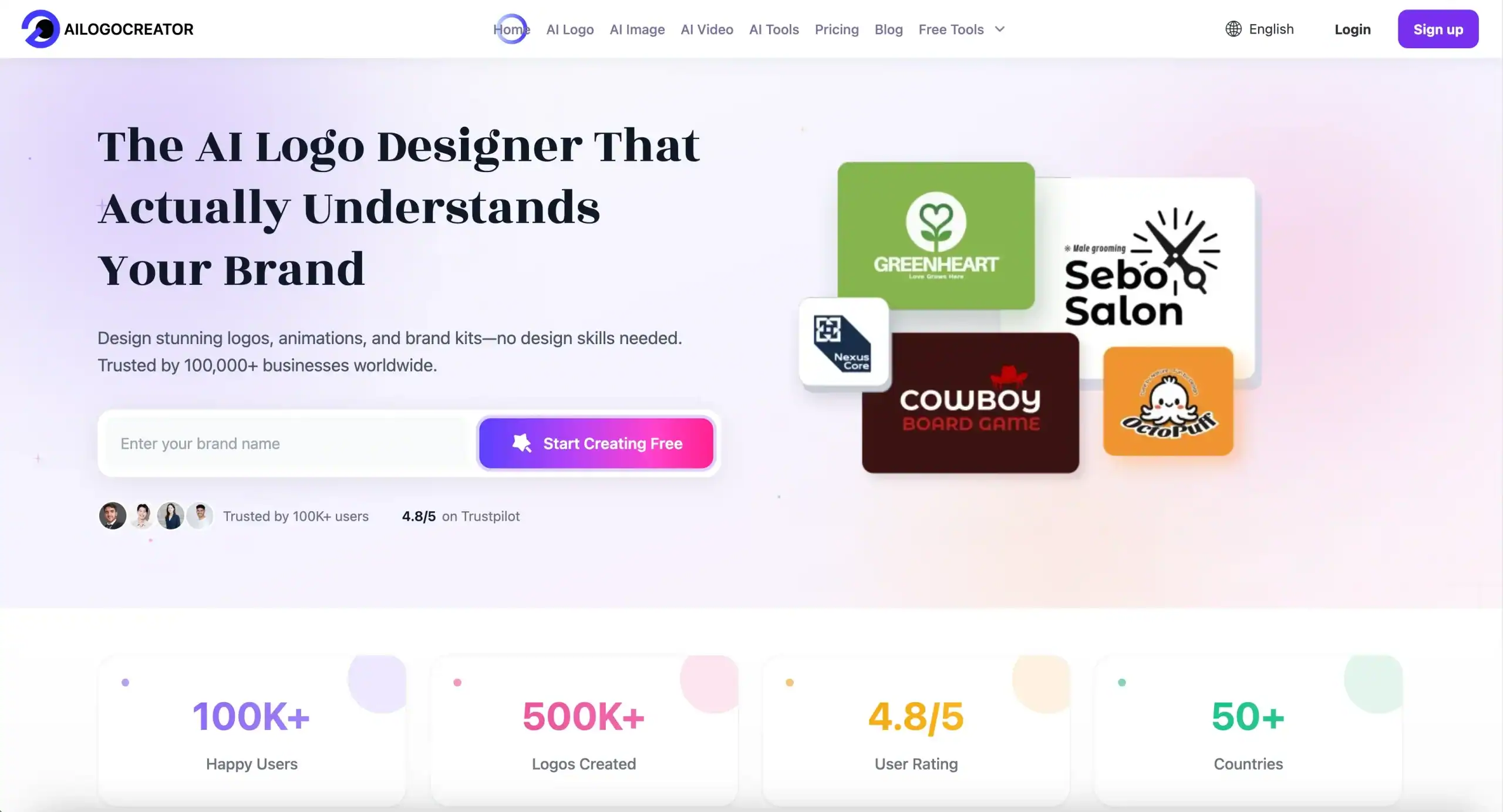
While Illustrator is the heavy lifter for refinement, efficiency is key in the ideation phase. Modern workflows often involve using intelligent tools to generate initial structural ideas. Platforms like Ailogocreator have become valuable for quickly exploring geometric variations and grid-based concepts before moving into deep manual refinement. This hybrid approach—using AI for speed and manual tools for precision—is becoming the new standard for productive designers.
Building a Cohesive Brand Identity
A logo does not live in a vacuum. It is the anchor of a broader Brand Identity system. The logic you apply to the logo—angles, corner rounding, line weights—should dictate the rest of the visual language. If your logo uses sharp 45-degree angles, your icons and typography should reflect that sharpness.
Consistency builds recognition. When you deliver a logo to a client, you aren’t just handing over an .ai file. You are delivering a logic system. You must define safe zones, minimum sizes, and color variations. A mathematically sound logo is easier to extend into patterns, motion graphics, and UI elements because the underlying geometry is robust.
Conclusion and Actionable Suggestions
Mastering design logic transforms your work from subjective art to objective commercial design. It gives you the vocabulary to defend your decisions and the technical skills to execute them flawlessly.
- Always Start with a Grid: Even a simple square grid helps align elements and define clear space.
- Use Boolean Operations: Construct complex shapes by adding or subtracting simple geometric primitives in Illustrator.
- Check Your Proportions: Apply the Golden Ratio (1.618) to check if your element sizes relate to each other harmoniously.
- Test for Gestalt: Zoom out or blur your design. Does the overall shape still read clearly? If not, simplify using proximity or closure.
- Vector is King: Ensure your final delivery is a clean vector file with expanded strokes and unified paths.
FAQ
Why is the Golden Ratio important in logo design?
The Golden Ratio creates organic, balanced proportions that are naturally pleasing to the human eye. It helps establish a clear visual hierarchy between different elements of a logo, ensuring no single part feels out of place or disproportionate.
What is the best software for creating professional logos?
Adobe Illustrator is the undisputed industry standard. Its vector-based environment allows for infinite scalability and precise geometric construction, which is impossible to achieve with pixel-based software.
How do Gestalt Principles improve logo memorability?
Gestalt Principles like Closure and Figure/Ground allow you to create “visual puzzles” or hidden meanings (like negative space). These techniques engage the viewer’s brain, making the logo stick in their memory longer than a literal interpretation.
Do I need a grid for every logo?
While you don’t need a complex construction grid for every rough sketch, the final digital version should always be aligned to a grid. This ensures structural integrity, balance, and consistency when the logo is used across different media.
What is the difference between a logo and brand identity?
A logo is a single mark or symbol. Brand Identity is the collective visual system—including the logo, color palette, typography, imagery, and layout style—that defines how a brand looks and feels across all touchpoints.
CommentsTake the first comment