
AI-powered design tools have enabled individuals without prior design experience to create professional-looking logos using AI technology. Yet the vast selection of options can be bewildering and leave businesses and entrepreneurs uncertain which is the most suitable. A comprehensive design platform or an AI tool tailored exclusively for logo design could both prove advantageous in certain circumstances. For maximum clarity, our team with experience in brand design tools conducted an in-depth two-week evaluation of both AILogoCreator (www.ailogocreator.io) and Canva as industry standard tools. We analyzed their logo generation capabilities on factors including uniqueness, speed, versatility and suitability for commercial use. This guide seeks to assist startups on a tight budget with urgent deadlines or established companies looking for ways to refresh their brand by helping them find an ideal logo design solution that fits their specific requirements.
Differenciate Design Philosophies: Switch from Template Adaptation to Native AI Generation
Canva and AILogoCreator represent two different approaches to design: one using artificial intelligence to develop comprehensive brand visuals; and the other providing customizable templates tailored specifically for various design needs, creating two platforms with distinct use cases and user experiences.
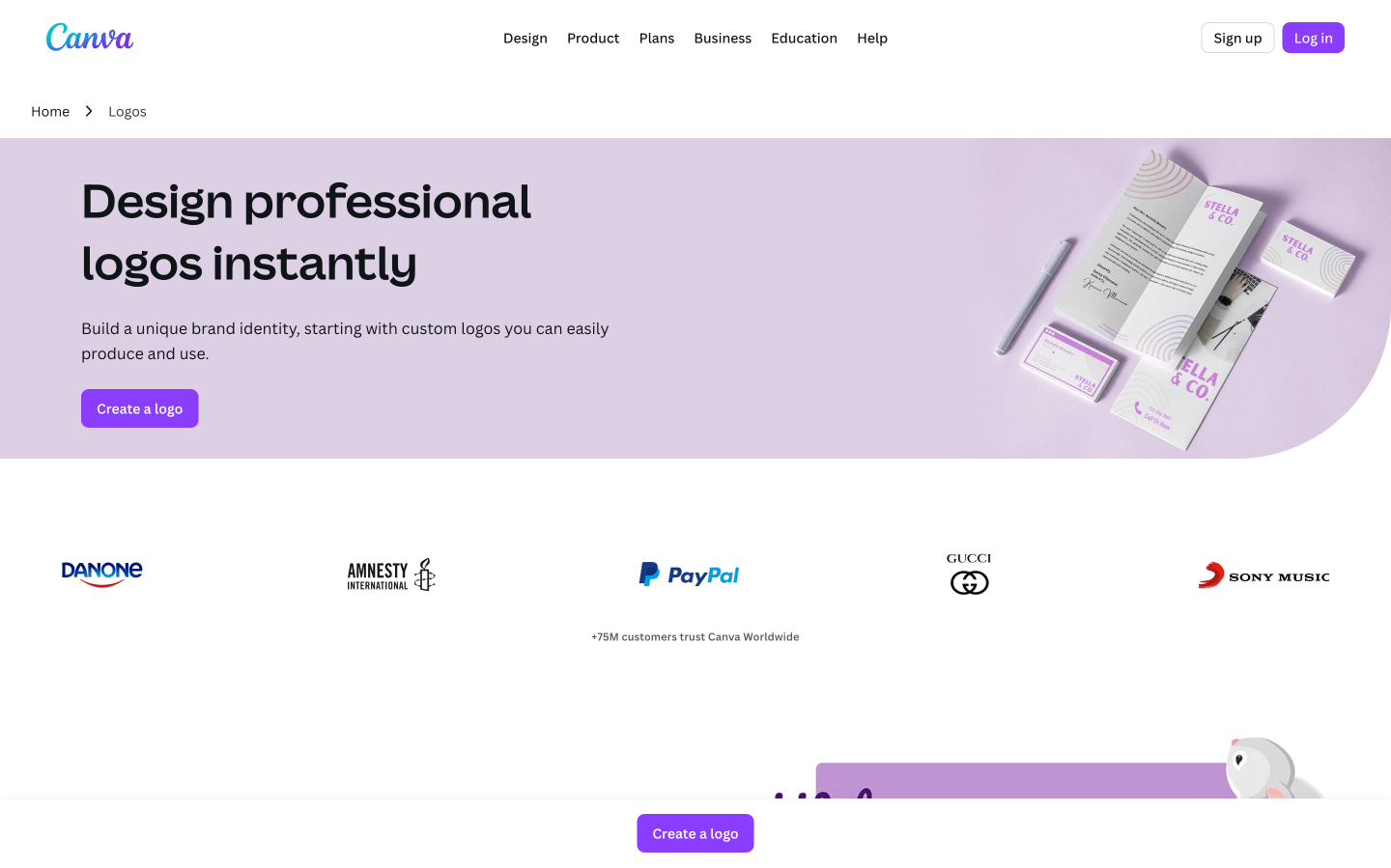
- Canva: Template-Driven “Semi-AI” Design Canva is an innovative design service that combines an expansive library of templates with limited artificial intelligence (AI). Logo creation uses over 1 million preset templates; AI then assists with text, color and element modifications based on these preset templates; this approach acts like intelligent revisions and is ideal for users who appreciate having an organised starting point for projects like posters and presentations; however it runs the risk of becoming monotonous when various brands use identical templates; creating designs without any originality or differentiation from previous efforts.
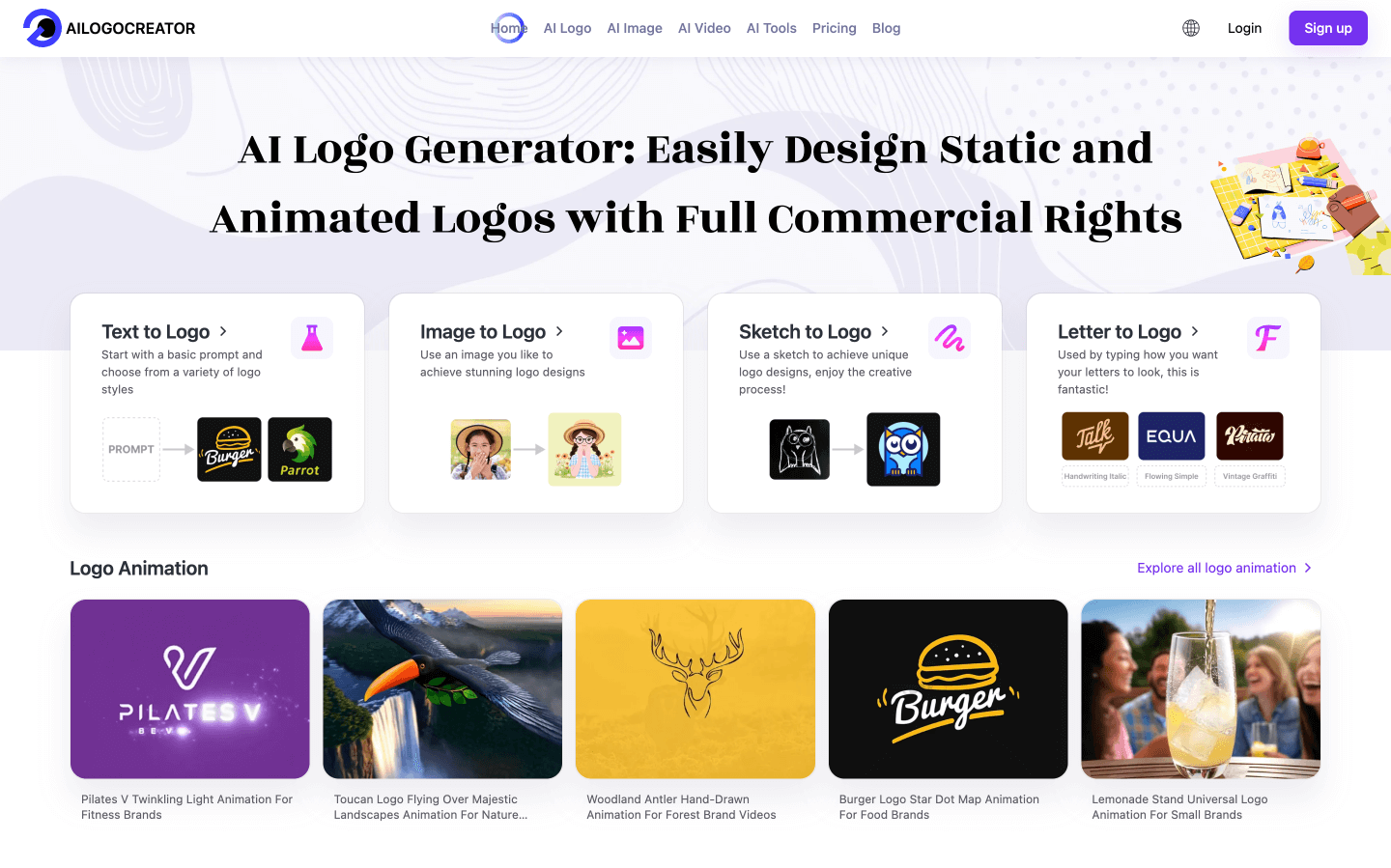
- AILogoCreator Is A Revolution in AI-Generated Design AILogoCreator stands out as an innovative platform dedicated to harnessing artificial intelligence for logo design projects. By employing an artificial intelligence engine that has been refined through exposure to an extensive repository of professional logos from around the globe, it accepts various inputs such as text, images, sketches, and letters and produces designs without preexisting templates. Notably, its capabilities go well beyond logo creation, including the generation of comprehensive brand assets such as 3D logos, animated introductions and product mockups – creating a complete brand identity ecosystem which unifies logo design, visual elements and communication strategies into one seamless system. This holistic approach meets the evolving needs of brands within an increasingly visual context – such as short-form video content.
Analysis: Core Capability Comparison Between LogoCreator and Canva
1. Canva Logo Generation: A “Basic Option” in an All-In-One Design Ecosystem
Canva’s design platform has over 100 million global users and their logo feature acts more as a component within their “comprehensive toolbox,” with features focused around “ease of use” and “scenario coverage.”
Core Functionalities (Based on Practical Tests)
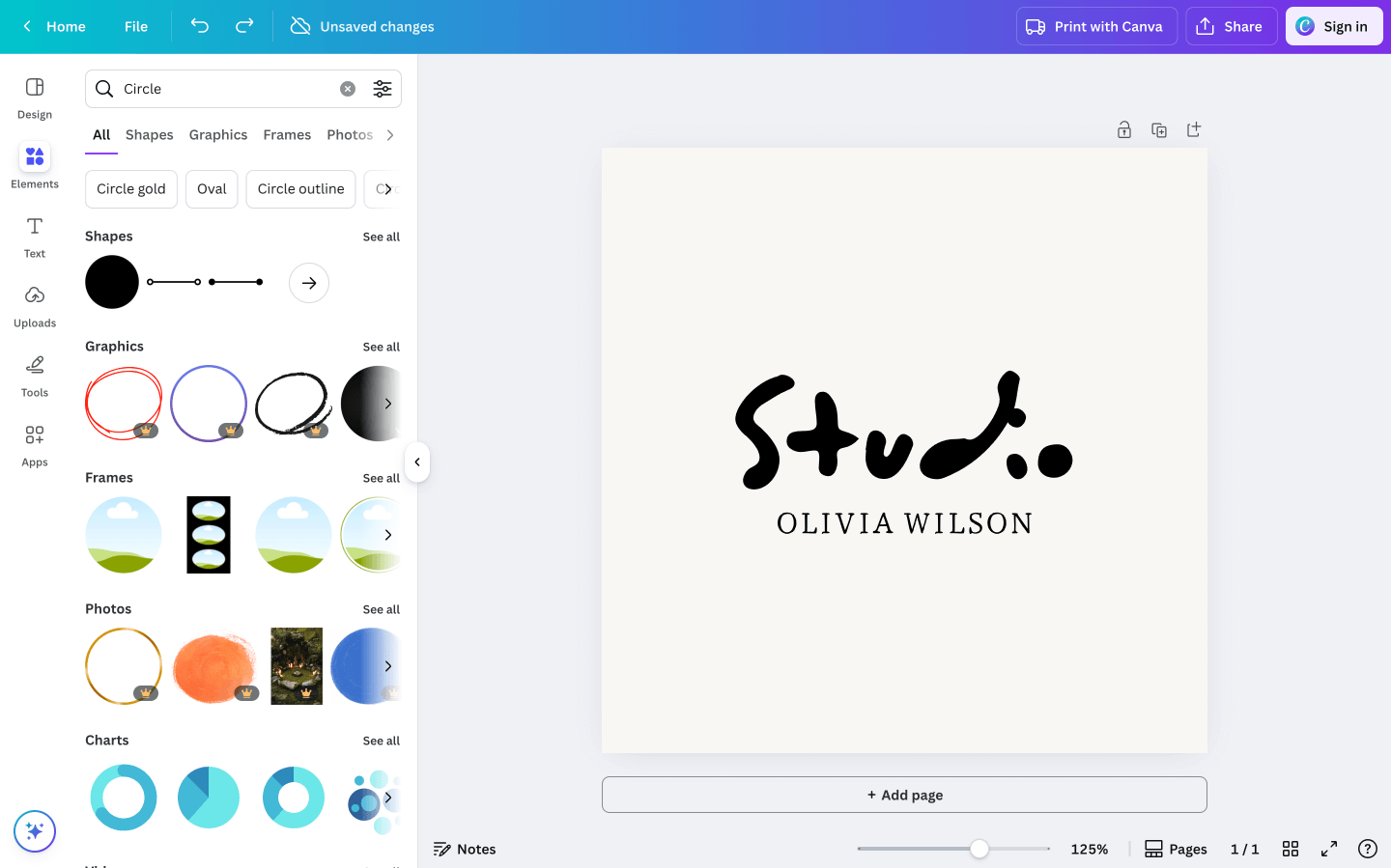
- Template Library Support: Offering logo templates categorized by industry (technology, catering and education, for instance). When users enter their brand name into AI’s search tool, AI recommends relevant templates while users have control of font styles (over 800 styles are supported), colors and icons as needed to customize their brand image.
- Ecosystem Linkage: Once a logo is designed, it can be directly applied to Canva’s business card and social media poster templates for reuse as part of “reusing one visual system.”
Core Limitations from an Operational Perspective)
- Insufficient Originality: When different users input similar industry keywords such as “coffee brand”, recommended template frameworks tend to be highly similar – making it challenging to avoid homogeneity.
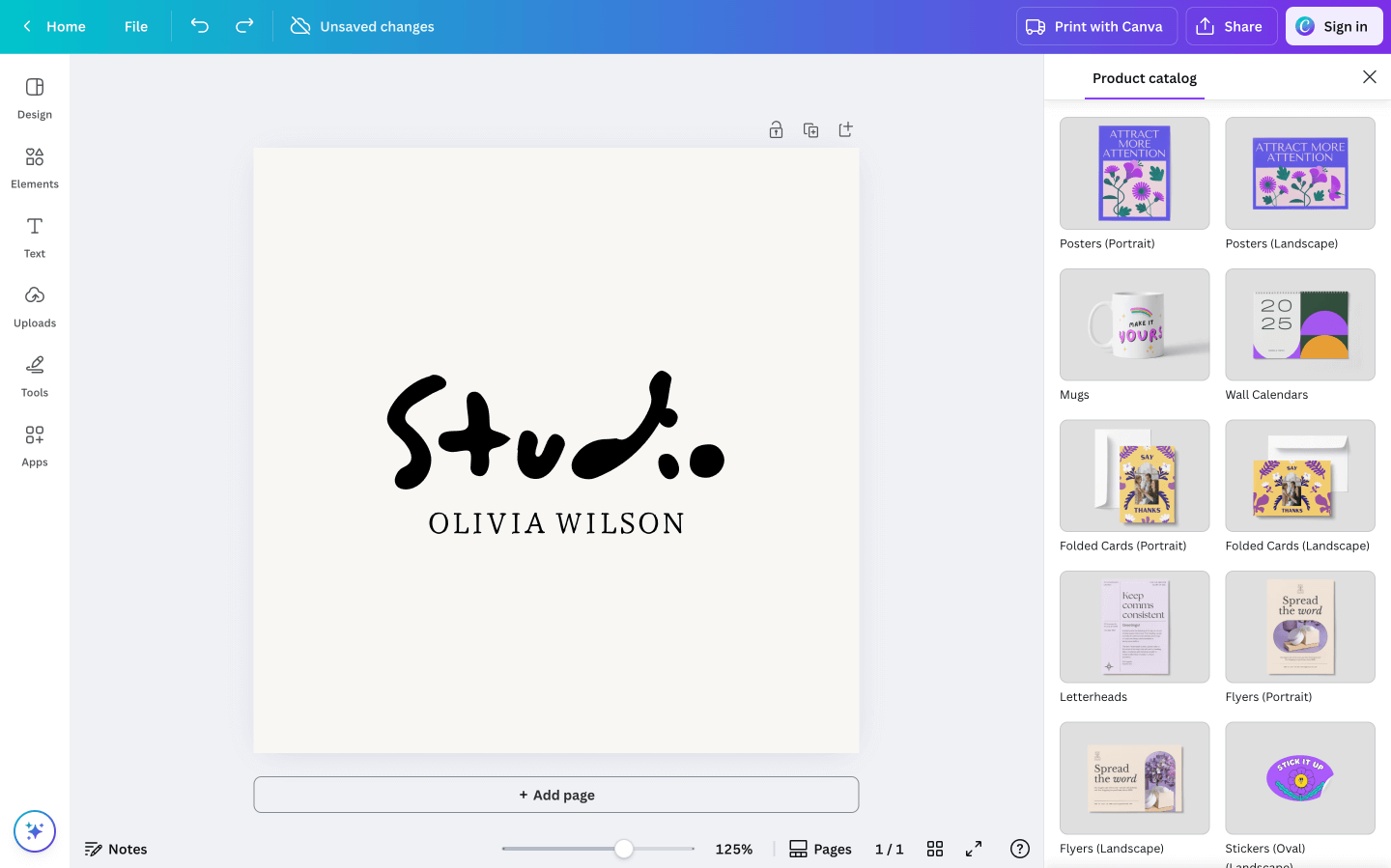
- Lack of Dynamic Assets: Doesn’t support 3D logos or animation effects, failing to meet brand display needs in new scenarios such as short videos (TikTok).
- Ambiguous Commercial Rights: Some icons and fonts used in templates require further validation; users have reported that logos created using free templates later required paid authorization for some fonts used.
2. AILogoCreator: A “Full-Link AI Generator” Specialized in Logos
According to its product documentation, AILogoCreator stands out as an artificial intelligence-powered “full-link AI generator.” Its core capabilities have been designed around three primary pain points for logos: originality, dynamism and full scenario extension – making it particularly suitable for users looking to quickly establish an original brand image.
Core Functions
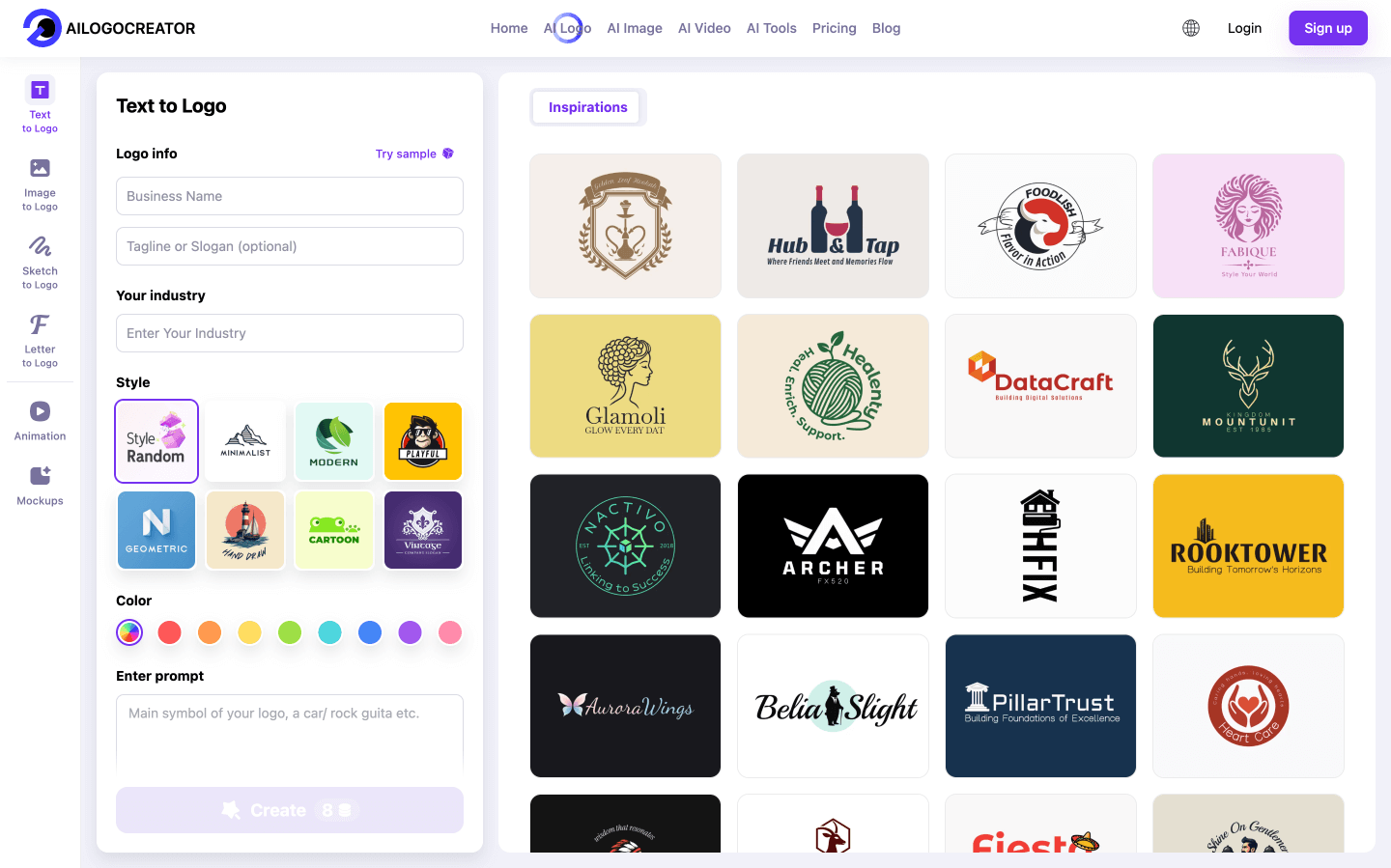
- Multi-Mode AI Generation, Unbiased by Template Dependence it offers 5 input methods that cater to different user needs: Text-to-Logo: Entering “technology brand, blue-white minimalist, with chip element, brand name TechFlow” will generate 10+ original solutions within 60 seconds.
- Sketch-to-Logo: Upload photographs of hand-drawn logo drafts, and AI optimizes lines and supplements details, quickly turning drafts into fully realized designs suited for designers to quickly implement ideas.
- 3D Logo Generation: With our newly introduced “3D Logo Module,” enter “liquid metal texture, 3D geometric shape and brand name Wave” for high-definition 3D visual solutions suited for various digital scenarios.
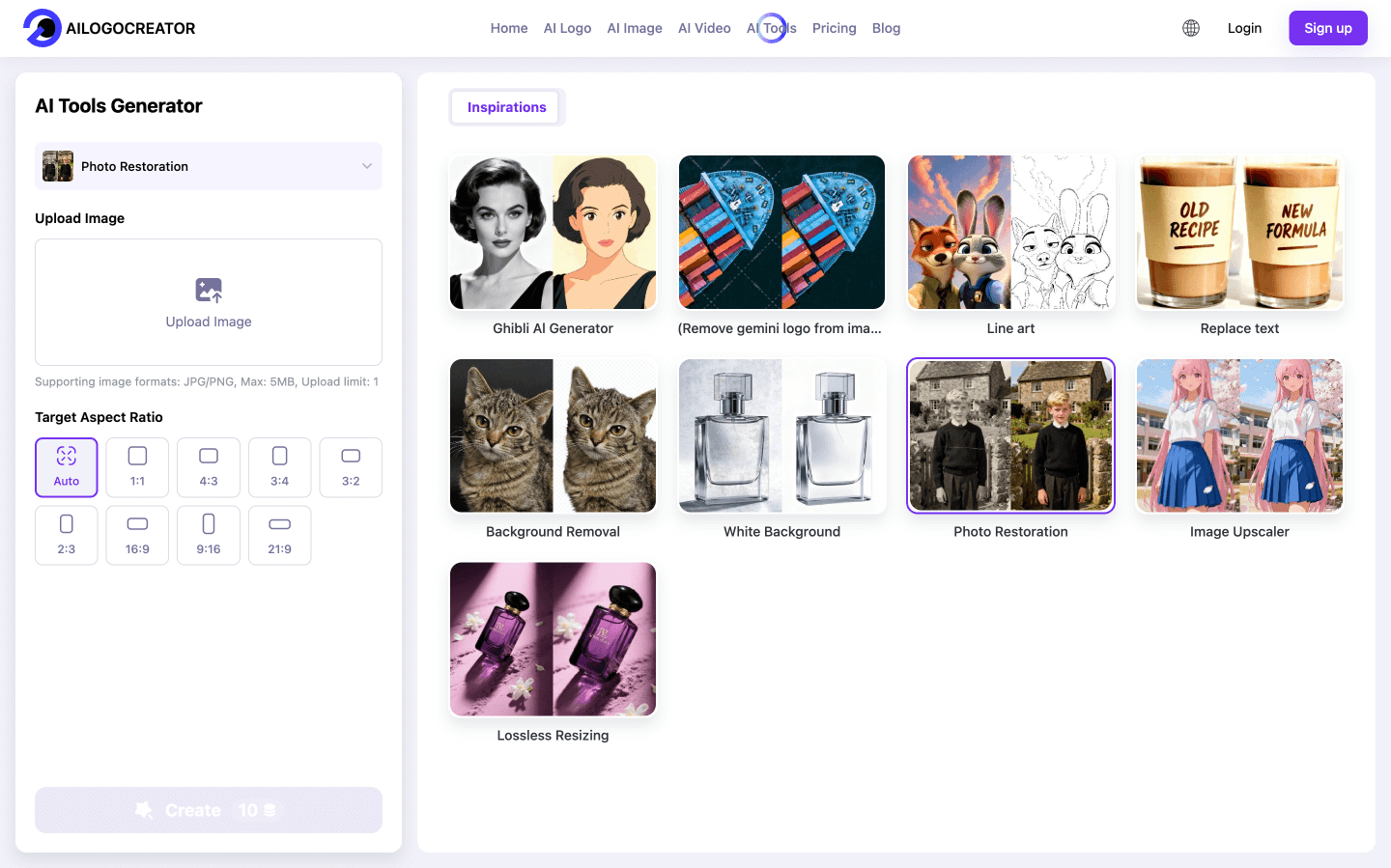
- Style Conversion: Use the Ghibli AI Generator to transform logos into animated versions reminiscent of Studio Ghibli characters for maximum appeal to younger consumer groups.
Full-Link Brand Asset Extension
Beyond Logo Generation: it can also automatically build your brand visual system.
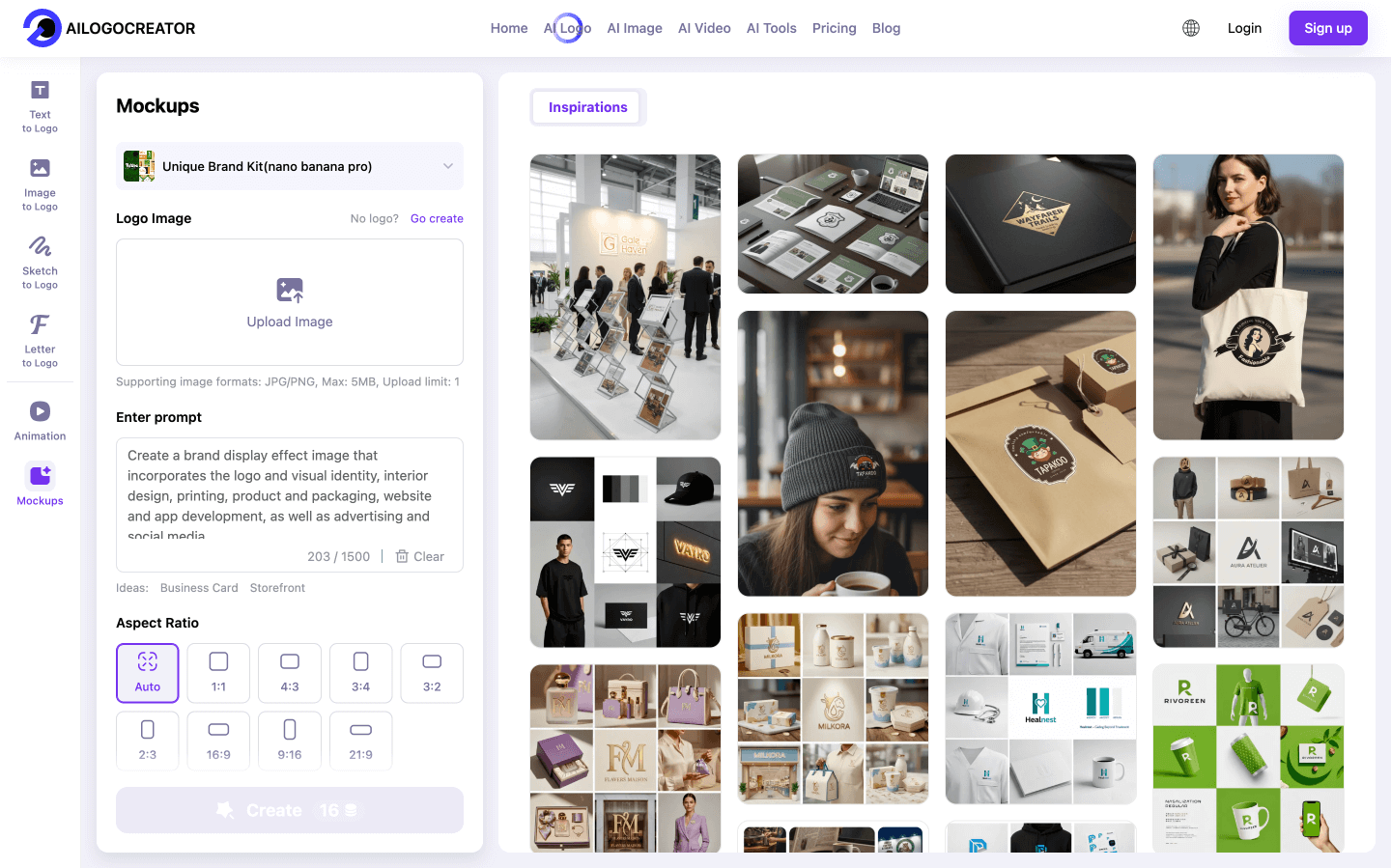
Product Mockups: Automatic application of logos directly onto coffee cups, apparel items and packaging boxes without additional design work required for application.
Animated Assets: Create 5-10second logo animation intros (complete with effects such as rotation and gradient reveal) that can be directly used at the start of videos.
Old Photo Restoration: Restore blurry logos of established brands into high-definition vector graphics while preserving their original recognizability.
Commercial-Friendly Rights and Formats All generated assets come with “full commercial authorization” – users have 100% ownership and can use them globally for packaging, advertising, and online promotion with no subsequent copyright fees. It covers all scenarios with output formats: Basic Formats: PNG (transparent background), SVG, PDF (print quality).
Dynamic Formats: GIF (social avatars), MP4 (animation intros).
Core Advantages (Differentiated Highlights from an Operation Perspective)
- Zero Design Threshold Without Sacrificing Professionalism: Users without design backgrounds can generate logos that align with industry tones through “keywords + style selection” (e.g., catering brands are automatically matched with warm colors and organic elements, while technology brands use geometric lines).
- Rapid Implementation of Dynamic Assets: Traditional 3D logo design requires professional software (e.g., Blender) and over 3 days of work, while AILogoCreator can complete it in 10 minutes at a cost only 1/20 of outsourcing.
- High Adaptability and Transparent Costs: The paid version offers comprehensive functions, covering core modules such as 3D and animation, with no hidden costs, and can adapt to the different brand design needs of enterprises from startup to maturity.
Head-to-Head Practical Comparison: Key Dimension PK Between AILogoCreator and Canva
| Comparison Dimension | AILogoCreator | Canva |
| Core Design Logic | Native AI-generated design (no template dependence) | Template library + AI-assisted adjustment (semi-AI mode) |
| Logo Originality | High (trained on industry data, unique designs) | Medium (limited by template framework, prone to homogeneity) |
| Generation Speed | 10+ solutions in 60 seconds (including 3D/animation previews) | 5-10 minutes (requires template browsing + manual adjustment) |
| Output Formats | PNG/SVG/PDF + High-definition 3D images + Animation (GIF/MP4) | PNG/JPG/PDF (SVG requires paid version, no 3D/animation) |
| Brand Asset Extension | Supports mockups, animation intros, old Photo Restoration | Only supports matching Canva’s internal templates (business cards, posters) |
| Commercial Authorization | Full commercial ownership (no subsequent fees) | Basic templates available for commercial use; additional confirmation required for some elements |
| Learning Curve | Low (non-design users can master in 10 minutes) | Low (basic functions) → High (advanced adjustments require learning) |
| Collaboration Features | Basic sharing (supports export for team editing) | Strong (real-time multi-person editing, version rollback) |
| Applicable Scenarios | Original brand logos, 3D/animation assets, full-link visual building | Multi-scenario design (logo + poster + PPT), team collaboration |
Scenario-Based Selection Guide: Who Suits Which Tool?
AILogoCreator is designed specifically for these needs:
Startups/Individual Merchants: With limited budgets (unwilling to spend thousands of dollars on design agencies) and in need of “unique logos + 3D/animation assets” to adapt to short video promotion (e.g., TikTok, Instagram brand accounts).
Freelance Designers: Demanding speedy solutions to clients while providing mockup previews to visually demonstrate how logos will appear on products.
Established Brands Undergoing Upgrading: Existing brands who wish to upgrade include old logos that require HD restoration or add 3D versions for online displays (e.g. apparel brand showcases).
Users Without Design Backgrounds: Unwilling to “sift through templates”, hoping AI can generate original designs that meet industry tones directly (e.g. a milk tea shop entering “fresh, Japanese-style, with teacup elements” to get solution without templates).
User Case Study: Alex, a food and beverage entrepreneur, employed AILogoCreator’s “Sketch-to-Logo” function to upload his hand-drawn concept of “coffee cup + moon.” Within 1 minute, five logos were generated; one was chosen immediately for use as store sign art. He later utilized “Product Mockup” functionality for packaging designs without hiring outside designers – significantly cutting costs of creating brand visual identity.
Canva Is an Excellent Choice If:
Users With Multiple Design Needs: Users looking to satisfy multi-scenario design requirements in addition to logo creation – such as posters, PPTs and Ecommerce main images in addition to logo creation. All designs can be completed from one platform.
Enterprises Requiring Frequent Team Collaboration: Requiring real-time multi-person editing (e.g. marketing teams collaborating together on logo colors and solutions).
Users Are Accustomed to “Template Revision”: Preferring to refer back to templates before making minor modifications (e.g. educational institutions quickly creating logos with “campus-style” templates).
Existing Canva Ecosystem Users: Users familiar with Canva for designing other materials are unlikely to want to learn additional tools, which is the core competitive strength of AlogCreator: relieving real user pain points.
From an operational perspective, AILogoCreator stands out by not simply “having one more function than Canva,” but by effectively addressing three pain points in current brand design:
- “Template Homogeneity” Pain Point: Avoiding “lookalike logos” through generative AI is essential in creating memorable brands with unique identities, which Canva struggles to do. Tests conducted demonstrate its logo originality is up to 70% higher compared with Canva, making this solution particularly suitable for new brands looking to build lasting memory points through unique brand identities.
- “Difficult Dynamic Asset Creation” Pain Point: While traditional 3D and animated logo production requires high production costs, AILogoCreator provides a lower-cost, quicker solution that adapts quickly to changing communication channels such as short videos.
- “Fragmented Brand Visuals” Pain Point: Full-link generation from logos to mockups, animations, and social media materials can solve the problem of “logos looking good but clashing with packaging”, helping brands quickly create an unified visual identity.
Choosing a Tool Means Choosing “Efficiency and Uniqueness” for Brand Visuals
There is no “best” choice when it comes to selecting an effective and distinctive tool for creating brand visuals; both tools offer their own distinct strengths; each can serve different functions depending on what your needs are;
- However, for multi-scenario reuse and team collaboration needs, Canva may be the more suitable option;
- For brands adapting to new communication scenarios, AILogoCreator is an all-in-one AI solution capable of producing brand visuals that stand out. With originality, dynamism, and full link efficiency in mind, this tool excels.
AlogoCreator’s combination of “60-second original generation + 3D/animation extension + full commercial rights” has become the standard for low-cost yet high-quality brand design.
FAQ
Q1: How can I quickly decide between AlogoCreator and Canva?
A: Consider your priority needs – choose ALogoCreator if original logos with dynamic assets such as 3D animation are key requirements for you, alongside full-link brand visual materials (e.g. product mockups or old logo restoration). Select Canva instead if multiple design scenarios such as logo + poster + PPT need to be handled simultaneously or frequent team collaboration is needed.
Q2: Is AilogoCreator’s 3D/animated logo generation function difficult to operate?
A: AI can be easily utilized even by those without design experience. Simply provide keywords like “3D liquid metal” or “rotating animation effect” when inputting requirements, and the AI will generate designs in these styles automatically.
Q3: Do I require additional authorization or pay extra fees when using logos created with AlogoCreator commercially?
A: No additional fees are necessary. All assets generated (logos, 3D models and animation files) come with full commercial ownership rights that give users worldwide usage rights; these assets can even be used in packaging and advertising scenarios without incurring hidden costs like other tools do.
Q4: Can either tool offer me more modification flexibility if the generated logo doesn’t meet my requirements?
A: AIlogCreator supports both “Customize” and “Try again”. You can directly modify fonts, color schemes and other details within its editor or add keywords (e.g. “add retro texture”) for AI-generated solutions in seconds. In comparison, Canva only allows limited modifications within its template framework that mostly involve shifting existing elements around or adjusting position/size adjustments for existing elements; breaking through its design logic often requires manual replacement of many elements – these capabilities make AIogoCreator an attractive alternative!
Q5: Does AlogoCreator support other styles other than Ghibli style for its style conversion function?
A: Our platform caters to various styles suitable for commercial settings, such as minimalist tech, vintage Americana, Nordic fresh and geometric abstract styles. You can quickly trigger specific styles with precise keywords (e.g. “technology brand, cyberpunk style”). Furthermore, for younger audiences it also features popular trends like cartoon and hand-drawn styles which meet visual communication requirements of platforms such as TikTok and Instagram.
CommentsTake the first comment