
A professional logo is the single most effective asset for passing Amazon Brand Registry checks and securing your account against hijackers. If you are a private label seller aiming to build a defensible business, you cannot afford to treat your visual identity as an afterthought. Many sellers fail to realize that a poor Private Label Logo negatively impacts everything from Amazon Storefront Design to Product Packaging Design, often leading to rejected trademark applications and lower conversion rates.
Here are the core elements you need to master:
- Strict alignment between your trademark text and logo design to prevent Registry rejection.
- The absolute necessity of Scalable Vector Graphics for maintaining quality across all mediums.
- Designing for high contrast and immediate Brand Recognition on small mobile screens.
- Practical packaging strategies that meet Amazon’s “permanently affixed” requirement.
Brand Registry Compliance Must Come First
I have seen countless sellers spend months developing a product only to have their Brand Registry application rejected because their logo did not meet technical standards. The rules are rigid. Amazon requires that the brand name on your application matches the text in your logo exactly. If your trademark application says “EcoHome” but your logo is stylized as “Eco-Home” or “ECOHOME” with a graphic separating the words, you risk a rejection.
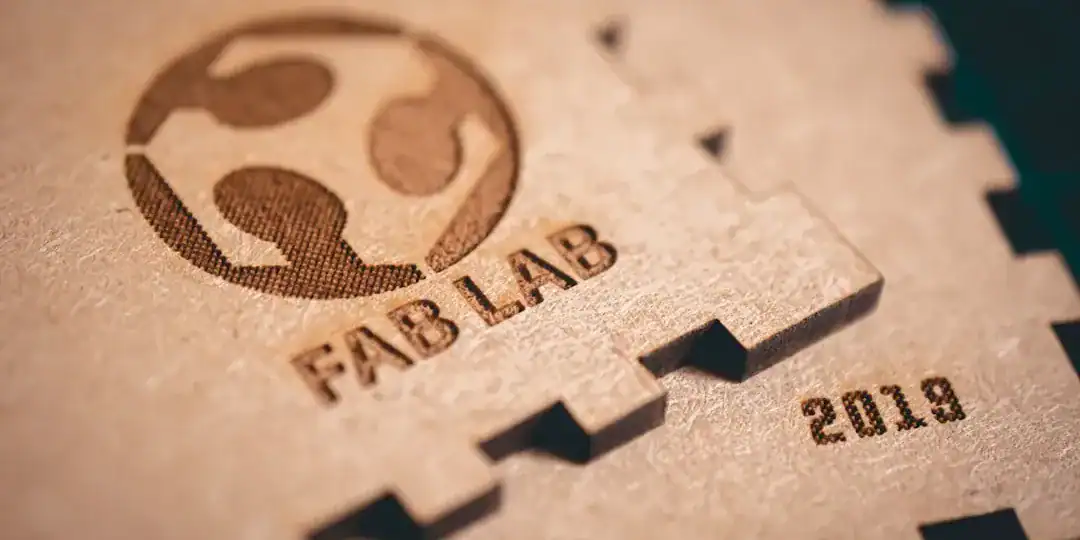
The most common point of failure is the “permanently affixed” rule. Amazon support teams are trained to spot logos that look like stickers or digital overlays. Your logo must appear as if it was printed during the manufacturing process. This is not just about aesthetics; it is a gatekeeping mechanism to filter out low-effort dropshippers.
Key Compliance Checks:
- Exact Match: Spacing and spelling must be identical to the trademark text.
- No Stickers: The logo must be printed, sewn, or etched onto the product or packaging.
- Clarity: The text must be readable in a simple photo taken by a smartphone.
Industry Observation: According to Amazon’s enrollment guidelines, discrepancies between the brand name input and the trademark text are a primary cause for application delays. Even capitalization differences can sometimes trigger manual reviews.
Actionable Suggestion: Before manufacturing a full batch, order a single “golden sample” with your logo professionally printed on the product. Use this sample to take the real-world photos required for Brand Registry enrollment.
Why You Need Scalable Vector Graphics (SVG)
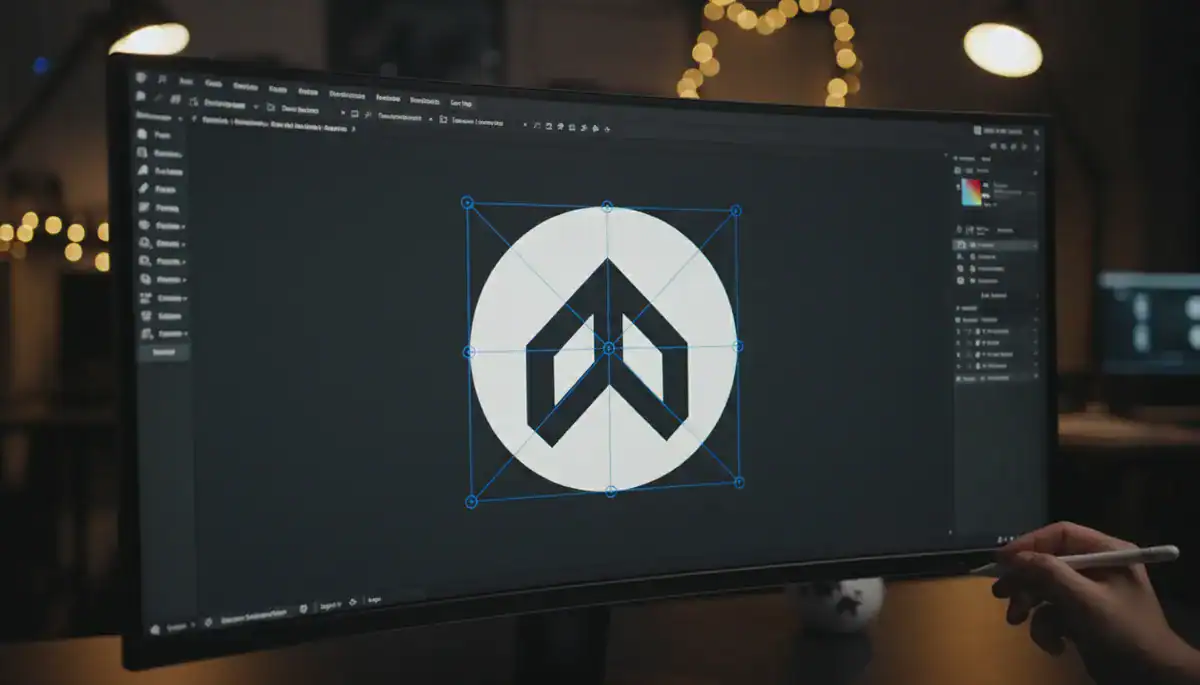
I cannot stress this enough: do not design your primary logo in Photoshop or save it only as a JPEG. Raster images (pixels) lose quality when resized, leading to blurry printing on packaging or pixelated storefront banners. You need Scalable Vector Graphics (SVG). Vectors use mathematical equations to render lines, meaning they remain crisp whether they are the size of a postage stamp or a billboard.
When you create Amazon Storefront Design assets or A+ Content, you will often need to resize your logo to fit various banners and headers. If your source file is a PNG, it will degrade. Furthermore, professional print shops for your Product Packaging Design will almost always request a vector file to ensure the ink bleeds correctly and lines remain sharp.
If you are not a professional designer, you might feel overwhelmed by file formats. This is where modern AI tools bridge the gap. Platforms like Ailogocreator are valuable here because they generate high-quality, vector-based logos that are ready for both digital use and physical printing. Using a tool that defaults to professional standards saves you from the headache of paying a designer to “fix” your blurry JPEG later.
Benefits of Vector Files:
- Infinite Scaling: Resize without quality loss.
- Editability: Change colors or layout easily in the future.
- Print Readiness: Accepted by all professional manufacturers.
Technical Insight: Design experts note that vector files are the industry standard for brand assets because they allow for transparent backgrounds and clean edges, which are essential for overlaying logos on lifestyle images in A+ content.
Actionable Suggestion: Always secure the .SVG or .EPS source file for your logo. Store it safely and only generate .PNG or .JPG versions from this master file for specific web uses.
Optimizing for Small Screens and Quick Decisions
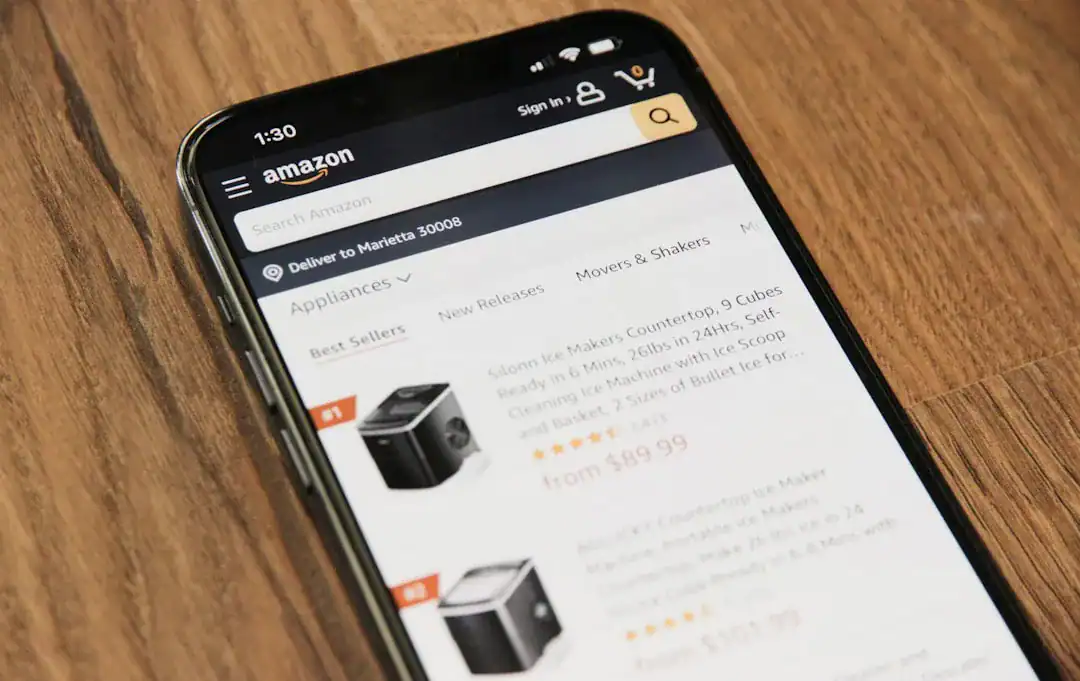
Amazon is a mobile-first marketplace. A huge portion of traffic comes from the Amazon app, where your logo might appear only a few millimeters wide. Intricate designs with thin lines or complex mascots turn into unrecognizable blobs at this scale.
Brand Recognition relies on simplicity. Look at Amazon’s own “smile” logo. It is thick, high-contrast, and recognizable instantly. Your private label logo needs to pass the “squint test.” If you squint at your logo and cannot identify the brand name or the core icon, it is too complex. Shoppers make split-second decisions—often faster than they choose a movie on Netflix—so your visual identity must communicate trust immediately.
Design Principles for Mobile:
- Heavy Weights: Use bold fonts that stand out against white backgrounds.
- Limited Palette: Stick to 1-2 colors. Gradients often print poorly and look muddy online.
- Horizontal Layout: Amazon’s layout favors horizontal logos for storefront headers.
Market Data: Studies on e-commerce behavior suggest that simple, high-contrast visual elements increase trust and click-through rates because they reduce cognitive load for the shopper.
Actionable Suggestion: Mock up your logo on a screenshot of a mobile Amazon search result page. If it is not legible next to a competitor’s listing, simplify the font and remove unnecessary graphic elements.
Integrating Branding into Product Packaging Design
Your packaging is the only marketing channel with a 100% open rate. Once the customer receives the box, your logo’s job shifts from “conversion” to “retention.” A generic brown box with a barcode screams “cheap commodity.” A custom box with a well-placed logo builds value and encourages repeat purchases.
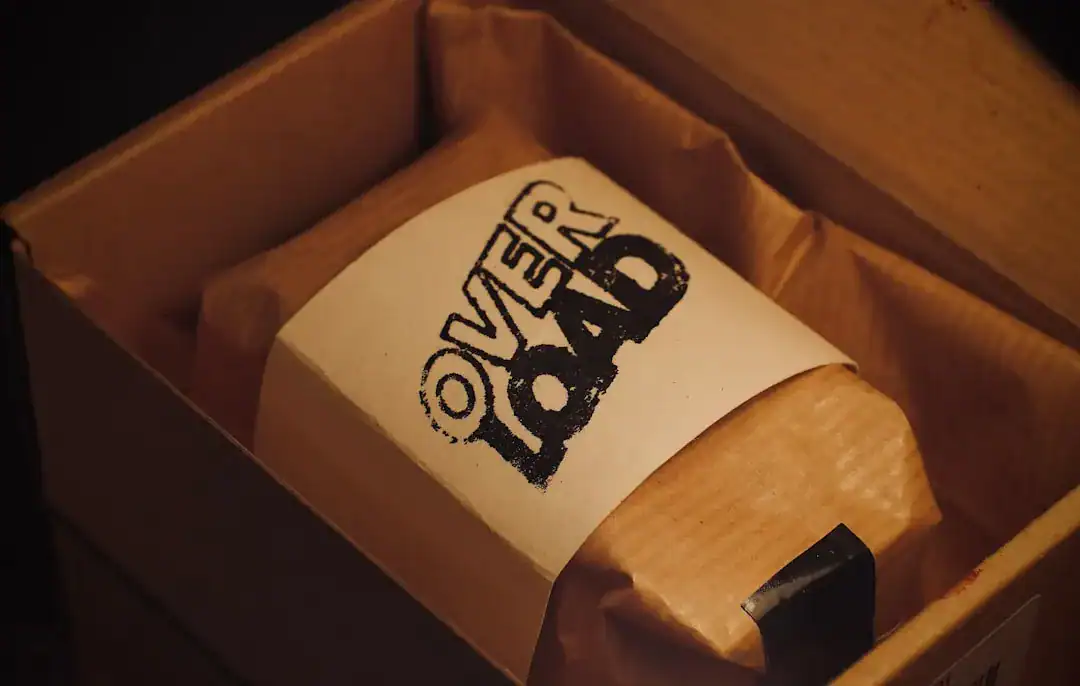
You do not need Apple-level budget to do this. A simple one-color print of your logo on a kraft box is often enough to establish legitimacy. The key is contrast. Black ink on cardboard is a classic, cost-effective combination that Amazon uses itself. This integration also reinforces your brand ownership if you ever need to file a counterfeit claim; it proves you are the manufacturer.
Packaging Priorities:
- Visibility: Place the logo on the top face of the box for the “unboxing” moment.
- Consistency: The logo on the box must match the logo on the product and your Amazon Storefront.
- Information Hierarchy: Your logo should be the dominant element, not the barcode or regulatory text.
Expert Analysis: Packaging experts highlight that consistent branding across physical and digital touchpoints reinforces memory structures in the consumer’s brain, leading to higher brand recall.
Actionable Suggestion: If custom printed boxes are too expensive for your initial launch, design a custom “sleeve” or a wide belly band that wraps around a plain box. This is cheaper but still satisfies the “permanently affixed” aesthetic better than a loose sticker.
Conclusion and Actionable Suggestions
Designing a logo for Amazon is not just about making something that looks cool; it is about ticking technical boxes that allow you to scale. From passing the strict Brand Registry process to ensuring your packaging looks premium, your logo is the foundation of your private label business.
To ensure your success, follow these steps:
- Verify Trademark Availability: Before designing, check the USPTO to ensure your text is unique.
- Prioritize Vector Formats: Use tools that provide SVG files to ensure your logo is crisp on everything from business cards to billboards.
- Test for Mobile: Shrink your design to 50 pixels wide. If it is unreadable, simplify it.
- Print It Real: Never apply with a digital mockup. Print the logo on a real sample for your application photos.
- Maintain Consistency: Use the exact same logo file for your Amazon Storefront, packaging, and social media to build strong brand equity.
FAQ
Q: Can I change my logo after registering with Amazon Brand Registry?
A: Yes, but it is a difficult process. You often need to open a support case and provide proof that the new logo is also permanently affixed to your products. It is much better to get it right the first time.
Q: Does my logo need to include an icon, or can it be just text?
A: It can be just text (a wordmark). In fact, wordmarks are often safer for Brand Registry because there is zero ambiguity about the brand name.
Q: What is the best file format for uploading to Amazon Brand Registry?
A: Amazon typically asks for JPG or PNG images of your product and packaging. However, the source of those images should be a vector file to ensure the print quality on the physical product is high enough to pass the photo review.
Q: Why was my Brand Registry application rejected due to the logo?
A: The most common reason is that the logo appeared to be a sticker or was digitally added to the photo (photoshopped). The logo must appear permanently printed on the item.
Q: How do I get a transparent background for my Amazon Storefront logo?
A: You need a PNG file with a transparent background. You generate this by exporting your master SVG/vector file as a PNG with transparency enabled. JPEGs do not support transparency.
CommentsTake the first comment