
AI Video
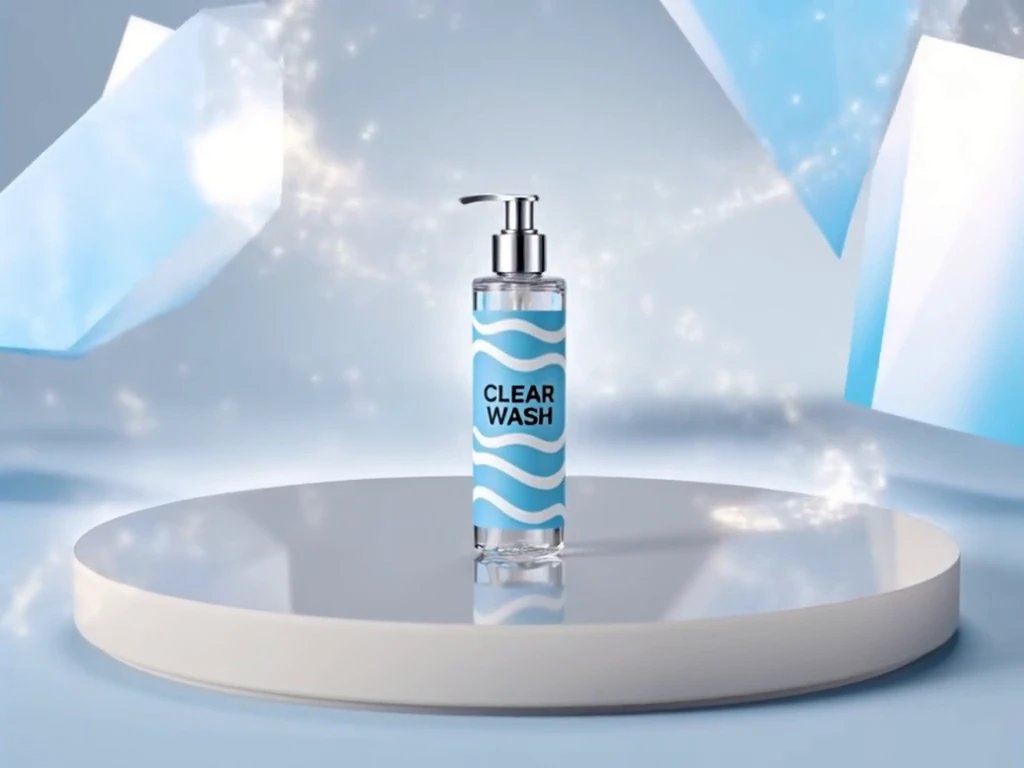
AI 3D CGI Effects Video Generator
Create studio-grade 3D CGI Effects AI Video in minutes, no technical skills.
Why Creators Choose This Generator
Make high-end visuals feel effortless and emotionally resonant for every audience.

Real-World Applications
From indie studios to global marketing teams, make immersive visuals without the overhead.
E-commerce Brands
Generate product demos and immersive pack shots to boost conversions. Replace costly reshoots with flexible CGI edits.
Agencies and Studios
Pitch polished concepts faster and iterate per client feedback. Free creative energy for storytelling, not logistics.
Independent Creators
Imagine cinematic intros or short VFX scenes without a crew. Publish consistent, high-quality content on a schedule.
How Can You Produce a Polished 3D Scene Quickly?
Your simple, three-step path to professional-grade motion assets.
- Step 1
Upload or Sketch Your Asset
You bring a logo, model, or moodboard and the tool ingests it. Your file becomes the starting point for design.
- Step 2
Select Style and Lighting
You choose a cinematic preset or finetune lighting and materials. Your preview updates instantly so you can trust the look.
- Step 3
Export and Share
You pick format, resolution, and platform presets and export masters. Your finished clip is ready for ads, socials, or pitch reels.
Pro Prompting Secrets
Small prompt habits that lead to consistently richer 3D outputs.
Download & Use Anywhere
Your AI-generated video is ready for international dynamic distribution. Support free download in high-definition MP4 format — compatible with YouTube Shorts, TikTok videos, Instagram Reels, LinkedIn promotional clips, website dynamic banners, app launch animations and video marketing campaigns, watermark-free and commercial-use permitted, adapting to global platform deployment.
High Definition
Multiple Aspect Ratio
Ready For Commercial Use
Frequently Asked Questions
Can I use generated clips in commercial ads?
How do I protect my assets and logo in projects?
What formats can I export for social and broadcast?
Is there a way to get custom looks or studio assistance?
Complete Your Brand Toolkit
