AI Tools
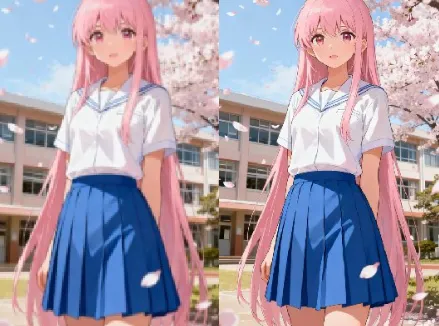
AI 4K Image Generator AI Tools
Create ultra-clear visuals fast with 4K Image Generator AI Tools.
A focused suite for fast upscaling, noise reduction, and export-ready assets.

Real-World Applications
From solopreneurs to agencies, make every pixel work harder.
E-commerce Brands
Generate high-res product images for listings and ads without reshoots, reducing time-to-market.
Photographers
Restore client galleries and deliver large prints that retain detail and color, even from older files.
Marketing Teams
Create campaign-ready visuals for social and OOH quickly, keeping brand aesthetics consistent across channels.
Why designers and marketers choose this image toolkit
Speed, control, and consistent quality to make visuals perform across channels.
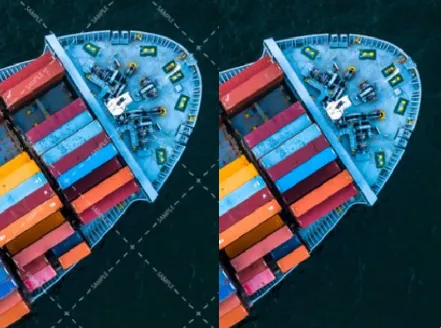
4K Image Generator AI Tools — Batch Upscaling
Process hundreds of images at once to save shoot and editing time. Your catalogs and ads scale up without manual touch-ups.
4K Image Generator AI Tools — Detail Recovery
Recover texture and edges to make prints and billboards sing. You get sharper faces, fabrics, and product details in every file.
Smart Noise Reduction
Remove grain while preserving fine detail so your shots look natural. Your low-light photos become usable campaign assets.
Color-Accurate Presets
Apply brand-safe color profiles across batches to keep consistency. Your visual identity stays intact across sizes.
Seamless Background Tools
Isolate subjects and prepare transparent or studio backgrounds in a click. Your assets export ready for any layout.
Flexible Export Options
Save to multiple formats and resolutions for web, print, and social. Your team gets the right file every time.
How can you create studio-quality 4K images in minutes?
Your three-step path to sharp, export-ready assets.
- Step 1
Upload Your Image
You drag and drop photos or import from cloud storage; the interface previews results instantly.
- Step 2
Choose Preset and Adjust
You pick a preset like 'Portrait Boost' or 'Product Clarity' and nudge sliders to match your vision.
- Step 3
Export and Share
You select formats and batch-export optimized files ready for web, print, or social distribution.
Frequently Asked Questions
Can I use the tool for commercial projects?
Will enlarging a photo introduce weird artifacts?
How do I keep brand colors consistent across batches?
Can backgrounds be removed automatically for product shots?
What export formats are supported and how large can files be?
Complete Your Creative Toolkit