Mockups

Unique Brand Kit(nano banana pro)
Logo Image
No logo?
Go create
Upload Image
Supporting image formats: JPG/PNG, Max: 5MB, Upload limit: 1
Enter prompt
203 / 1500
Clear
Ideas:
Business Card
Storefront
Aspect Ratio
Auto
1:1
4:3
3:4
3:2
2:3
16:9
9:16
21:9
Inspirations

AI Logo Mockup Generator — Turn Your Logo into Realistic Brand Scenes

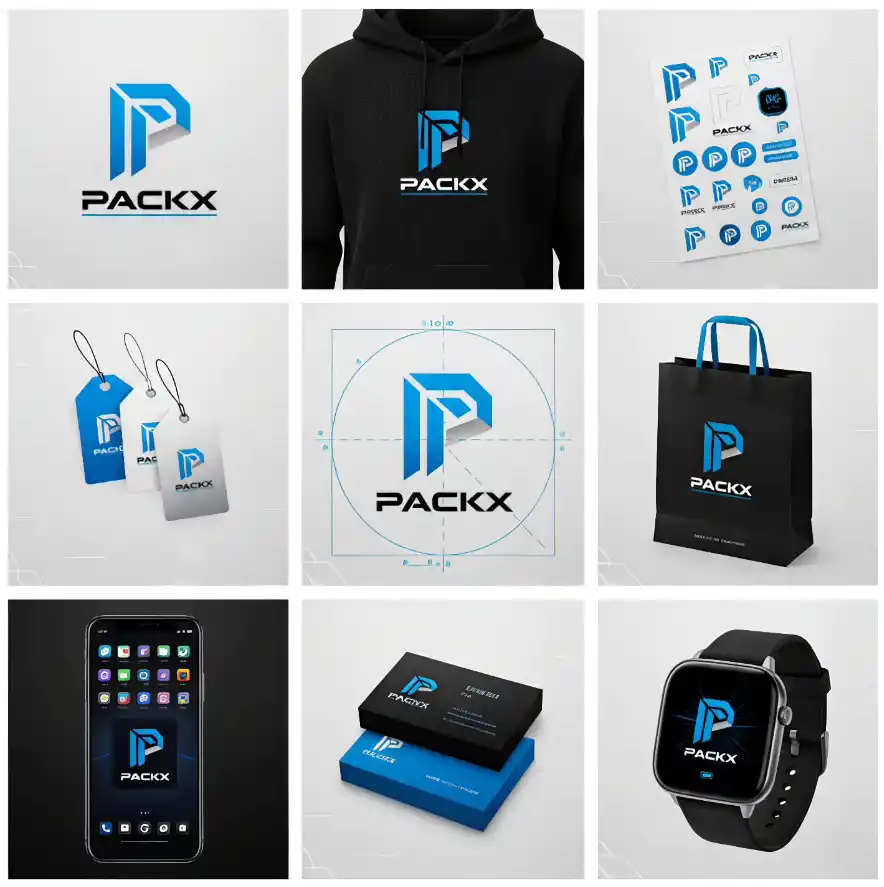
Upload your logo and let AI generate stunning brand mockups in seconds. Visualize your identity on business cards, packaging, storefronts, apparel, or digital displays — complete with natural lighting, texture, and optional brand storytelling.

  • Instantly Turn Logos into Real-World Brand Scenes

    Instantly Turn Logos into Real-World Brand Scenes

    Upload your logo and let AI automatically place it into realistic business scenes — from packaging and signage to apparel and devices.

    AI understands light, texture, and perspective to make your logo look naturally embedded in the environment.

  • AI-Powered Motion Design with Cinematic Quality

    AI-Powered Motion Design with Cinematic Quality

    AI uses advanced visual modeling to simulate real materials and lighting — paper grain, metal embossing, neon glow, or fabric texture — all rendered in photorealistic quality.

    It instantly elevates your logo presentation to look professional, high-end, and ready for clients or campaigns.

  • Customizable, Story-Driven, and Ready to Download

    Customizable, Story-Driven, and Ready to Download

    Add your brand story, tagline, or slogan directly to the mockup for emotional impact.

    Easily tweak logo placement, shadows, and tone — then download in HD PNG, JPG, or SVG for web, print, or social media use.

AI Logo Mockup Generator — Turn Your Logo into Realistic Brand Scenes

Popular Mockup Scenes

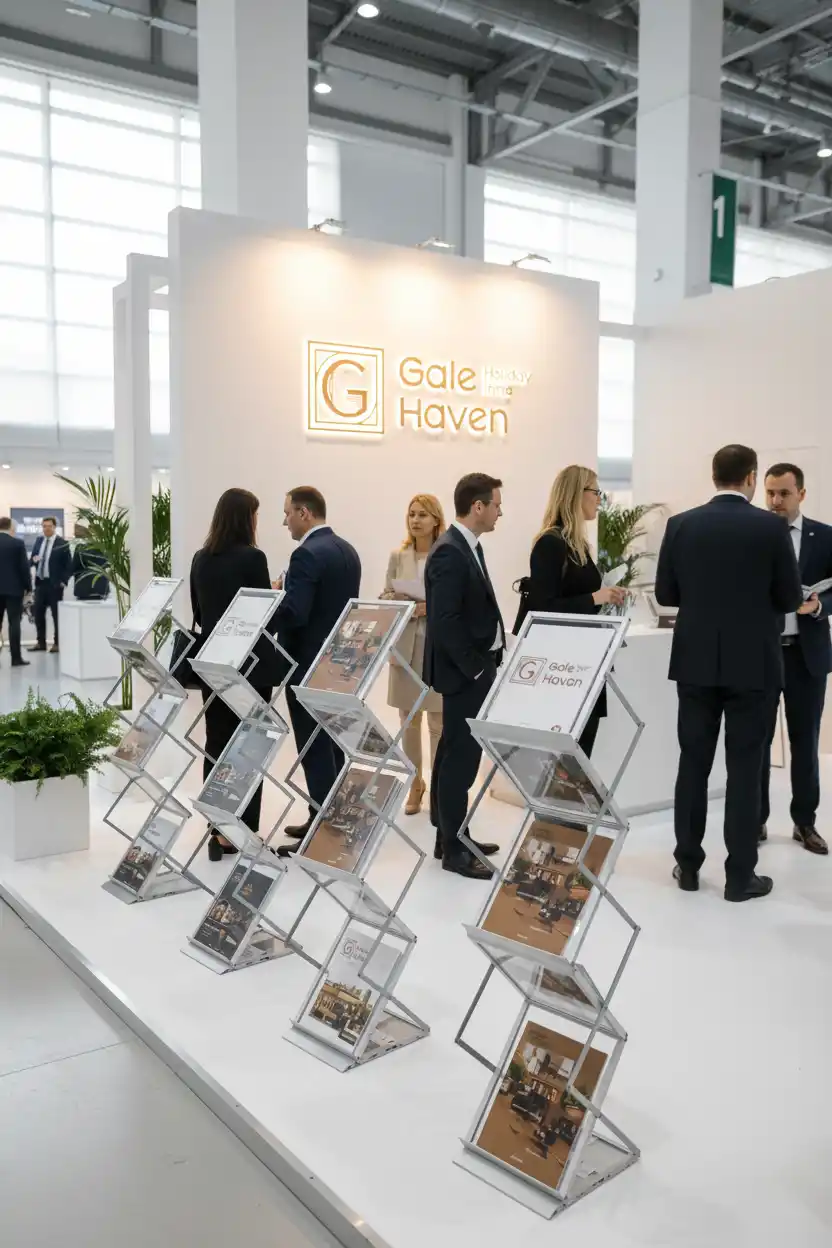
Showcase your logo on business cards, packaging, signage, screens, apparel, and billboards with AI mockups. Perfect for global brands and marketers needing realistic visuals for both digital and offline campaigns.

How It Works

Step.1

Enter brand name or text to create logo

· Upload your logo (PNG or SVG, transparent background recommended).

· Select a mockup style — choose from paper, metal, glass, fabric, or digital scenes.

· Pick a theme — minimalist, luxury, modern, vintage, or 3D product showcase.

· Add a brand story or tagline.(Optional)

· AI generates high-quality mockups with realistic shadows, depth, and reflections.

Enter brand name or text to create logo
Step.2

Download your visuals

Download your visuals in HD PNG, JPG, or vector SVG.

Download your visuals

Why Use an AI Logo Generator for Images

The AI Logo Generator combines visual recognition and design intelligence to create logos faster than ever — no design experience required.

Smart Logo Recognition and Placement

The AI engine automatically detects your logo, adjusting its position, size, and orientation for a perfect fit on any surface or product template.

Wide Range of Mockup Environments

Easily preview your logo on business cards, packaging, signs, apparel, posters, and digital screens with just one upload.

One-Click High-Quality Rendering

Generate premium, presentation-ready mockup visuals instantly, saving time and delivering a professional brand image.

Realistic Material Simulation Engine

Simulates paper, metallic, fabric, glass, and other real-world materials with detailed texture, shine, and reflections.

Dynamic Lighting and Shadow Control

AI dynamically adapts light, shadow, and 3D depth for ultra-realistic indoor and outdoor scenes.

Multiple Style Presets for Fast Switching

Choose from minimalist, luxury, vintage, modern, or 3D photorealistic styles with a single click.

Extensive Material and Texture Library

Access a vast library of mockup materials, from cardboard to leather, wood, acrylic, neon, and metallic foil.

Flexible Camera Angles and Perspectives

Select from top-down, macro, side, and dynamic perspective views for creative mockup presentations.

Editable Text Overlays and Branding

Easily add slogans, taglines, or sub-brand marks with customizable fonts and preset typography.

Drag-and-Drop Layout Customization

Effortlessly rearrange logo placement, size, and layout layers to match your preferred visual style.

High-Resolution Multi-Format Export

Download mockups instantly in PNG, JPG, or SVG format for seamless use in print and web projects.

Aspect Ratio and Scene Variance Support

Customize canvas size and aspect ratio (1:1, 16:9, 4:3, A4) for different platforms or marketing materials.

Consistent Color and Lighting Output

Ensures color-corrected lighting and shadow consistency across all visual mockup variations.

Cross-Industry Application Versatility

Ideal for eCommerce, branding, packaging, social media, and corporate identity across various industries.

Optimized for Print, Web, and Presentations

Deliver stunning visuals for marketing campaigns, web design, print ads, and client proposals.

Smart Logo Recognition and Placement

The AI engine automatically detects your logo, adjusting its position, size, and orientation for a perfect fit on any surface or product template.

Wide Range of Mockup Environments

Easily preview your logo on business cards, packaging, signs, apparel, posters, and digital screens with just one upload.

One-Click High-Quality Rendering

Generate premium, presentation-ready mockup visuals instantly, saving time and delivering a professional brand image.

Realistic Material Simulation Engine

Simulates paper, metallic, fabric, glass, and other real-world materials with detailed texture, shine, and reflections.

Dynamic Lighting and Shadow Control

AI dynamically adapts light, shadow, and 3D depth for ultra-realistic indoor and outdoor scenes.

Multiple Style Presets for Fast Switching

Choose from minimalist, luxury, vintage, modern, or 3D photorealistic styles with a single click.

Extensive Material and Texture Library

Access a vast library of mockup materials, from cardboard to leather, wood, acrylic, neon, and metallic foil.

Flexible Camera Angles and Perspectives

Select from top-down, macro, side, and dynamic perspective views for creative mockup presentations.

Editable Text Overlays and Branding

Easily add slogans, taglines, or sub-brand marks with customizable fonts and preset typography.

Drag-and-Drop Layout Customization

Effortlessly rearrange logo placement, size, and layout layers to match your preferred visual style.

High-Resolution Multi-Format Export

Download mockups instantly in PNG, JPG, or SVG format for seamless use in print and web projects.

Aspect Ratio and Scene Variance Support

Customize canvas size and aspect ratio (1:1, 16:9, 4:3, A4) for different platforms or marketing materials.

Consistent Color and Lighting Output

Ensures color-corrected lighting and shadow consistency across all visual mockup variations.

Cross-Industry Application Versatility

Ideal for eCommerce, branding, packaging, social media, and corporate identity across various industries.

Optimized for Print, Web, and Presentations

Deliver stunning visuals for marketing campaigns, web design, print ads, and client proposals.

Download and Share Instantly

Download and Share Instantly

Preview your logo mockup in seconds and export it for use anywhere. All mockups can be downloaded in HD PNG, JPG, or SVG — perfect for social media, websites, and print. AI ensures that the lighting, proportions, and brand integrity remain consistent across all exported versions.

social media

social media

Web

Web

Print

Print

Explore AI Models for Logo Image

Discover top AI image generation models that power creative logo image.

Explore More AI Logo Generator Tools

Try different ways to create logos with AI — from text, images, or letters. Discover which tool fits your creative workflow best.

Text to Logo

Enter your brand name and watch AI transform plain text into a professional, ready-to-use logo. Perfect for startups and creators looking for clean wordmark designs.

Perfect for
product photos
brand symbols
illustrations
Text to Logo

Image to Logo

Convert any image or icon into a scalable, professional logo. AI refines shapes, colors, and proportions automatically.

Perfect for
product photos
brand symbols
illustrations
Image to Logo

Sketches to Logo

Upload your hand-drawn sketch — AI enhances your concept into a clean, symmetrical, and ready-to-use logo.

Perfect for
designers
artists
startups with concept drafts
Sketches to Logo

Letter to Logo

Start with a single letter — AI builds a unique lettermark using typography, geometry, and negative space.

Perfect for
personal brands
startups
monogram designs
Letter to Logo

Explore More AI Logo Resources

Continue building your brand with free templates, style guides, color palettes, motion logos, and ready-to-use prompts.

AI Logo Templates

Free, editable templates by industry and style. Download SVG/PNG and customize instantly.

AI Image Models

Top 15+ AI Image & Logo Generators: Midjourney, DALL-E 3, Stable Diffusion Comparison

Logo Styles

Minimalist, Vintage, Luxury, Geometric, and more—see examples with font & color tips.

Logo Colors

Curated palettes for tech, fashion, food, and finance. Test contrast and accessibility.

Logo Animation

Generate motion logos with AI video models (Kling, Runway, etc.). Export for intros & reels.

Best AI Logo Prompts

Ready-to-use AI prompts for different industries and styles. Copy, tweak, and generate.H

Frequently Asked Questions (FAQ)

What file types does AI Mockup Generator support?

You can upload PNG, SVG, or transparent logos. The AI automatically detects edges and fits them onto various surfaces.

Can I add my slogan or brand story?

Yes! You can include a short slogan or 1–2 sentences, and AI will automatically format it on your mockup.

Can I use AI-generated mockups commercially?

Yes. All mockups are available for personal and business use. Check licensing terms for premium templates.

Can I generate multiple mockups at once?

Yes, batch generation is supported. Select multiple scenes and generate them all in one click.

Is it free to use?

You can generate and download free mockups. High-resolution or premium templates may require an upgrade.