More AI Image Maker Inspirations
AI filters, image style transfers & more... Create amazing designs in seconds with AI Image Maker
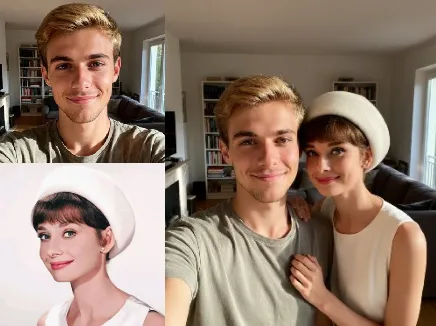
Image to image
Text to image
Amazon Product Image Set
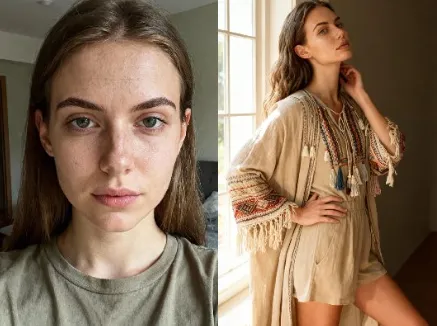
Clothing Virtual Try
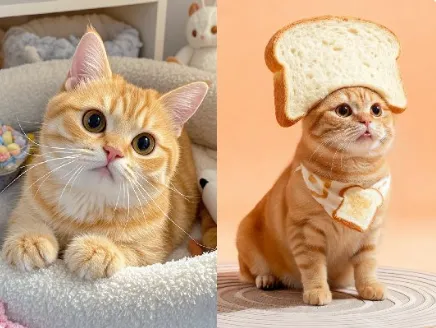
Fun Pet Portrait Photography
360° Multi-View Product Display
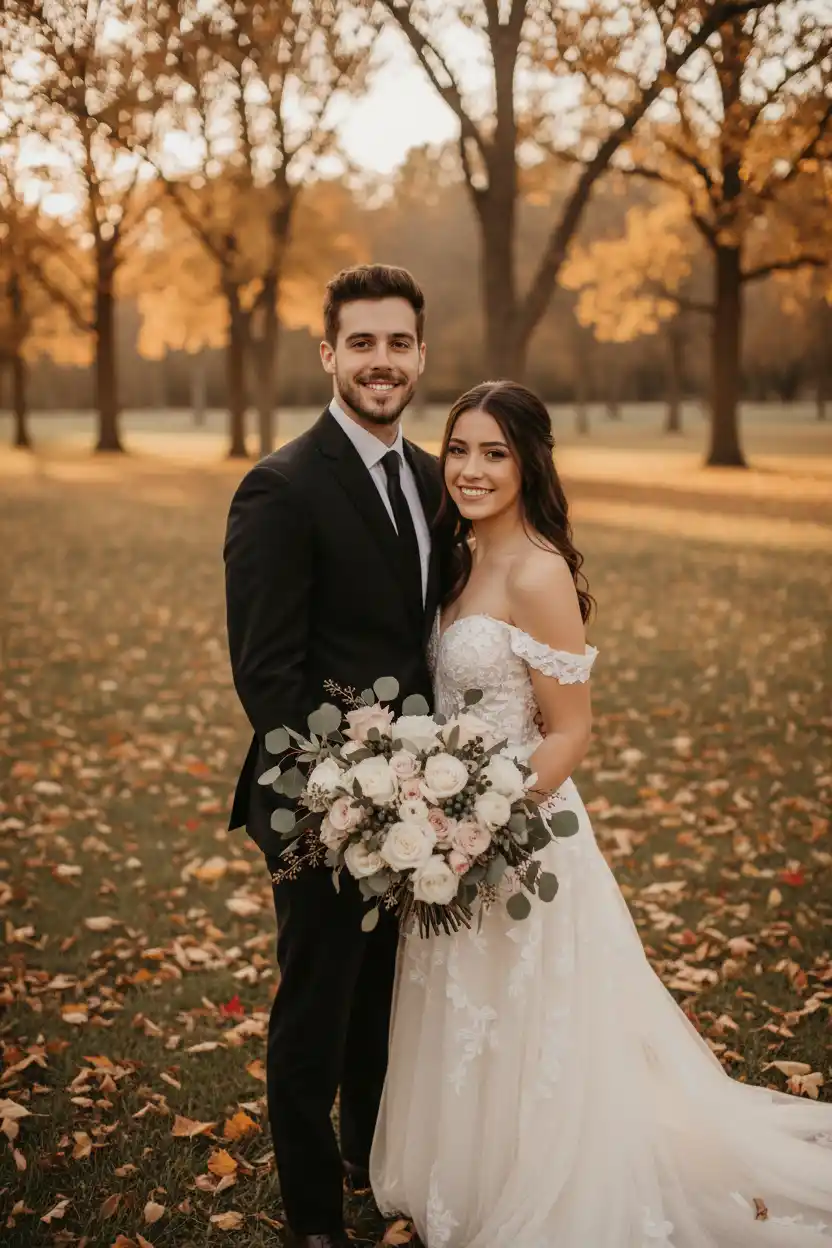
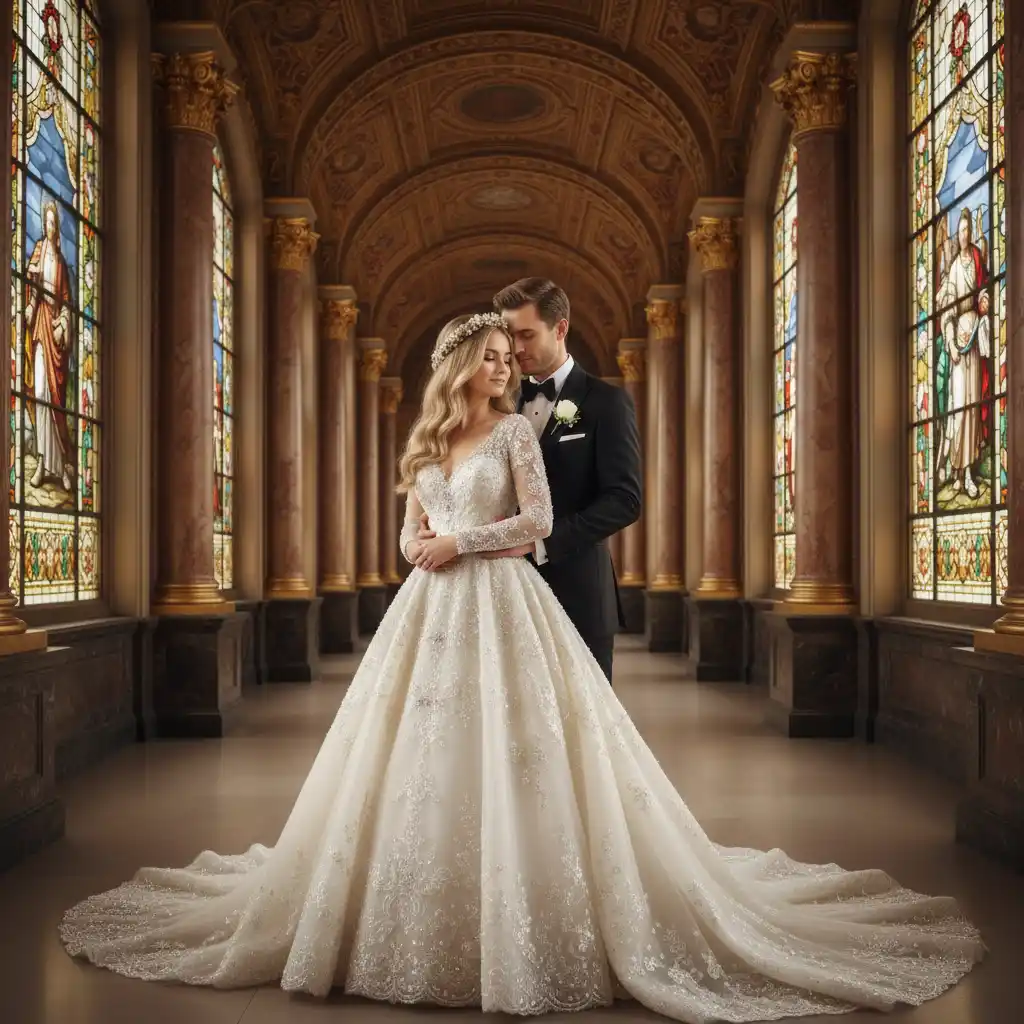
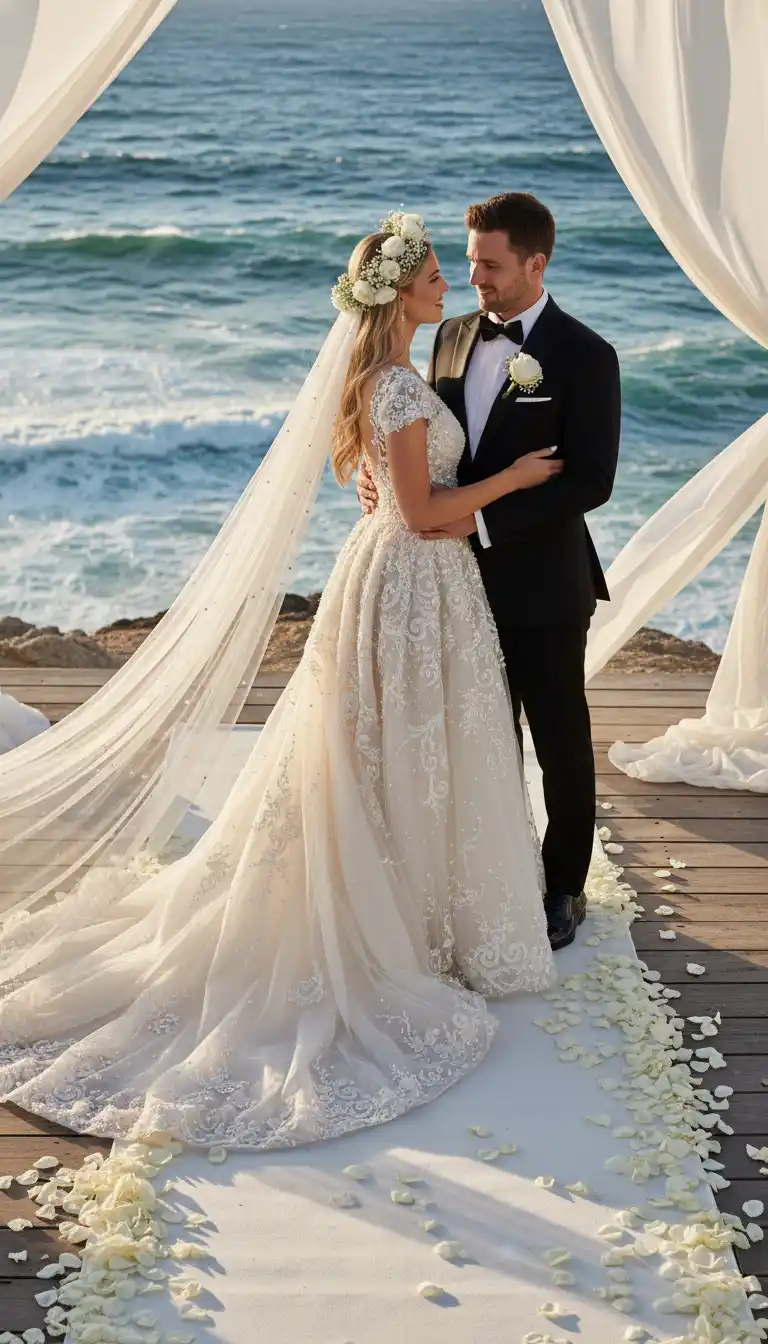
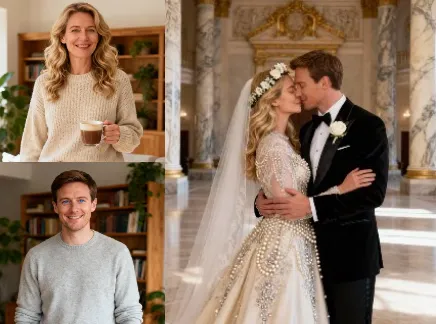
Wedding Photo Generator
Personal Art Photo
Make complex edits simple with AI Image Maker
The steps of image creation are simple and easy to use, just a few prompt words, or upload a few material images, or provide the required materials according to the inspiration scene. In a few seconds, stunning visual images can be generated
AI Edit With Simple Text Prompt
Just type what you want—AI handles the rest. Easily edit images with simple text prompts, no design skills required.

Merge & Combine Multiple Images
Merge multiple images exactly as you need. Whether it’s for a custom product shot or a unique design, AI handles the composition to match your specific vision.

Replace any Target
Simply describe the object that needs to be replaced in words, and AI will perfectly recognize and integrate the item you need, without any visible makeup

How to Create Image in 3 Simple Steps
- Step 1
Choose the Appropriate Scene
hoose a suitable scene from numerous inspiration scenarios
- Step 2
Upload Image and Input Prompt
Upload the main image and reference image according to the scene requirements, and enter the prompt words for the generated image
- Step 3
Finalize & Download
Select satisfactory images from the generated results and download them

AI Logo Generator-All Features Overview
Core AI Generation Capabilities
Smart Image Creation:
Text-to-Image & Image-to-Image Support:
Realistic Detailing:
Model Outfit & Fashion Visualization
AI Outfit Replacement:
Fashion Styling AI:
Diversity & Body Adaptation:
Input Flexibility
File Upload:
Prompt Input:
Hybrid Generation:
Interior & Home Design Rendering
Room Redecoration Generator:
Material & Texture Simulation:
Before-After Comparison:
Style Templates:
Advertising & Marketing Images
Lifestyle Image Generator:
Brand Identity Matching:
Text & Tagline Overlay:
Social Ad Ready:
E-Commerce Product Generation
Product Showcase Generator:
Background Replacement:
Batch Product Variations:
Shadow & Reflection Enhancement:
Customization & Control
Style & Lighting Control:
Color Palette & Aesthetic Filter:
Composition Fine-Tuning:
Model/Room Focus Setting:
Output & Quality
High-Resolution Export:
Aspect Ratio Options:
Multiple File Formats:
Consistent Rendering:
Commercial & Workflow Benefits
Royalty-Free Commercial Use:
Cost-Effective Production:
Time-Saving Automation:
Cross-Platform Compatibility:
Learn more about AI Image Maker
AI Breaks Dimensions to Reshape Classics: Burger King Logo Wears Christmas Attire, a Brilliant Collision of Technology and Festive Vibes
🎄 Christmas is just around the corner, and your brand logo deserves a festive upgrade! When Burger King’s iconic golden bun meets AI magic, a logo that’s both highly recognizable and full of holiday cheer comes to life—all in just 60 seconds.
Game-Changer for Small Businesses: Thanksgiving Marketing Made Easy with AILogoCreator.io
Ailogocreator.io: Empower your small business to break through budget and design capability limitations with professional AI logo tools, driving efficient customer acquisition and sales growth during Thanksgiving marketing campaigns.
Disney Poster Design Secrets for AI-Powered Brand Posters
When it comes to iconic brand visuals, Disney’s movie posters immediately spring to mind. For decades, the studio has mastered the art of telling vivid stories with minimal elements— a skill that’s invaluable for small business brand posters. The secret lies in three core design principles: symbolic expression, emotional color coordination, and minimalist composition. Today, AI design tools like ailogocreator.io let small and medium-sized enterprises (SMEs) replicate this “Disney-level” visual magic without top-tier design agencies. Let’s dive into classic Disney poster analysis to uncover how AI empowers affordable brand poster design for your business.
Frequently Asked Questions
What is an AI Image Maker?
An AI Image Maker is an intelligent image-generation tool that creates realistic product, model, and interior visuals from text prompts or uploaded photos. It helps e-commerce sellers, designers, and marketers produce professional visuals without photography or editing skills.How does AI replace clothing or outfits on models?
The tool uses advanced image-to-image algorithms to detect human contours and replace clothing layers naturally while preserving lighting and fabric realism. Users simply upload a model image and describe the new style — the AI handles the rest automatically.Can I generate product images without uploading photos?
Yes. Just enter a text prompt (e.g., “a modern wireless headphone on a marble table with soft lighting”) and AI will generate a photorealistic product shot instantly. You can also mix both text and reference images for higher accuracy.Are the generated images suitable for commercial use?
Absolutely. All AI-generated visuals can be used commercially for websites, ads, product listings, packaging, or marketing campaigns. Each design is created uniquely, ensuring copyright-safe content.What image formats are supported?
You can upload and export in standard formats such as JPG, PNG, and WebP. High-resolution outputs (HD and 4K) are supported for both digital and print applications.Can I customize the background or style of generated images?
Yes. You can define lighting, color palette, mood (e.g., minimalist, luxury, natural), and even specific locations (e.g., studio, beach, kitchen). AI will generate consistent visuals matching your brand’s aesthetic.How is AI Image Maker useful for e-commerce sellers?
It eliminates costly photo shoots and editing cycles. Sellers can instantly generate on-brand, conversion-ready product images for different platforms — including Amazon, Shopify, Etsy, and social ads — saving time and budget.How does AI ensure visual consistency across a product catalog?
The system can batch-generate product images using shared color tones, lighting, and camera angles. This ensures all visuals in your catalog look cohesive and professional.Is it beginner-friendly?
Yes. You don’t need any design experience. The interface provides guided prompts, pre-set styles, and automatic composition tools, so anyone can create professional results in seconds.Can I edit or refine generated images?
Yes. After generating, you can refine details such as cropping, retouching, or lighting adjustments. The platform supports seamless re-rendering without restarting your project.Does AI Image Maker support multilingual input?
Yes. You can type your prompts in English, Chinese, Japanese, or other major languages — the AI automatically interprets and adapts your description into accurate visuals.Is there a free trial available?
Yes, users can try the AI Image Maker for free with limited renders. Premium plans unlock high-resolution downloads, batch generation, and commercial rights.What industries benefit most from this tool?
- E-commerce & retail: product and model photography
- Interior design: room mock-ups and renovations
- Advertising: campaign visuals and lifestyle images
- Fashion & beauty: outfit or makeup visualization
- Marketing agencies: fast creative production
What can I create with the AI Image Maker?
You can use it to:
- Generate e-commerce product photos with custom backgrounds.
- Replace model outfits while keeping realistic skin tones and poses.
- Visualize home décor, room remodeling, or furniture placement.
- Design ad-ready lifestyle or banner images for online stores.

Create your Image Now!
Let AI help you generate various creative visual effects, freeing up your brain and hands, making image creation faster and simpler