
Switching to a sans serif typeface is the single most effective way to signal innovation and future-readiness in a digital-first market. If you are a founder, UI designer, or brand strategist looking to modernize your visual identity, understanding this shift is non-negotiable. The tech world has collectively moved away from decorative scripts toward sans serif typography, driven by the urgent need for on-screen readability and the rise of minimalist UI design. From the ubiquity of Google Product Sans to the clean lines of geometric sans serif, this trend is not just aesthetic—it is a functional survival mechanism.
- Functionality First: Why pixel density dictates font choice more than personal taste.
- Psychological Impact: How stripping away serifs removes barriers between user and technology.
- The Geometric Shift: Understanding the obsession with perfect circles and straight lines.
- Scalability: Ensuring your brand survives on everything from a smartwatch to a billboard.
The Functional Imperative of On-Screen Readability
We often mistake design trends for purely artistic choices, but in tech, function breeds form. The dominance of sans serif fonts is largely a technical necessity born from the limitations of early digital screens. While modern “Retina” displays can render fine details, the legacy of on-screen readability remains. I find it fascinating that what started as a workaround for low-resolution monitors has become the standard for premium user experiences.
According to usability studies, sans serif typefaces—specifically Humanist styles—significantly reduce the time it takes for users to process information. This is critical in interface design. When a user navigates a complex dashboard or reads a notification on a watch, extra decorative strokes (serifs) create visual noise. In high-stakes environments, such as automotive displays, research indicates that the clarity of sans serif fonts can actually reduce driver distraction time.
Key Factors Influencing Digital Legibility:
- X-height: Taller lowercase letters improve readability at small sizes.
- Aperture: Open shapes prevents letters like ‘c’ and ‘o’ from blurring together.
- Stroke Variance: Low contrast between thick and thin lines prevents “disappearing” parts of letters on glare-prone screens.
Actionable Advice:
Do not test your UI fonts solely on a 4K monitor. You must audit your typography on the lowest-resolution device your customers might use to ensure the “clean” look doesn’t become a blurry mess.
Psychology of the “Tech Look”: Why Simple Means Future
There is a reason why nearly every major rebranding in the last decade has involved stripping away serifs. Tech branding trends heavily favor sans serif because it psychologically communicates approachability and transparency. Traditional serif fonts carry the baggage of history—they feel institutional, academic, and sometimes, old-fashioned. In contrast, sans serif feels “born digital.”
Market analysis suggests that consumers perceive brands using clean sans serif typography as more innovative and honest. It cuts the “fluff.” When I look at the evolution of corporate identities, the move to sans serif often coincides with a pivot from selling products to selling services or ecosystems. The lack of ornamentation implies that the product is so intuitive it needs no decoration. It suggests a direct conduit between the user’s intent and the machine’s action.
Emotional Attributes of Sans Serif:
- Modernity: Signals current relevance and future-proofing.
- Neutrality: Allows the content or image to take center stage.
- Efficiency: Communicates a “get things done” attitude.
Actionable Advice:
If your brand values are “tradition” or “heritage,” stay with serifs. But if you want to sell “efficiency” or “automation,” a sans serif typeface is the only logical choice to align your visual identity with your value proposition.
The Rise of Geometric Sans Serif and Proprietary Customization
The trend isn’t just “sans serif”; it is specifically leaning toward geometric sans serif. These are fonts constructed from simple geometric shapes—perfect circles and straight lines. Think of the near-circular ‘O’ or the clean angles of an ‘A’. This style, popularized by movements like Bauhaus, has found a second home in Silicon Valley. It looks mathematically precise, which resonates deeply with engineering-led cultures.
A pivotal moment in this timeline was the introduction of Google Product Sans. By creating a proprietary geometric typeface, Google did more than just save on licensing fees; they created a consistent voice across hardware and software. Industry observations show that proprietary fonts are now a hallmark of mature tech giants. They allow brands to own the aesthetic of their text, not just their logo. However, the overuse of this style has led to a phenomenon I call “blanding,” where distinct brand personalities get washed away in a sea of identical-looking geometric text.
Why Geometric Fonts Dominate Tech:
- Mathematical Purity: Aligns with code and grid systems.
- Universal Appeal: Geometric shapes are culturally neutral.
- Versatility: Works equally well in headlines and button text.
Actionable Advice:
Be careful with pure geometric fonts for long-form reading. Their uniform shapes can make lines of text harder to scan. Use them for headlines, but pair them with a more legible humanist sans serif for body copy.
Minimalism as a Scalability Strategy
Minimalist UI design is not about removing elements; it is about ensuring the remaining elements survive at any scale. A complex logo or a fussy font breaks down when reduced to a 16×16 pixel favicon or an app icon. Sans serif typography is the engine of minimalism because it scales effortlessly.
I have seen countless startups fail to account for this scalability. They choose a font that looks beautiful on a slide deck but becomes illegible on a mobile checkout button. In the modern ecosystem, your typography must be responsive. It needs to expand and contract without losing its essential character. This is where tools that understand modern design principles become invaluable. For instance, using an intelligent platform like Ailogocreator can help founders generate logos that inherently adhere to these minimalist, scalable principles without requiring a degree in typography.
Scalability Checkpoints:
- App Icons: Does the letterform hold up in a square box?
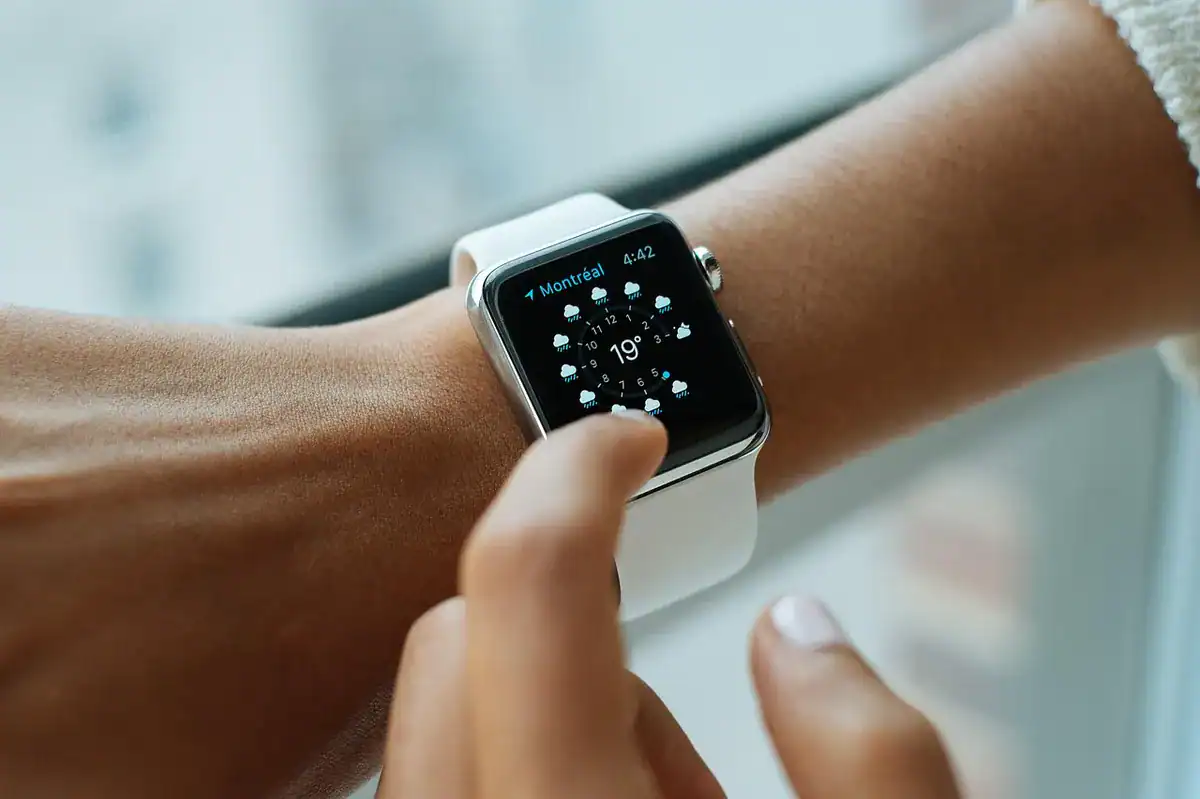
- Smartwatches: Is it legible at a glance on a wrist?
- Billboards: Does it retain its geometry when blown up 100x?
Actionable Advice:
Adopt a “mobile-first” typography strategy. If your font choice works on a smartphone screen in direct sunlight, it will work everywhere else. If it fails there, no amount of billboard space will save it.
FAQ
1. Is sans serif always better than serif for websites?
Not always. While sans serif is generally better for UI elements and short text due to its clean lines, high-quality serif fonts are excellent for long-form articles. They guide the eye horizontally. However, for apps and dashboards, sans serif is the standard.
2. Why do all tech logos look the same nowadays?
This is often called “blanding.” Tech companies prioritize readability and scalability over distinctiveness. A simple sans serif logo is safer and more functional across global markets than a complex, stylized one.
3. What is the difference between Geometric and Humanist sans serif?
Geometric fonts (like Futura or Product Sans) are based on perfect shapes and look more “engineered.” Humanist fonts (like Verdana or Gill Sans) mimic the stroke of a hand and are generally easier to read in long paragraphs.
4. Can I use a free font like Arial for my tech brand?
You can, but I advise against it. System fonts like Arial lack distinctiveness and can make your brand look generic. There are affordable or open-source geometric sans serif options (like Montserrat or Roboto) that offer much better character.
Conclusion and Actionable Suggestions
The dominance of sans serif in tech is not a passing fad; it is the visual language of the digital age. It represents a shift towards utility, clarity, and global scalability. To leverage this in your own projects:
- Audit for Legibility: Check your current typography on non-retina screens. If it looks weak, switch to a font with a higher x-height.
- Balance Geometry with Humanity: If you use a geometric sans for your headers, pair it with a more readable font for body text to avoid user fatigue.
- Strip the Excess: Review your UI. If a visual element doesn’t serve a function, remove it. Let the typography do the heavy lifting.
- Invest in Scalability: Ensure your primary typeface and logo work as well on a favicon as they do on a landing page.
- Prioritize Speed: Choose fonts that load quickly and render efficiently to keep your user experience seamless.
References & Sources
- How does serif vs sans serif typeface impact the usability of e … – PMC (pmc.ncbi.nlm.nih.gov)
- Typography | U.S. Web Design System (USWDS) – Digital.gov (designsystem.digital.gov)
- The Role of Minimalism in Graphic Design: Balancing Aesthetics … (rmcad.edu)
- Typography in Design: Why Every Designer Should Master Fonts … (ocs.yale.edu)
- They Are Calling It a Sans-Serif Backlash – Design & Paper (designandpaper.com)
CommentsTake the first comment