
Your podcast cover art is the single most critical asset for converting casual scrollers into loyal listeners before they hear a single word. If you are launching a new show or rebranding an existing one, mastering the visual hook is non-negotiable for standing out in directories flooded with content. We will navigate the complexities of Podcast cover art, strict Apple Podcasts specs, and how Podcast branding defines your audio identity in a crowded market.
- Platform Standards: Why adhering to the 3000 x 3000 pixel standard is mandatory, not optional.
- Scalability: Ensuring your design survives the “thumbnail test” on mobile devices.
- Visual Strategy: Using color psychology to communicate genre and tone instantly.
- Tool Selection: How to choose the right Podcast logo maker for professional results.
The Non-Negotiable Technical Specs
The technical foundation of your podcast artwork is dictated largely by Apple Podcasts. While Spotify and other directories have their own nuances, Apple sets the industry benchmark. If your artwork does not meet their strict criteria, your show might be rejected or fail to update properly. I have seen countless great shows stall simply because their Podcast artwork dimensions were incorrect or the file size was too heavy.
The gold standard for Podcast cover art is a square ratio (1:1). While the minimum requirement is often cited as 1400 x 1400 pixels, you should always design at 3000 x 3000 pixels. This ensures your artwork looks crisp on high-resolution Retina displays and future-proofs your brand against screen upgrades. Conversely, file size management is tricky; you need high resolution, but the file must typically remain under 512KB to ensure fast loading on mobile data networks.
Core Technical Requirements:
- Dimensions: 3000 x 3000 pixels (Preferred).
- Format: JPG or PNG.
- Color Space: RGB (CMYK will display colors incorrectly on screens).
- Resolution: 72 dpi.
Industry Insight: According to platform documentation, artwork sized below 1400 pixels is automatically rejected by Apple Podcasts, and images exceeding the file size limit may cause synchronization errors across directories.
Actionable Suggestion: Export your final design as a PNG for the master copy, but use a compressed JPG for the actual upload to keep the file size under 512KB without sacrificing visible quality.
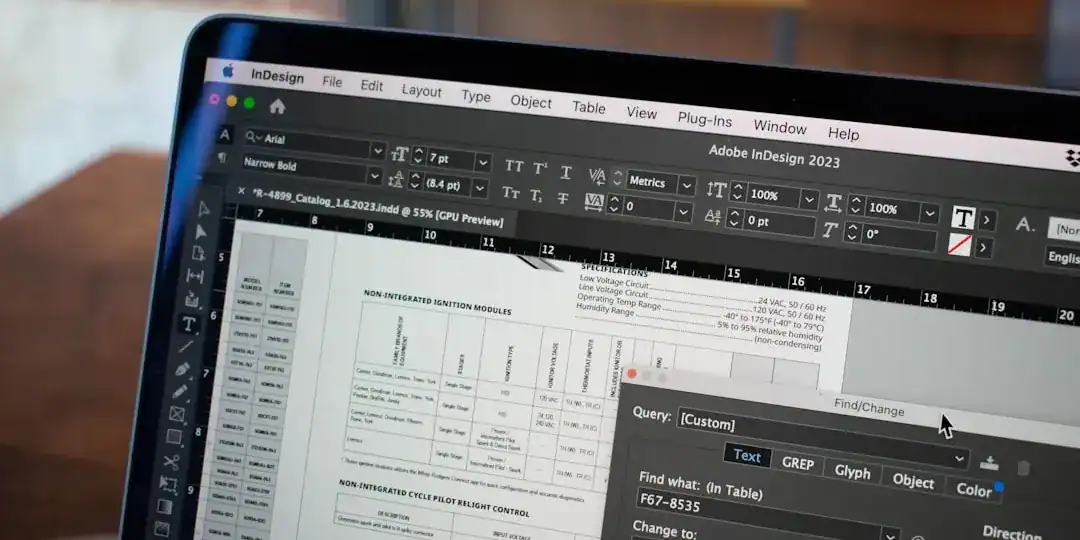
The “Thumbnail Test”: Designing for Scalability
I cannot stress this enough: your listeners will likely first encounter your logo as a tiny square on a smartphone screen. A design that looks magnificent on a 27-inch monitor often turns into an illegible blob when shrunk down to the size of a postage stamp. Podcast branding is about clarity, not complexity.
Effective Podcast cover art relies on a strong focal point. This usually means high contrast between the background and the text. Avoid detailed illustrations or thin fonts that disappear at small sizes. The goal is to communicate the essence of the show in under a second. If a user has to squint to read your title, you have already lost the impression.
Elements to Simplify:
- Text: Limit it to the show title. Remove taglines or host names unless they are famous.
- Imagery: Use one central object or face.
- Background: Solid colors or simple gradients work best.
Market Observation: Analysis of top-charting podcasts reveals that over 70% use bold, sans-serif typography and restrict their color palette to two or three dominant colors to ensure maximum legibility.
Actionable Suggestion: Perform the “squint test.” Zoom out on your design until it is 50 pixels wide. If you cannot recognize the image or read the title, you need to simplify the elements immediately.
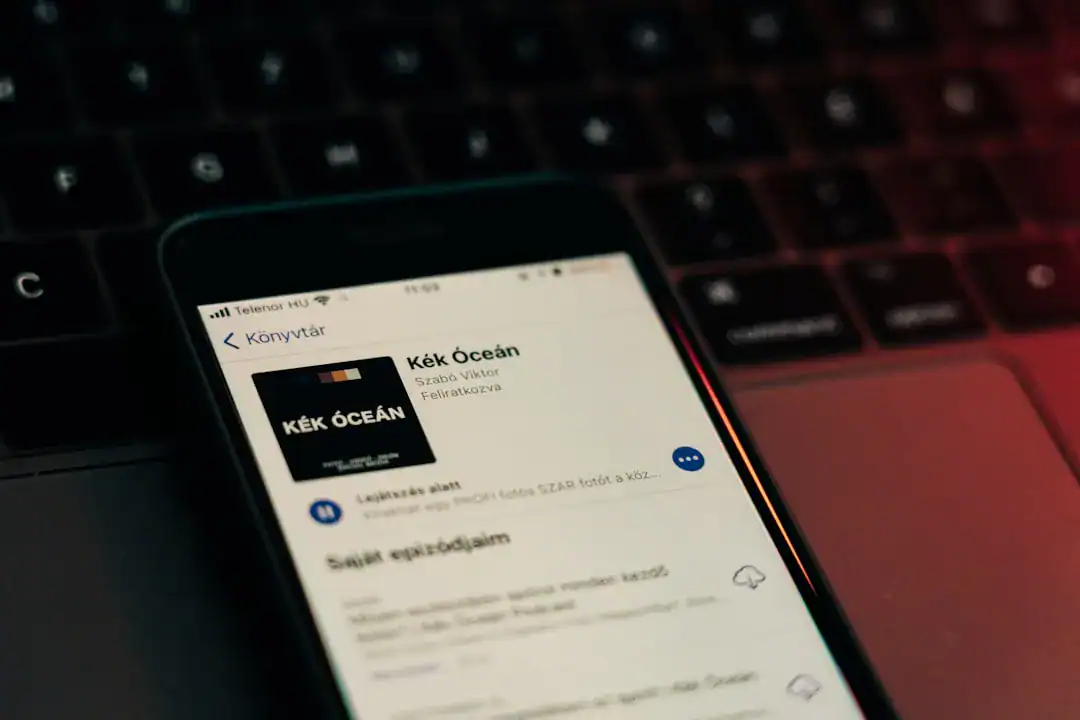
Leveraging AI for Professional Visuals
In the past, securing high-quality artwork meant hiring an expensive freelancer or struggling with complex design software. Today, the landscape has shifted. Intelligent tools and Podcast logo maker solutions have democratized access to professional-grade design. I prefer using these modern tools because they allow for rapid iteration, letting you test ten different concepts in the time it used to take to draft one.
The advantage of using advanced generative tools is their ability to understand semantic context. Instead of just dragging shapes around, you can input the “vibe” of your show—tech, comedy, true crime—and receive tailored suggestions that align with current design trends. This is particularly useful for creators who are audio experts but visual novices.
Benefits of Automated Design Tools:
- Speed: Generate full spec-compliant assets in minutes.
- Consistency: Automatically generate matching assets for social media.
- Cost-Efficiency: significantly cheaper than hiring a design agency.
Tech Trend: Platforms like Ailogocreator are setting a positive benchmark in this space, enabling creators to produce high-resolution, scalable logos that inherently meet platform specifications without manual resizing.
Actionable Suggestion: Don’t settle for the first design. Generate at least three distinct variations—one typographic, one illustrative, and one photographic—and ask your peer group which one grabs their attention fastest.

Channel Logos vs. Show Artwork
A common point of confusion is the difference between show artwork and a channel logo. Apple Podcasts introduced “Channels” to group multiple shows under one brand. This requires a different set of assets. While your Podcast cover art is square, the Channel Logo has entirely different dimensions and usage rules.
The Channel Logo appears at the top of your group page and must be a transparent PNG. This is where many creators fail; they try to reuse their square cover, which looks awkward and unprofessional in the channel header. The required specification here is typically 3000 x 750 pixels, a wide rectangular format.
Key Differences:
- Show Cover: 1:1 Square, Opaque background, JPG/PNG.
- Channel Logo: Wide rectangle, Transparent background, PNG only.
Platform Data: Apple’s creator guidelines emphasize that Channel Logos are overlaid on a background color, meaning any white background in your logo file will look like a “sticker” rather than a professional integration.
Actionable Suggestion: When designing your main logo, ensure you have a “wordmark” version (just the text and icon) separate from the background so you can easily export it for the Channel Logo requirement.
Visual Psychology and Color Strategy
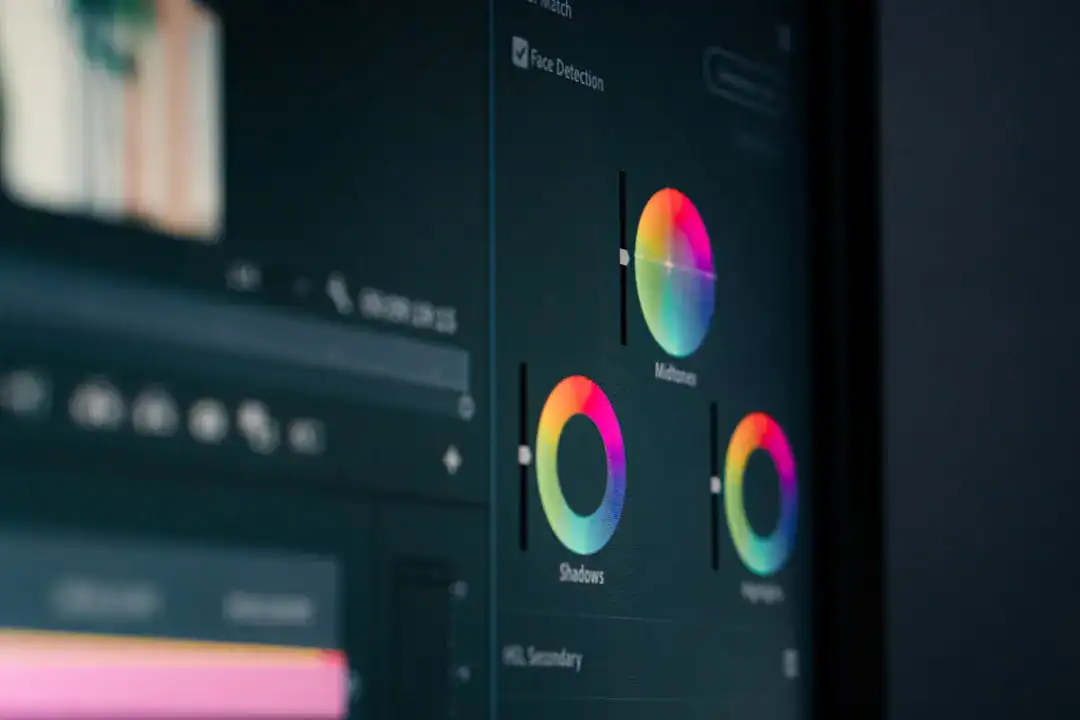
Your choice of color is not just aesthetic; it is a signal. Different genres have established visual codes that listeners subconsciously recognize. True crime podcasts often use red, black, and high-contrast photography. Tech shows lean towards blue, white, and geometric shapes. Podcast branding that ignores these codes risks confusing potential listeners.
However, blending in too much is also a risk. The trick is to use the genre’s language while adding a unique twist. If every competitor uses a microphone icon (a major design cliché), using an abstract shape or a character mascot can make your show pop. I always advise against using microphones or headphones in the logo—it’s redundant. We know it’s a podcast; tell us what it’s about.
Color Associations in Podcasting:
- Yellow: Energy, curiosity, comedy.
- Blue: Trust, technology, business.
- Red: Passion, danger, excitement.
- Black/White: Modern, minimalist, serious.
Design Research: Studies in visual marketing indicate that color serves as the primary recognition signal for 80% of consumers. A consistent color palette across your cover art and social media increases brand recall significantly.
Actionable Suggestion: Select one primary color that represents your show’s emotion and one contrasting accent color for the text. Use a tool like Adobe Color to check that they vibrate well together.
FAQ
Q: What is the best file format for podcast cover art?
A: JPG is generally the best choice for the final upload because it offers a good balance between quality and file size (keeping it under 512KB). However, you should always keep a high-quality PNG master file for editing and other marketing uses.
Q: Can I change my podcast artwork later?
A: Yes, you can update your artwork in your hosting provider’s settings at any time. However, it may take up to 24 hours for directories like Apple Podcasts and Spotify to reflect the changes. It is smart to refresh your look if your download numbers are plateauing.
Q: Do I need to include my face on the cover?
A: Only if you are the brand. If you are an established influencer or celebrity, your face is a draw. For topic-based shows (e.g., “History of Rome”), iconic imagery or typography usually performs better than a photo of an unknown host.
Q: Why does my artwork look blurry on Apple Podcasts?
A: This usually happens if the original upload was less than 3000 x 3000 pixels or if it was upscaled from a smaller image. Always start with a large canvas. Another reason could be excessive compression artifacts in your JPG file.
Q: Should I use Canva podcast templates?
A: Templates are a good starting point, but be careful. Since thousands of people use the same generic templates, your show might look identical to five others. Customize the colors, fonts, and images heavily to ensure your Podcast branding remains unique.
Conclusion and Actionable Suggestions
Your podcast logo is the visual anchor of your audio brand. It must be technically flawless to pass directory checks and visually compelling to win audience attention. By following strict dimensions and focusing on high-contrast, scalable design, you position your show for success from day one.
- Verify Dimensions: Ensure your final export is exactly 3000 x 3000 pixels, RGB, and under 512KB.
- Test on Devices: Load your image onto your phone and view it at thumbnail size. If the text is unreadable, redesign it.
- Future-Proof Assets: Create a transparent version of your logo now for future merchandise or Channel Logo headers.
- Audit Competitors: Look at the “New & Noteworthy” section in your category. Note the color trends and design something that contrasts with them.
- Prioritize Legibility: Choose heavy, bold fonts over thin scripts. Your title must be readable at a glance.
CommentsTake the first comment