
Your online image determines your professional opportunities before you even speak a word. If you are a freelancer, entrepreneur, or corporate leader, mastering your visual presence is no longer optional—it is a survival skill in a crowded digital market. We often underestimate how quickly judgments are formed, yet elements like Professional Headshots and a cohesive Brand Color Palette work silently to build trust and authority.
- Why the first 0.1 seconds of viewing your profile defines your credibility.
- How to select colors that psychologically align with your industry role.
- Methods to maintain consistency using tools like a Visual Style Guide.
- Steps for LinkedIn Optimization that turn profile views into connections.
The Science of the “Virtual Handshake”
We like to think people judge us on our skills, but biology disagrees. Research indicates that humans form an impression of a face in as little as one-tenth of a second. This split-second judgment is hardwired and incredibly difficult to reverse. In the digital world, your Professional Headshot is your handshake. It is the very first data point a potential client or employer consumes.
If your photo is blurry, poorly lit, or cropped from a group shot at a wedding, you signal a lack of attention to detail. Conversely, a high-quality image conveys competence and approachability. I have seen talented professionals lose bids simply because their visual presence looked amateurish compared to their competitors.
Investing in a professional session is not vanity; it is strategic asset management. A great headshot captures your energy and “professional identity”—whether that is the authoritative gaze of a CEO or the approachable smile of a creative consultant. It aligns your digital persona with the real-world value you provide.

Decoding Color Psychology for Personal Brands
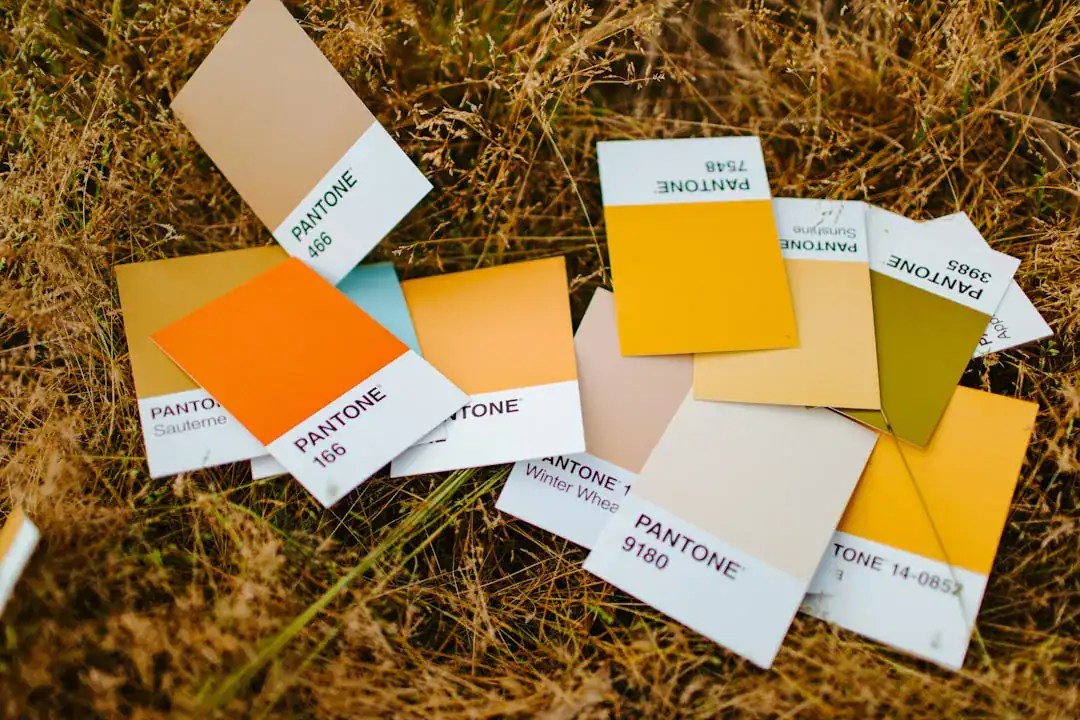
Once you have the face of the brand, you need the atmosphere. This is where your Brand Color Palette comes into play. Colors are not just aesthetic choices; they are communication tools that bypass logic and speak directly to emotion.
Industry analysis suggests that different colors evoke specific feelings:
- Blue: Often represents trust, integrity, and calm (popular in finance and tech).
- Black: Signals power, elegance, and sophistication.
- Brown: conveys reliability, nature, and comfort.
- Vibrant Colors: Yellows or oranges can signal creativity and high energy.
When building your Personal Brand Identity, you must balance your authentic personality with industry expectations. If you work in a conservative field like law, a neon palette might feel jarring. However, if you are in creative self-media, safe blues might make you invisible.
I recommend using the “60-30-10” rule: 60% primary color (usually neutral), 30% secondary color (brand identifier), and 10% accent color (for calls to action). This creates a look that feels intentional rather than chaotic.
Systematizing Your Visual Identity
The biggest mistake I see self-media professionals make is inconsistency. Your website looks sleek, but your newsletter looks default, and your social media graphics are a mess of random fonts. This fragmentation kills trust. You need a Visual Style Guide.
A style guide is a rulebook for your brand. It defines exactly which fonts, hex codes, and image filters you use. When you have these rules set, you save mental energy every time you create content.
Tools like the Canva Brand Kit have made this incredibly accessible. You can upload your specific fonts and logos so that every Instagram post or LinkedIn carousel automatically pulls from your approved assets. This ensures that whether someone sees you on Twitter or reads your whitepaper, they immediately recognize the content as yours.
The Role of Logos in Personal Branding
While your face is the primary logo for a personal brand, having a graphic symbol or wordmark is essential for invoices, website favicons, and watermarks. Many creators get stuck here, thinking they need to hire an expensive agency.
For those validating a personal brand or starting a side hustle, speed is key. I find that using AI-driven tools can bridge this gap effectively. Platforms like Ailogocreator allow you to generate professional-grade logos and visual assets quickly. This helps you maintain that “big brand” polish across all touchpoints without the weeks of back-and-forth typical of traditional design processes.
Optimizing for the LinkedIn Ecosystem
LinkedIn is the primary search engine for professionals. Data shows that 70% of employers and clients research candidates on social media before making a decision. LinkedIn Optimization goes beyond just writing a good bio; it is about visual alignment.
Your background banner is prime real estate that most people waste with generic stock photos of cityscapes or laptops. Instead, use this space to display your value proposition, your Brand Color Palette, or social proof (like logos of companies you have worked with).
Ensure your profile picture matches the one on your website and email signature. This repetition creates a “stickiness” in the viewer’s mind. When your visual narrative is cohesive from the banner to the featured section, you subconsciously signal that you are an organized, premium professional.
FAQ
1. Do I really need a professional photographer for headshots?
Yes. While phone cameras are great, professional lighting and coaching on posture make a massive difference. A pro knows how to capture “approachability” and “confidence” in a way a selfie stick cannot.
2. How many colors should be in my Brand Color Palette?
Keep it simple. One primary color, one secondary, and one accent color are usually enough. Too many colors dilute your brand recognition.
3. What is included in a Visual Style Guide?
At a minimum, it should include your logo usage rules, primary and secondary font families, your color palette (with Hex codes), and guidelines for imagery (e.g., “we use bright, natural lighting”).
4. Can I change my brand colors later?
You can, but it is costly in terms of brand recognition. It is better to spend time researching color psychology upfront to choose a palette that can grow with you for at least a few years.
Conclusion and Actionable Suggestions
Building a visual identity is not about being “pretty”; it is about controlling the narrative of your career. When your visuals are sharp and consistent, you command higher rates and attract better opportunities.
To upgrade your personal brand today:
- Audit your current presence: Google yourself and check if your profile photos match across LinkedIn, Twitter, and your website.
- Book a shoot: Schedule a session with a photographer who specializes in corporate or branding photography, not just portraits.
- Define your palette: Choose 2-3 colors that represent your professional energy and stick to them religiously.
- Create a central asset hub: Use a Canva Brand Kit or similar tool to store your hex codes and fonts for easy access.
- Develop a logo mark: Create a simple visual anchor for your documents using efficient tools like Ailogocreator to ensure every invoice and slide deck looks premium.
CommentsTake the first comment