
You can instantly elevate your professional perceived value and turn every video call into a subtle marketing asset before you even speak a word. If you are a sales executive, consultant, or remote leader, your on-screen environment acts as your new first impression. In the absence of physical handshakes, a Professional Zoom background functions as a dynamic Virtual business card, establishing authority and hiding the chaos of a home office. This article examines how Video conference branding influences client trust and offers practical steps to deploy a Custom virtual background effectively.
- Speed of Trust: Learn why clients judge your competence in less than 100 milliseconds based on your visual setup.
- Strategic Branding: How to integrate your Zoom background with logo placement without looking like a billboard.
- Team Consistency: Why a unified visual front across your sales team increases conversion rates.
- Psychological Triggers: The hidden impact of colors, plants, and bookshelves on perceived intelligence and trustworthiness.
The 100-Millisecond Verdict: Why Visuals Outweigh Words
We often prepare our scripts and slide decks meticulously, but we neglect the visual frame surrounding us. This is a mistake. According to psychological research from Princeton University, people form first impressions of faces and competence in as little as 100 milliseconds. In a remote setting, your face is framed by your background. If that background is a cluttered bedroom or a generic, low-quality blur, you start the meeting with a credibility deficit.
A Branded Zoom background seizes control of this split-second judgment. By placing yourself in a curated, professional environment—even a digital one—you signal that you are prepared, established, and attentive to detail. Industry analysis suggests that a custom backdrop acts as a “trust anchor,” reassuring the client that they are dealing with a legitimate entity. I see this as the modern equivalent of wearing a tailored suit; it doesn’t change your pitch, but it changes how your pitch is received.

Anatomy of a High-Performing Virtual Business Card
A Virtual business card is not just a JPEG of your physical card pasted behind you. That looks tacky and often gets cut off by your head and shoulders. Instead, it is a strategically designed Custom virtual background that incorporates key identity elements naturally.
Effective Video conference branding should include:
- The Logo Anchor: Your company logo should be placed in the top corners (usually top left or right) where it won’t be obscured by your movement.
- Subtle Contact Info: A QR code or a short handle (@YourName) placed unobtrusively can prompt action without dominating the screen.
- Brand Palette: The background color or accents should align with your corporate identity, reinforcing brand recall.
Experts in digital networking note that the goal is “ambient branding.” You want the client to absorb your brand identity continuously throughout the call without feeling sold to. It creates a subconscious association between your face and the company’s value proposition.
The Psychology of Elements: Plants, Books, and Logos
Not all backgrounds are created equal. Recent studies on video call trustworthiness reveal fascinating patterns about specific visual elements. For instance, backgrounds containing plants are often rated as making the speaker appear more trustworthy and approachable. Conversely, a bookshelf backdrop tends to boost perceived professionalism and intelligence.
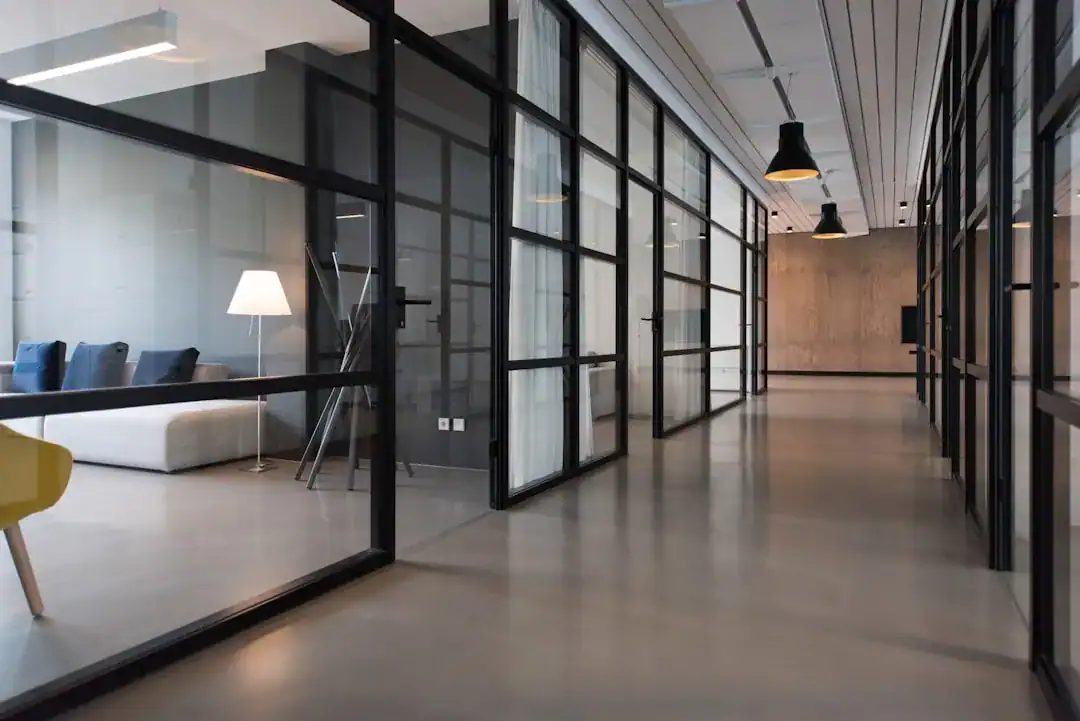
When designing a Zoom background with logo, I recommend combining these organic elements with your branding. A sterile white wall with a logo can feel cold and interrogative. However, a virtual image of a modern, well-lit office with a tasteful plant and your logo on the wall hits the “sweet spot” of credibility. It simulates a high-end physical office, borrowing the authority of that space.
Actionable Insight: Do not use a flat color block as your background. It looks artificial and often causes the “green screen” effect to glitch around your hair. Use textures like brick, wood, or depth-of-field office shots to ground your Professional Zoom background in reality.
Consistency is Currency for Remote Teams
If you run a team, disjointed backgrounds dilute your brand. Imagine walking into a bank where every teller is wearing a different, casual outfit—it would degrade your trust in the institution. The same applies to virtual sales teams. When one rep calls from a kitchen table and another uses a space galaxy filter, the company appears small and unorganized.
Implementing a standardized Branded Zoom background across your organization solves this. It ensures that whether a client speaks to the CEO or a junior support agent, the visual experience is uniform. This consistency signals “enterprise-grade” reliability. Market observations indicate that procurement teams prioritize value and stability; a unified visual front implies your company is a stable partner.

Design Best Practices: The “Less is More” Rule
The biggest failure I see in Video conference branding is overcrowding. A background that is too busy distracts the viewer from your face, which should remain the focal point. Your background is a supporting character, not the hero.
Key Design Rules:
- Contrast Check: Ensure your lighting doesn’t clash with the background brightness. You should be brighter than your backdrop.
- Resolution Matters: Always use high-resolution images (1920×1080 pixels minimum). A pixelated logo looks worse than no logo at all.
- Asset Quality: If you don’t have a high-quality vector version of your logo, the background will look amateurish. For those who need to generate or refine their brand assets quickly, tools like Ailogocreator provide an efficient way to produce professional-grade logos that scale perfectly for digital backdrops.
- Testing: Always test your background with the specific camera you use. Wide-angle lenses might reveal the edges of your image if not scaled correctly.
Privacy as a Professional Standard
Beyond branding, a Custom virtual background is a courtesy to your privacy and your client’s focus. We have all been on calls where a family member walks by or a pile of laundry is visible. These moments break the professional illusion.
Using a Branded Zoom background eliminates these variables. It allows you to work from anywhere—a hotel room, a coffee shop, or a messy spare room—while projecting the same executive presence. It creates a “safe container” for the meeting, where the focus remains strictly on business. This control over your environment is a subtle power move that establishes you as the leader of the interaction.
FAQ
Q: Will a branded background slow down my computer?
A: It can. Virtual backgrounds require processing power to separate you from your real background. If your laptop is older, it might struggle, causing lag. Closing other applications usually helps.
Q: Should I use a green screen?
A: For the cleanest look, yes. While modern software is good at guessing your outline, a physical green screen (even a cheap portable one) prevents your hands from disappearing when you gesture and makes the Zoom background with logo look much sharper.
Q: Can I put my phone number on the background?
A: You can, but I advise against it. It often looks cluttered. A QR code linked to your digital business card or LinkedIn profile is more modern and actionable.
Q: Is it okay to use a fun or seasonal background?
A: It depends on the context. Internal happy hours? Sure. Client-facing sales calls? Stick to a Professional Zoom background. Consistency builds trust; unpredictability erodes it.
Conclusion and Actionable Suggestions
Your video background is real estate. Leaving it blank or messy is a missed opportunity to reinforce your brand narrative. By treating your background as a Virtual business card, you passively build credibility throughout every meeting.
Here are my recommendations to get started:
- Audit Your Current Setup: Take a screenshot of yourself in a meeting. Ask, “Would I buy from this person?” If the answer is hesitant, change your background.
- Create a Team Template: Design a set of 3-4 variations (e.g., “Lobby,” “Meeting Room,” “Minimalist Brand Color”) and distribute them to your staff.
- Invest in Lighting: A great Branded Zoom background fails if your face is in the dark. Front-facing soft light makes the virtual composite look realistic.
- Update Seasonally: Keep the core branding but refresh the “office view” occasionally to keep it feeling current and lively.
CommentsTake the first comment